Count your tabs. Right now. One for the script, one for the voiceover, one for images, one for the video editor, one for captions, one for scheduling. Most creators land somewhere between five and seven tools per piece of content, and this is not a workflow; it’s a job.
The question isn’t whether one platform could handle your entire content workflow. It’s whether the fragmented stack you’re running now is actually serving you, or quietly taxing you at every handoff between tools.
The Real Cost of a Fragmented Workflow
The subscription bill is the obvious one, and it’s not made up: the typical serious creator pays $200 – $500 a month for AI subscriptions, the majority of that for unnecessary capability. However, the bill is the least of it.
The bigger expense is time. Roughly three full work weeks are lost annually by designers using 3+ AI tools every day due to the time they spend switching platforms. That is not to mention re-prompting, re-exporting, re-formatting, or re-loading the context of what you were doing. Each tool switch costs focused time, and according to productivity firm Reclaim, the average time needed to refocus after a tool switch is 23 minutes.
There is also a cognitive cost that can be measured. In a study conducted in March 2026 by BCG and UC Riverside, it was discovered that workers who relied on more than one AI system per day had a 33% higher score for decision fatigue, while large numbers of errors increased by 39%. And, four or more organizations of disconnected AI tools spend 37% more time troubleshooting integrations than they do on the work acquired for them.
This isn’t a creator error. Whether you’re a business with fewer than 250 employees or a large enterprise with more than 20,000, it’s a software problem at any scale, with the average enterprise having 73 SaaS applications with a doubling time of about three or four years. Zylo’s 2026 index revealed an average 36% of SaaS licenses are unused in organizations. It’s not the tools that are the issue. It’s the gaps between the tools that are the issue.
What "Entire Content Workflow" Actually Means
Before judging whether one platform can handle it, define it. A complete content workflow has eight stages:
- Research and ideation. Finding what to make, what people are asking, what’s already been said.
- Drafting. Turning the idea into a script, article, or post.
- Optimization. Keywords, structure, metadata, making it findable.
- Visuals. Thumbnails, illustrations, product shots, social graphics.
- Video. Clips, B-roll, motion, the format that dominates every feed.
- Voice. Narration, voiceover, dubbing, multilingual versions.
- Publishing. Getting it live on your site and your channels, on schedule.
- Distribution and measurement. Posting everywhere, then learning what worked.
Most “all-in-one” platforms cover two or three of these stages and market themselves as covering all eight. The honest test of any platform is whether it genuinely covers the full chain, or just the first link.
Walking the Full Workflow Inside Pyxa AI
The Visuals are created using the Visual Creation suite, including the Image Generator, Creative Suite, Advanced Image Editor, and AI Product Images, plus avatar creation for faceless channels.
The part in which creators spend the most time is the publishing part, and Pyxa’s secret weapon is WordPress Integration: Publishing through the REST API, no plugin required, metadata preserved, multi-site support, and scheduled publishing, so your article will appear in the editor and then on your live site without the need to copy and paste.
The Honest Limits
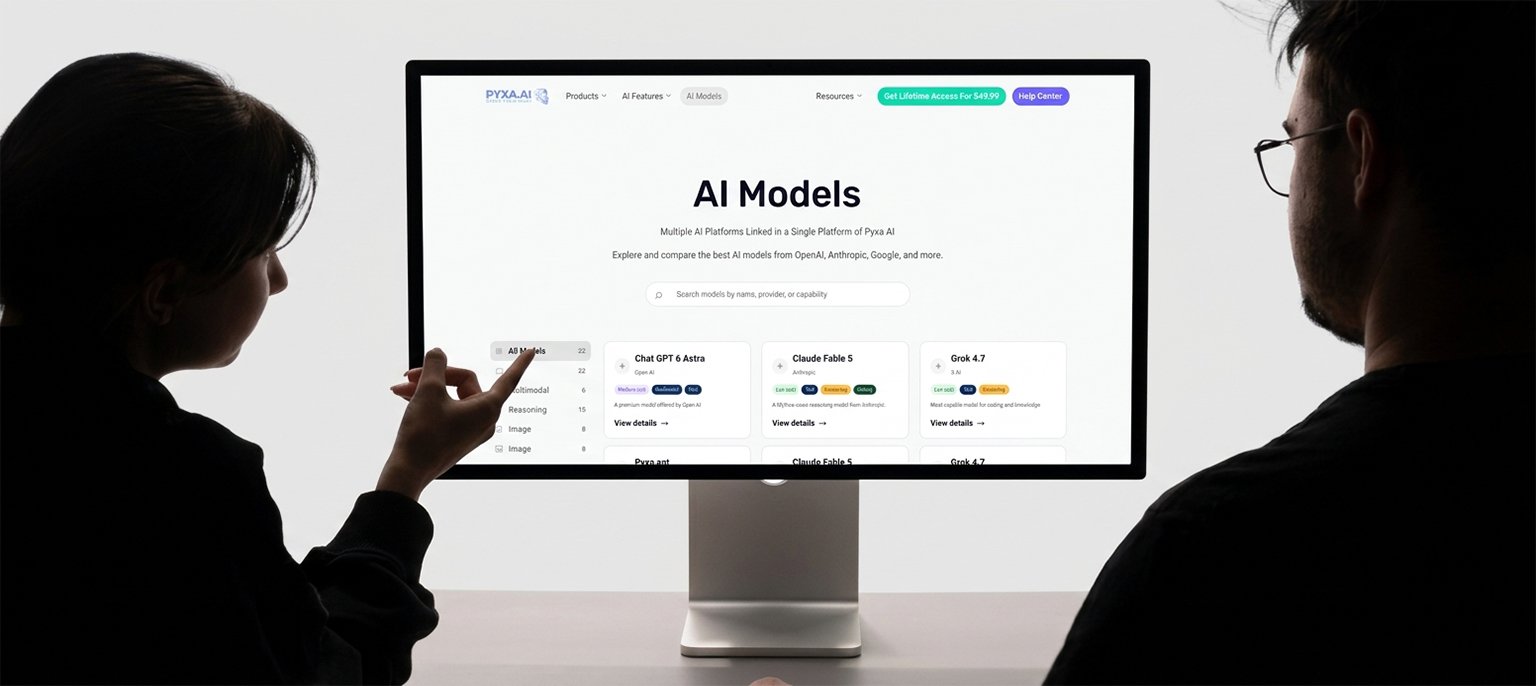
The second honest limit is model choice. Creators who want to compare answers across AI engines shouldn’t have to buy five subscriptions to do it. Pyxa’s Multi-Model AI addresses this directly: multiple models in one workspace, one payment, no tab-hopping between vendors to compare responses.
The Consolidation Test: Five Questions
Still unsure whether one platform fits your work? Answer honestly:
How many tabs does one piece of content need? If it’s five or more, you’re paying a switching tax on every piece.
How often do you re-paste the same material between tools?
Every re-paste is a handoff where context dies, and errors creep in.
What do you pay per month across all of it?
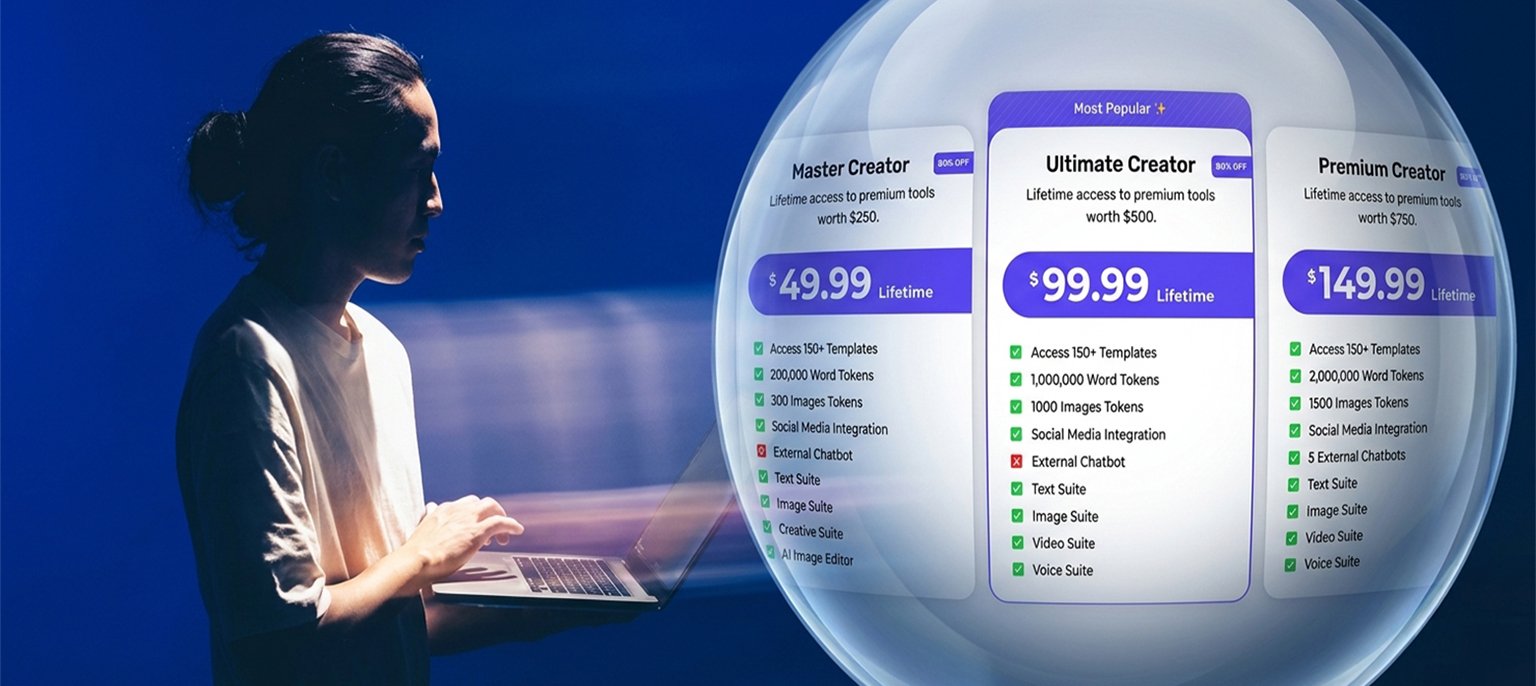
Pyxa’s own comparison puts the equivalent stack at $259 a month, $3,108 a year, against its $49.99 one-time lifetime payment. Your number will differ; run it.
How much of your week is tool-juggling, not creating?
If it’s more than an hour per video, the workflow is the bottleneck, not your ideas.
What breaks when one tool changes its pricing or kills a feature?
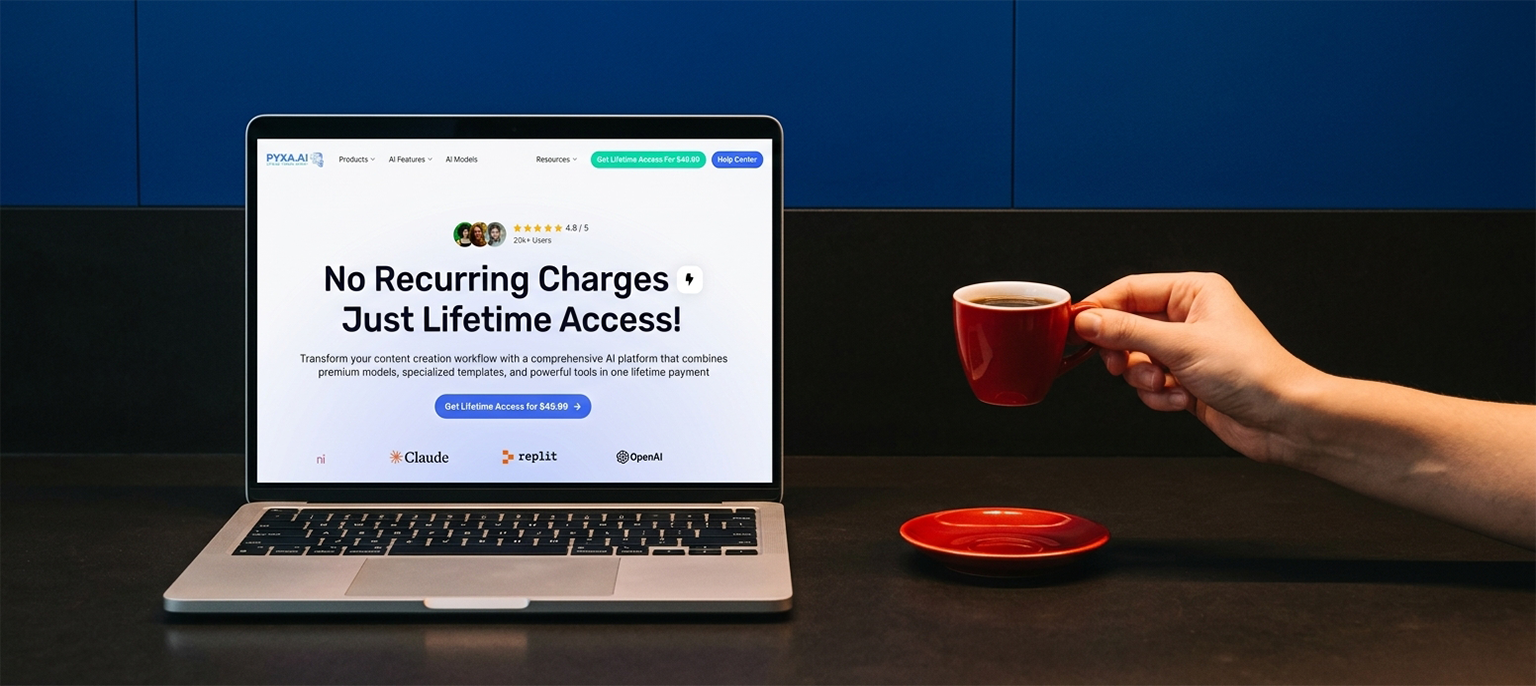
A fragmented stack has five points of failure. A consolidated one has one, and a lifetime payment means no renewal surprises at all.
If most answers point the same way, the platform question answers itself.
The Bottom Line
The AI revolution promised to make creating easier. Instead, it handed every creator a second job: managing the tools that were supposed to do the work. The tools aren’t the problem; the gaps between them are. One platform can handle your entire content workflow when it genuinely covers the whole chain, from the first research question to the published post and the analytics that inform the next one. The test isn’t the feature list. It’s whether you finish more, faster, with less friction, and whether your tabs, your bills, and your attention finally belong to the work again.
Frequently Asked Questions
Can one platform really handle your entire content workflow?
Yes, if it really does the 8 steps (research, draft, optimization, visuals, video, voice, publish, distribute) and not 2 or 3. Pyxa AI has tools that address all eight, with 28 tools in five suites, and WordPress publishing and social media management, all in one login.
How many AI tools does the average creator use?
The typical serious creator has five to seven tools for every video created, and subscribes to AI tools averaging $200–$500 per month.
How much time do creators lose switching between tools?
3+ designers using 3 or more AI tools per day spend a total of 130 hours per year switching platforms, and it takes 23 minutes to refocus after each platform switch.
What does Pyxa AI cost compared to separate tools?
Pyxa AI is available for a one-time, lifetime fee of $49.99. Other comparisons estimate the value of the equivalent subscriptions (text, image, video, voice, social media, image editing, chatbots, WordPress publishing) at $259 a month, $3,108 a year.
Does Pyxa AI publish directly to WordPress?
Yes. It is WordPress Integration which is published through REST API with no plugin needed, preserves metadata, supports multiple sites and has scheduled publishing.