 AI video ads · 2026
AI UGC Video Generator: How Brands Make UGC-Style Ads With AI


- AI UGC ads are best for testing hooks and scaling variants, not for faking customer experiences.
- Meta may auto-label AI-made ads with an AI info label, and TikTok requires labels on realistic AI-generated content.
- The workflow is script, avatar, voice, image-to-video B-roll, captions, then disclose and post.
- Dedicated tools bill monthly; Pyxa AI bundles avatars, voice, video models and scheduling for one payment.
What is an AI UGC video generator?
An AI UGC video generator makes short, creator-style videos, usually a talking presenter holding up or reacting to a product, without hiring a creator or filming anything. You write a script, pick an AI avatar and voice, add product shots, and export a vertical clip that looks like a customer talking to their phone.
The appeal is cost and speed. A brand can test ten hooks in an afternoon instead of waiting on shipping, shooting and edits. The catch is that the clip is still synthetic, and the platforms you advertise on have rules about that. Both are covered below, along with a workflow you can follow end to end.
Most tools fall into two groups: dedicated AI UGC ad apps built around actors and ad templates, and general creative suites that give you avatars, voices and video models together. If you are comparing the second group against HeyGen, see our HeyGen alternative page.
How brands use AI UGC ads and AI avatar ads
Ecommerce brands use AI UGC ads mainly for testing. One product gets several scripts, each opening with a different problem or claim, and each script is rendered with a different avatar. Paid social then shows which hook earns attention before any money goes into a real creator shoot.
- Hook testing: same offer, five opening lines, five short clips.
- Localization: one script voiced in several languages for different markets.
- Catalog scale: a short product explainer for every SKU, not just bestsellers.
- Refreshing fatigued ads: swap the avatar or the first three seconds when performance drops.
These are AI avatar ads and AI video ads for ecommerce at their most practical: cheap variants, fast. They are a poor fit when the claim depends on a real person's experience, such as a before-and-after result. Do not present an avatar as a real customer who used the product.
Meta and TikTok rules for disclosing AI-generated ads
Both major platforms ask you to disclose realistic AI content, and both may label it for you. Read the current pages before you launch, because the rules change.
Meta
Meta's Business Help Center says it automatically applies an AI info label to ads created or significantly edited with its own generative AI features, and also when it detects that third-party generative AI tools were used. It cites industry-standard detection such as C2PA metadata. Viewers find the label under About this ad. Meta's page on media created or edited with AI also describes self-disclosure: you can select Includes media created or edited with AI in Ads Manager, and the AI info label then appears near the Paid for by disclaimer. Political and social-issue ads have stricter disclosure rules on top of this.
TikTok
TikTok's support page says creators are required to label AI-generated content that contains realistic images, audio or video. You can disclose with a text note, a hashtag sticker or a line in the description, and TikTok may apply an automatic label when content carries C2PA Content Credentials. TikTok states it may remove content that is misleading or carries unlabeled AI-generated content.
Practical rule: if your avatar looks and sounds like a real person, disclose it. Mislabeling content in either direction can also cause problems, so label accurately. This is a summary of the help pages, not legal advice.
A step-by-step workflow for UGC style video AI
Here is a workflow that works with any toolset. A UGC style video AI project is mostly writing and editing, so spend your effort there.
- Script (15 to 30 seconds). Open with the problem in the first line, show the product by second three, and end on one call to action. Write it the way people talk, with short sentences.
- Avatar. Pick a presenter who fits the buyer. Check mouth movement on the first line before you render the whole clip.
- Voice. Choose a tone that matches the script. Read it aloud once; if you stumble, the voice will too.
- B-roll with image-to-video. Turn product photos into short moving shots: a slow push-in, a hand picking the item up, a lifestyle scene. Cut to these every two to four seconds so the avatar is not on screen the whole time.
- Captions. Most people watch with sound off, so burn in readable captions and keep them inside the safe area of a vertical frame.
- Disclose and post. Apply the platform label or a clear caption, then schedule the posts and compare hooks after a few days.
Export a vertical 9:16 file and keep the first version rough. You are testing the hook, not winning an award.
Leading dedicated AI UGC tools, checked on their own sites
Dedicated tools are the right choice if ad production is your main job. I checked these official pages on 2026-11-24.
- Creatify: its pricing page lists URL-to-video, AI avatars, product-to-video and ad templates. Plans: Standard $10/month, Pro $27/month, Ultra $47/month, all billed yearly, with Business from $136/month. It also lists ad-account connections and a competitor ad tracker on higher plans.
- HeyGen: its pricing page lists Free, Creator at $29/month, Pro at $49/month and Business at $149/month, with 700+ stock video avatars on paid plans, up to 4K on Pro and above, and custom video avatars. For a full breakdown see our HeyGen pricing guide.
- Arcads: its homepage describes a library of 1,000+ AI actors, emotion control and localization in over 30 languages, aimed at marketing teams. It did not show plan prices on the page I checked, so check current pricing with them.
What they do better: ad-specific templates, actor libraries built for performance marketing, and in Creatify's case direct ad-account features. If you produce dozens of ad variants a week and want that tooling, stay with a dedicated app. All of them bill monthly, so the cost keeps running as long as you use them.
Making an AI UGC video generator workflow inside Pyxa AI
Pyxa AI covers each step of the workflow above in one dashboard, so you do not move files between four apps. Here is how the steps map.
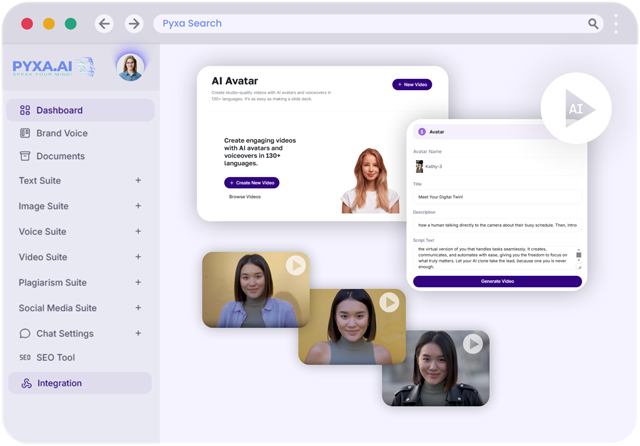
- Avatar: the AI Avatar tool, which pyxa.ai lists alongside Kling Avatar, for the on-camera presenter.
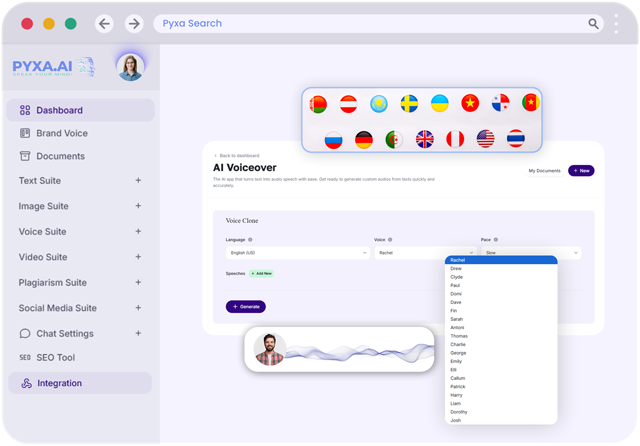
- Voice: AI Voiceover for text to speech with emotion and adjustable tone, or Voice Clone if you want the brand's own voice.
- B-roll: Kling image to video for product shots (see our Kling image-to-video guide), plus Veo 3.1 and Luma for other looks. Our best AI video generator comparison helps you pick.
- Script: the text models in the same dashboard, with brand voice, so scripts match your tone.
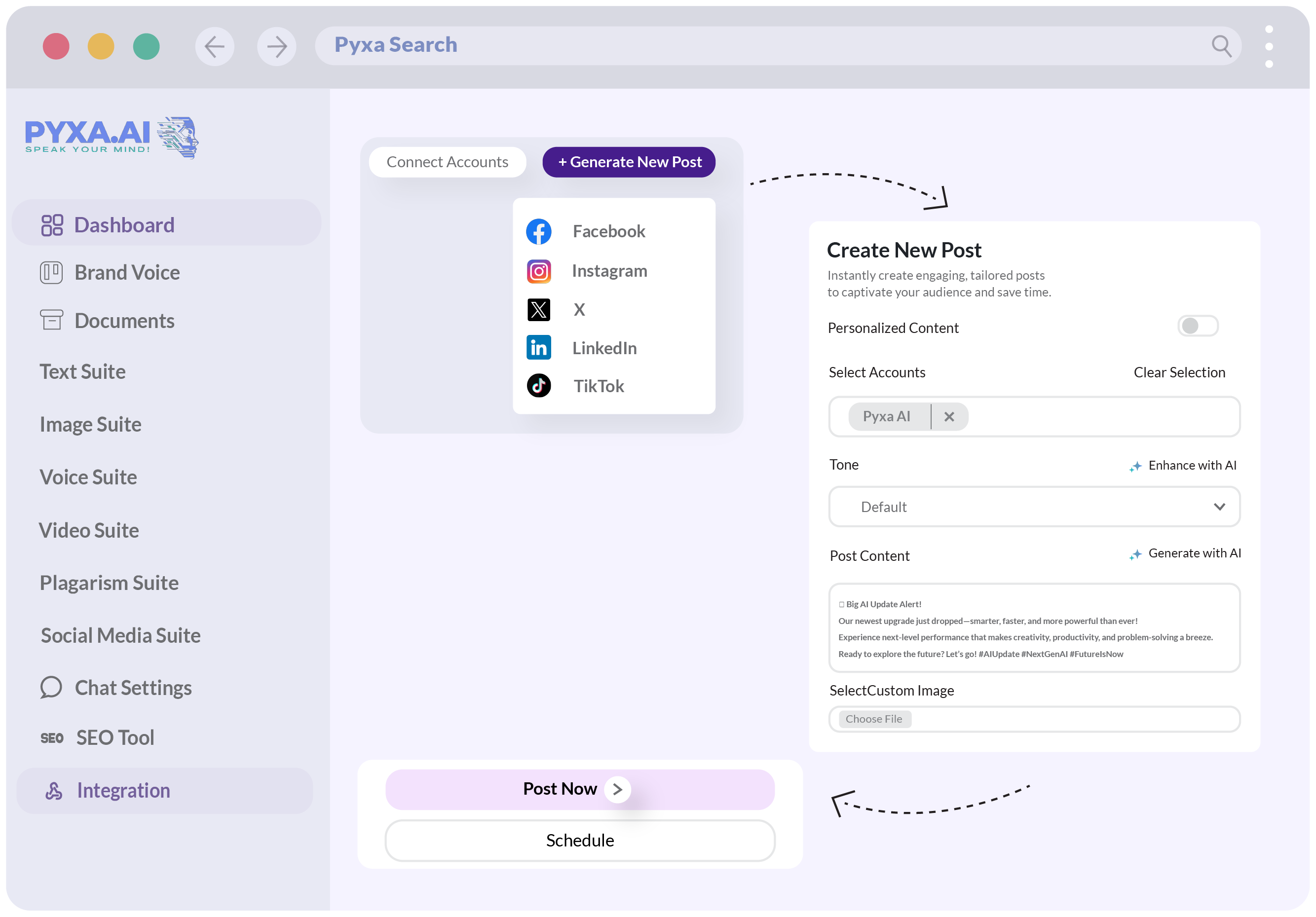
- Posting: connect TikTok, Instagram, Facebook and others, then post or schedule from the same place with the social media suite.
For the full comparison with HeyGen, including where HeyGen is stronger, read the HeyGen alternative page.
Be realistic about the difference: Pyxa is a general creative suite, not a dedicated ad app, so you assemble the clip yourself and do not get ready-made ad templates. What you get is more range in one place and no monthly bill.
One payment versus a stack of monthly subscriptions
A typical dedicated stack for this workflow is an avatar tool, a voice tool, a video model and a scheduler, each billed monthly. Using the prices above, HeyGen Creator at $29 a month alone comes to $348 over 12 months, before any voice, video model or scheduling tool.
Pyxa works differently: one payment, lifetime access, no monthly fees. Ultimate Creator is $99.99 once and includes two Social Media Agents and premium support, and new models are added to your plan at no extra cost. Master Creator is $49.99 if you only need the basics, and Premium Creator is $149.99. There is a 7-day money-back guarantee, so you can test the avatar-to-post flow on a real product first.
If you want the avatar step in particular, start with the AI Avatar page. Pyxa AI is an independent platform that integrates with various AI APIs and is not affiliated with HeyGen, Meta, TikTok or any AI provider named here.
One dashboard instead of five subscriptions
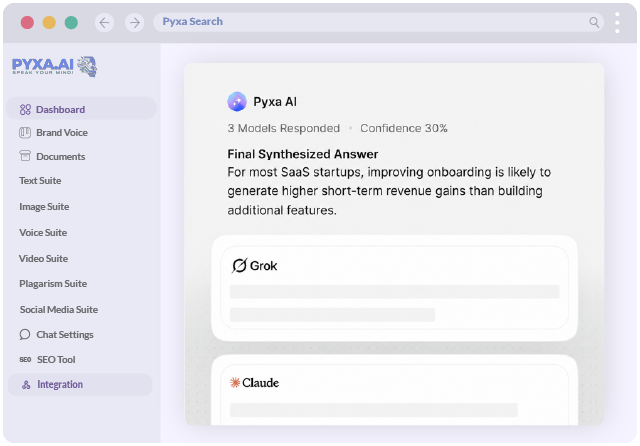
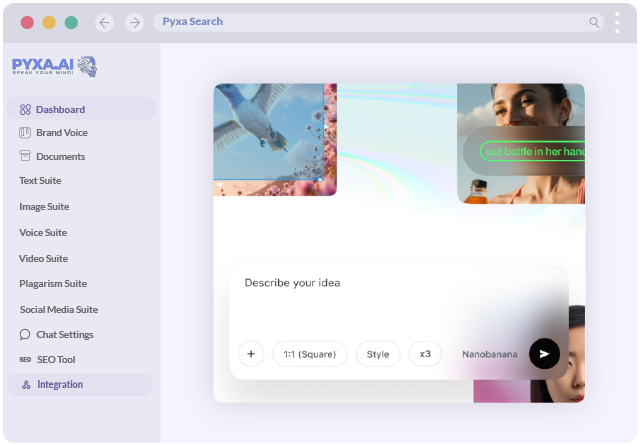
Real screens from the Pyxa app. Pick a feature to see it.
 Lifetime pricing
Pay once. Keep it for life.
No monthly fees, no daily caps, no API keys. New models are added to your plan at no extra cost.
Master Creator
- Text, image, video & voice suites
- AI image editor & creative suite
- 1 external chatbot + training
- 1 Social Media Agent · 2 Skills
- WordPress integration & SEO tools
- Standard support
Ultimate Creator
- Everything in Master Creator
- 2 Social Media Agents
- 3 Skills
- AI model selection & brand voice
- Premium support
Premium Creator
- Everything in Ultimate Creator
- 5 external chatbots
- 5 Social Media Agents
- 5 Skills
- Premium support
Questions people ask
Still unsure? Every plan has a 7-day money-back guarantee.
What is an AI UGC video generator?
Do I have to disclose AI-generated ads on Meta and TikTok?
Are AI UGC ads allowed on Facebook and Instagram?
How long should an AI UGC video be?
Can I make AI avatar ads without a monthly subscription?
Which is better for AI UGC ads, HeyGen or Pyxa?
Can I use image-to-video for UGC B-roll?
Make AI UGC videos and post them from one place
Get lifetime access to AI Avatar, voiceover, Kling, Veo 3.1, Luma and social scheduling with one payment.