YouTubers
Scripts, voiceovers, thumbnails and video from one dashboard.

 AI video · 2026




 One payment · No API keys · 7-day money-back

Every model you would otherwise pay for separately
ChatGPTClaudeGeminiGrok DeepSeek
 PerplexityMidjourney
 Nano Banana
 Flux
 Ideogram
 Imagen 4
 VeoKling
 Luma
 Wan
 HeyGen
 ElevenLabsChatGPTClaudeGeminiGrokDeepSeekPerplexityMidjourneyNano BananaFluxIdeogramImagen 4VeoKlingLumaWanHeyGenElevenLabs
Runway Standard and Kling Standard prices read from their official pages on 2026-11-24.
| Plan | Price | What you get |
|---|---|---|
| Runway Standard | $15/mo | 625 credits a month; Gen-4.5, Aleph 2.0 and Kling 4.0 listed |
| Kling Standard | $10/mo | 660 credits a month; $6.50 for the first 3 months |
| Pyxa AI Master Creator | $49.99 once | Lifetime access to text, image, video and voice tools with leading AI models in one dashboard. New models added at no extra cost. |
Runway Standard $15/mo + Kling Standard $10/mo = $25/mo, multiplied by months vs Pyxa's one-time price. Taxes excluded. Intro discounts ignored.
No single model wins every shot, so this is a ranking by how many creators it fits, based on what each company's own pages say on 2026-11-24. Test on your own prompts before you pay for a month.
The order is a judgment, not a benchmark. Neither Google, Kling, Runway nor Luma publishes a head-to-head, and independent tests disagree by prompt type. If you want one place to try three of them, skip to the Pyxa section below.
Every price and feature in this list comes from the maker's own page, read on 2026-11-24. If a number could not be confirmed there, we say so instead of quoting a blog.
That matters because this market moves fast. Google retired the Veo 3.1 preview model names in its developer API on October 22, 2026, and Kling now lists a newer 4.0 model than many roundups mention. A "top 10" written six months ago is probably wrong on versions and prices.
We judge each tool on five things: how good faces, hands and physics look, whether sound comes with the picture, how much control you get over the first frame and camera, how long one clip can run, and what a month really costs. Run three prompts from your real work on each tool: a product shot, a person speaking, and a fast camera move.
Veo 3.1. Native audio, 4K output and reference images make it the easiest way to get a finished-feeling 8-second shot. Luma is the close second for product ads, thanks to Product Swap and Relighting on its own page. Both also appear in Pyxa: see Veo 3.1 in Pyxa and Luma AI in Pyxa.
Kling. Clips from 3 to 30 seconds fit Shorts, Reels and TikTok, and the $10/mo Standard plan is the cheapest paid way in. Veo 3.1 is the pick when the clip needs dialogue or sound baked in.
Kling. You upload a still as the start frame, add an end frame if you want control over where the clip lands, and describe the motion. Our Kling AI image to video guide walks through it. Luma's keyframes and Veo's reference images are good alternatives.
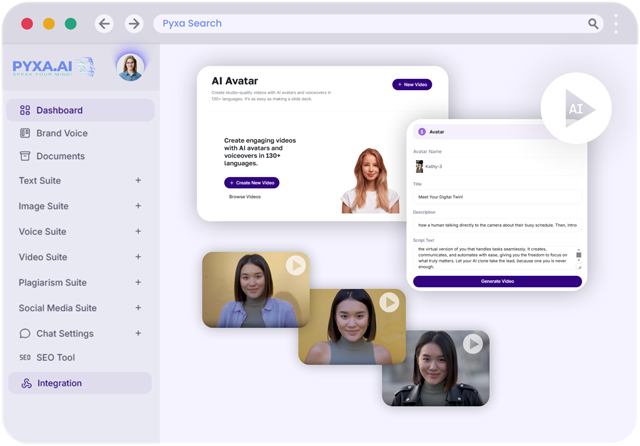
For talking presenters, a specialist like HeyGen is the dedicated tool (Creator plan from $29/mo on its pricing page when we last checked, 2026-11-23). Inside Pyxa, AI Avatar and Kling Avatar cover branded and social avatar videos without a separate subscription. Runway is the pick for none of these four: its strength is editing.
Veo 3.1. Strongest on sound and resolution per Google's page. Limits: 8 seconds per generation, so longer scenes need extension or editing. Google sells it through several routes (Gemini, Flow, AI Studio and the developer API) and prices change often, so we do not quote a Veo rate. Our Veo 3 pricing page covers the options.
Kling. Strongest on long clips, many references and cost. Paid plans on the membership page run $10, $37, $207 and $619 per month (660, 3,000, 18,000 and 57,000 credits), with a $6.50 intro price on Standard for the first three months. Monthly credits do not roll over. Details are on the Kling AI pricing page.
Runway. Strongest on editing and directed camera work. Plans on its pricing page: Free (125 one-time credits), Standard $15/mo (625 credits), Pro $35/mo (2,250), Max $95/mo (9,500). It also sells access to other companies' models, including Kling 4.0, inside its app. See Runway pricing for the full breakdown. If you edit footage daily, stay with Runway.
Luma. Plans on its pricing page: Plus $30/mo, Pro $90/mo, Ultra $300/mo, which include Luma's own and third-party image and video models. It costs more at the entry level than Kling or Runway, but its keyframe and modify-video tools suit ad and product teams.
The best AI video generator for YouTube and TikTok depends on the clip. For vertical shorts with sound, Veo 3.1 (which supports 9:16 in Google's developer docs) and Kling both work. For B-roll under a voiceover, Kling's longer clips and image-to-video save the most time.
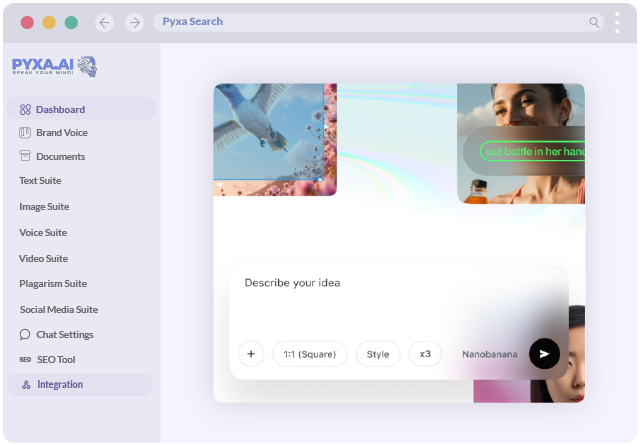
The video model is only half of the job. A YouTube workflow also needs a script, a voiceover, a thumbnail and a way to post. If you are building that pipeline, a platform that covers the rest saves hours. Pyxa connects to TikTok, YouTube, Instagram and other accounts, lets you post and schedule, and includes AI Voiceover, so the clip can go from prompt to scheduled post in one dashboard. Pyxa's AI YouTube tool also turns existing YouTube videos into blog posts.
Check each tool's rules on watermarks and commercial use before you publish. Kling lists commercial use on paid plans and not on its free plan. Confirm the same for any tool you choose.
An AI video generator with no subscription exists in three forms, and each has a catch.
None of these gives you several top models for one fixed price. Pyxa is a different approach: one lifetime payment, no monthly fees, and Veo 3.1, Kling AI and Luma AI in the same account. It is not a free tool, but you pay once.
If you are looking for Sora, OpenAI's help center says the Sora web and app experiences were discontinued on April 26, 2026, and the Sora API on September 24, 2026. It names no successor on that page, so Sora is not on this list.
The practical advice is to build your workflow on tools that are live today, and to avoid depending on any one model. Retirements, preview names and prices all change within a year, which is the main risk of paying monthly for a single tool.
Many people end up paying for two video tools because each has a strength. As a typical pair, take Runway Standard ($15/mo) and Kling Standard ($10/mo). That is $25 per month, before taxes, and it only covers two of the tools above.
Credits are limited on both plans. Runway's Gen-4.5 costs 12 credits per second per its earlier pricing notes, so Standard's 625 credits cover about 52 seconds a month, and Kling's monthly credits expire. If you make video most weeks, you may need a higher tier, which raises these totals.
Pyxa Premium Creator is $149.99 once, so after about six months the two-subscription route costs more. Pyxa does not include Runway, so this is a comparison of cost, not a like-for-like swap.
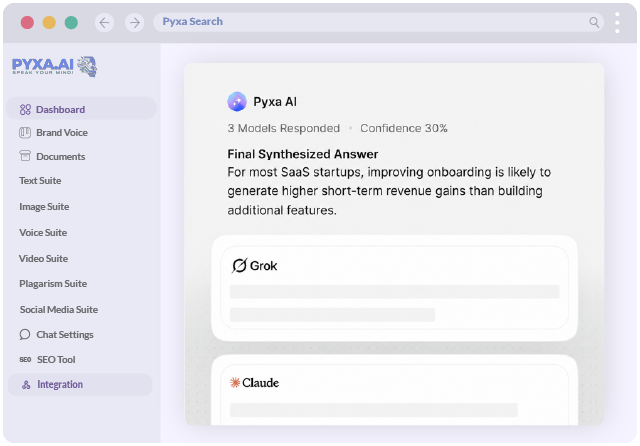
Pyxa AI is an independent platform that integrates with various AI APIs. It is not affiliated with or endorsed by Google, Kling, Luma or other providers. According to pyxa.ai, you get Google Veo 3.1, Kling AI text and image to video (plus Kling AI 3.0 and Kling Avatar), Luma AI text to video and AI Avatar, next to text, image and voiceover tools.
What changes is the billing and the setup. Pay once for lifetime access, with no monthly fees, no daily caps and no API keys. When new models come out, Pyxa adds them to your existing plan at no extra cost, and you can switch models with one click. Every plan has a 7-day money-back guarantee.
Premium Creator ($149.99 once) is the plan we suggest for video creators: it adds 5 Social Media Agents and 5 Skills on top of the Ultimate plan ($99.99), and Master Creator ($49.99) already lists the video suite.
Honest limits: Pyxa lists Kling AI 3.0, not Kling 4.0, so check whether you need 30-second clips. Runway and Hailuo are not in Pyxa, so keep Runway if you need Aleph 2.0 editing. Dedicated apps also ship new features first. Start with the 7-day guarantee and test your own prompts.
Real screens from the Pyxa app. Pick a feature to see it.
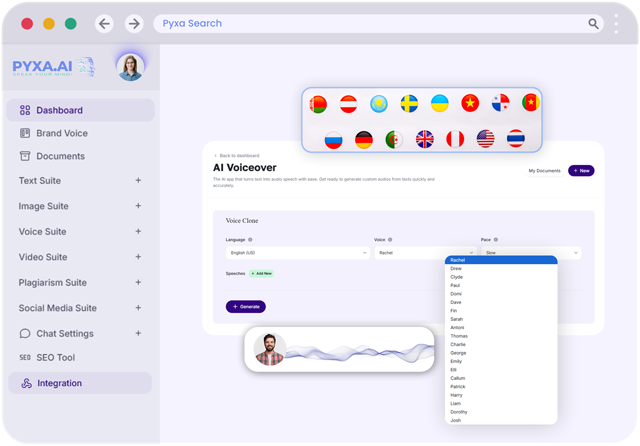
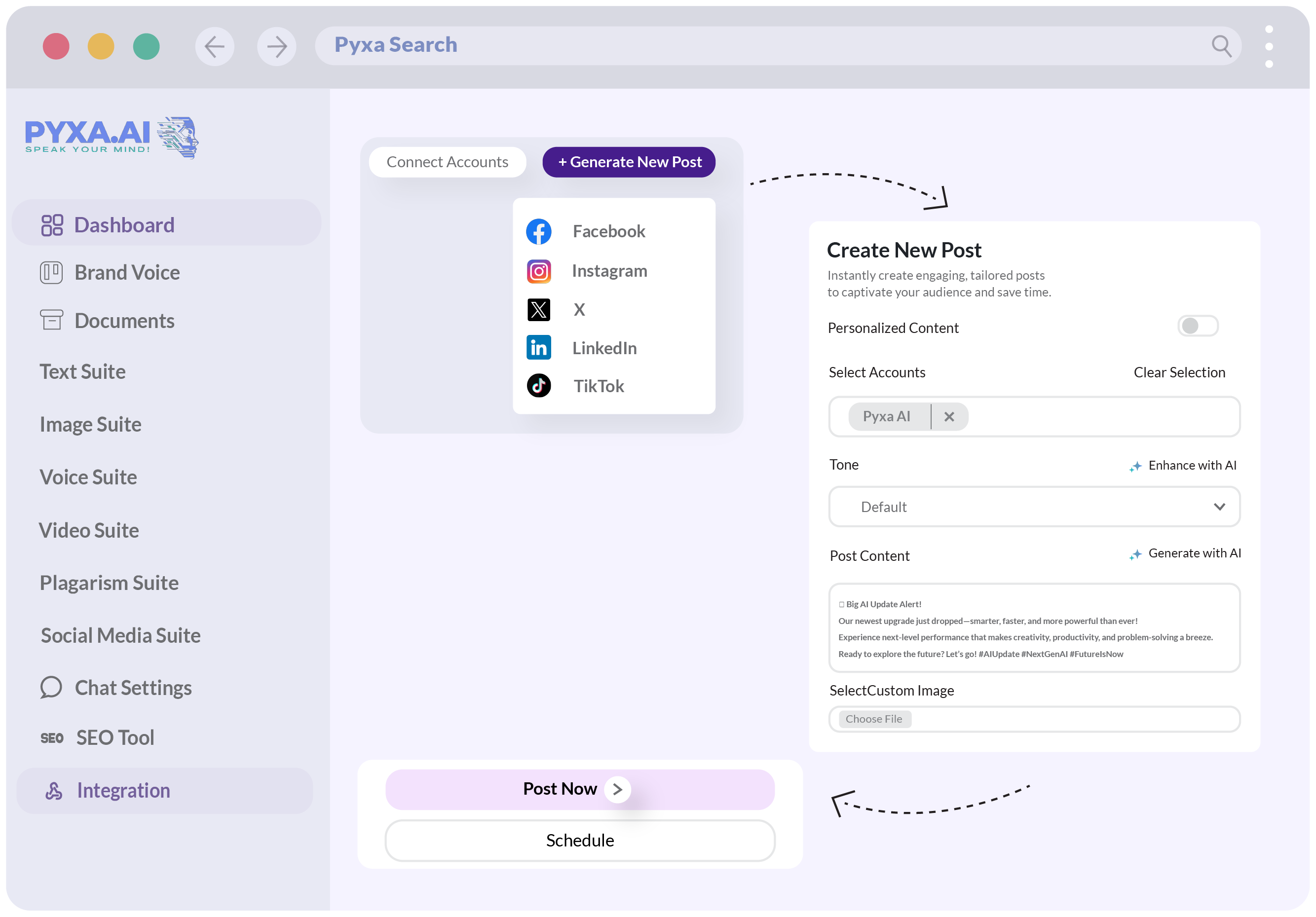
Runway and Kling Standard prices from their official pages, 2026-11-24.
Separate video subscriptions | Pyxa AI | |
|---|---|---|
| Billing | Monthly, per tool ($15 + $10 = $25/mo) | One-time payment, lifetime access |
| Video models | One or two per subscription | Veo 3.1, Kling AI, Luma AI, Kling Avatar |
| Runway editing (Aleph 2.0) | Yes, on Runway | Not included |
| Newest Kling model (4.0) | Yes, on Kling | Kling AI 3.0 listed |
| Avatars | Separate tool such as HeyGen | AI Avatar included |
| Voiceover, images, writing | Separate subscriptions | Same dashboard |
| New models | Depends on the vendor | Added to your plan at no extra cost |
| Refund | Varies by vendor | 7-day money-back guarantee |
Choose Premium Creator ($149.99 once) or a smaller plan from the pricing section.
Test Veo 3.1, Kling AI and Luma AI on the same product shot, person and camera move.
Add a voiceover, then post or schedule to your connected social accounts.
Scripts, voiceovers, thumbnails and video from one dashboard.

Short videos and posts for 5+ platforms in your brand voice.

Product shots that turn into video ads.

Lesson videos, promo graphics and a chatbot for student questions.
Lifetime pricingNo monthly fees, no daily caps, no API keys. New models are added to your plan at no extra cost.
Still unsure? Every plan has a 7-day money-back guarantee.
Pay once for Pyxa Premium Creator ($149.99) instead of stacking monthly video subscriptions. New models are added at no extra cost, there are no daily caps or API keys, and the 7-day money-back guarantee covers your test.