
A moment you know: you start a conversation with your 3-week-old chat history- the outline for the novel, the business plan, the research thread with forty points made carefully- and the AI is just staring back at you blankly or, worse, it keeps tabs on the last few messages and then brazenly guesses the remainder of them incorrectly. You have to re-explain what you already explained in 20 mins, and whatever you’re doing all but stops until it resumes.
Why AI Conversations "Forget": The Context Window
Sadly, it’s with no sound. ChatGPT will continue to take incoming messages long after it can read the entire thread, without announcing the end of the thread and without complaining about it, so the short is generally lost by the time it displays the warning. When it reaches the hard wall, “The conversation is too long, please start a new one,” and the input field locks. OpenAI’s support answer for this time is to start a new chat, which should retain a summary. A summary. Not the conversation.
Why Memory Doesn't Fix This
What Each Platform Actually Offers
Every major platform has built something for continuity. None of them has solved it completely, and knowing the limits of each is what lets you pick the right one for your work.
Claude can search earlier chats on paid plans; Anthropic’s help center says you can prompt Claude to search through your previous conversations and reference specific details, including asking it to continue where you left off with a project. Its Projects feature adds persistent workspaces: files and instructions available to every chat in that project. The scope is limited; chats outside projects are searched together, searches inside a project stay within it, but for long-term work it’s the strongest native option among the big three.
ChatGPT offers reference chat history, which lets it use relevant information from past conversations, and Projects that share files and instructions across chats in the project. For trying a different direction inside the same conversation, it can also branch a chat. But reference history is retrieval, not resurrection; it surfaces relevant fragments; it doesn’t reopen the thread where it stopped.
Developer tools do it differently: Claude Code keeps sessions on your machine and resumes them with claude, continue or, resume, and Codex offers resume for saved CLI sessions. Those work because the session file lives on your disk. The web chatbots don’t have that luxury; your history lives on their servers, under their rules, inside their windows.
And then there’s the growing cottage industry of third-party memory tools, standalone services charging $89–$180 a year to keep your context portable, which is itself proof of how badly the native features fall short. Paying a second subscription to remember what the first subscription forgot is a strange solution, but thousands of people do it, because the alternative is worse: starting over.
The Handoff Method: The DIY Fix That Actually Works
Until the platforms solve this properly, the most reliable method is one you control yourself: the session handoff. It takes sixty seconds at the end of a session and saves a twenty-minute rebuild at the start of the next one.
Step one: end every important session with a handoff request. Ask the AI: “Summarize this conversation in a format I can paste at the start of our next session. Include: what we decided, what’s still open, the key facts and constraints, and the exact next step.” Save that summary in your notes app, your project doc, or a text expander.
Step two: open the next session with a briefing prompt. Paste the summary first, then add one line: “Got it? Confirm, and then we’ll start.” It takes 60 seconds to paste, and saves the 20-minute rebuild.
Step three: keep the briefing current. Update the “where we left off” line at the end of each session. The briefing is a living document, not a one-time export; it’s the thread’s memory, maintained by you, in your hands.
This method works across every platform, survives cancellations, and costs nothing. Its only weakness is that it’s manual, and humans are bad at manual processes, especially at 11 PM when the session ends and the handoff feels like homework.
The One-Place Fix: Import, Search, Resume
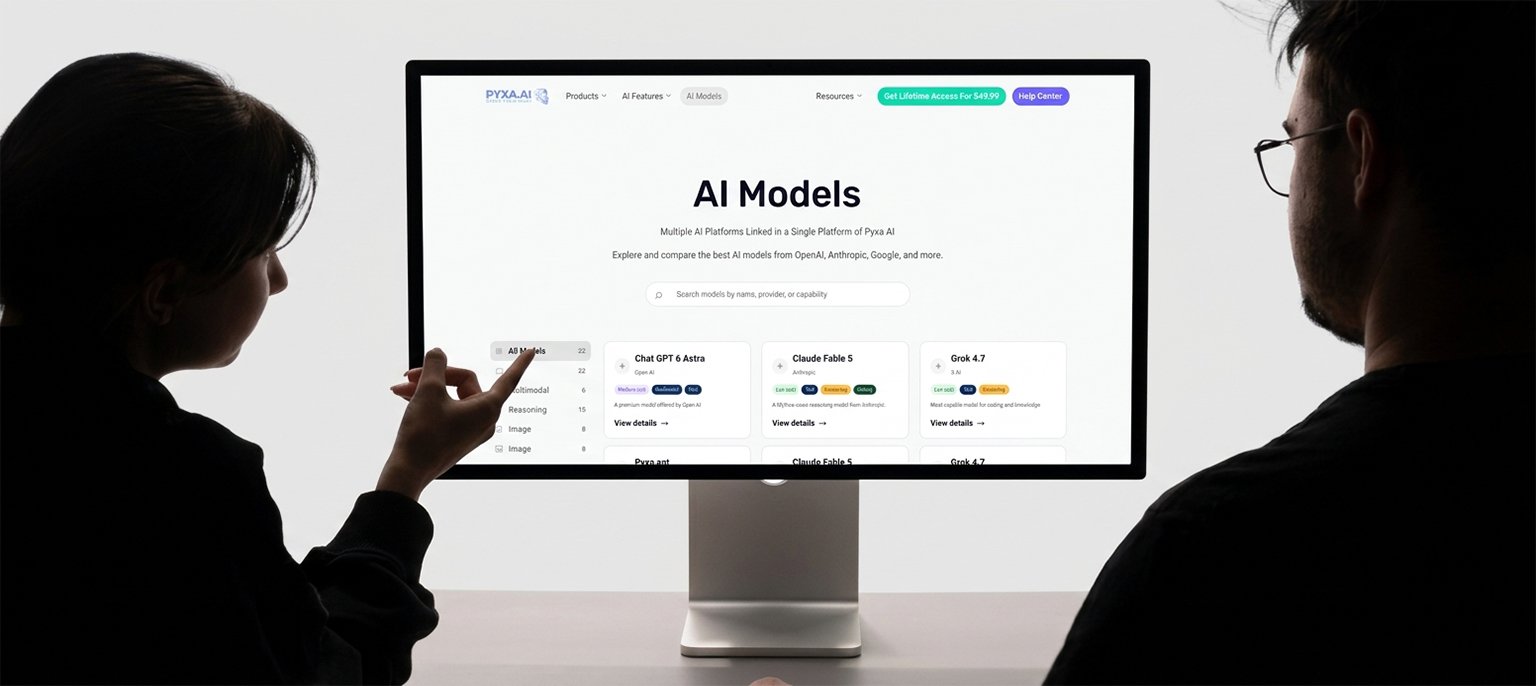
That’s the issue that Pyxa AI’s chat import feature is designed to address. You import years of conversations from multiple AI models into one searchable place rather than having your conversations in 5 different silos, each having its own window, its own rules for memory, and its own export format.
The one that was confirmed in the previous posts of this series is the workflow: export from each platform and import into Pyxa, where you can search from one place. This unlocks what changes for continuity. If the complete history is searchable in one workspace, resuming your search from where you last left off is no reconstruction task. You locate the thread, you read what was decided, and you go about it as you normally would, with the same multi-model AI, in the same workspace, without re-pasting a brief the model has already read. When the thread reaches its limit, the conversation doesn’t die because the record is not in any thread’s window. It doesn’t even expire if you cancel a subscription, since the history you imported is yours, in YOUR workspace, not rented from the vendor’s servers.
The Bottom Line
AI doesn’t forget you; it forgets the thread. The context window is a working memory, not a hard drive, and every platform’s memory features are summaries and retrieval, not resurrection. Until the industry builds true continuity, the handoff method is your best defense, and the one-place import is the closest thing to a real solution: your whole history, searchable, in a workspace you control, ready to resume exactly where you left off.