Everyday AI users
Chat with any model and switch in one click, without four separate subscriptions.

 Alternatives · 2026




 One payment · No API keys · 7-day money-back

Every model you would otherwise pay for separately
ChatGPTClaudeGeminiGrok DeepSeek
 PerplexityMidjourney
 Nano Banana
 Flux
 Ideogram
 Imagen 4
 VeoKling
 Luma
 Wan
 HeyGen
 ElevenLabsChatGPTClaudeGeminiGrokDeepSeekPerplexityMidjourneyNano BananaFluxIdeogramImagen 4VeoKlingLumaWanHeyGenElevenLabs
A monthly plan keeps charging. One lifetime payment does not.
| Plan | Price | What you get |
|---|---|---|
| Free | $0 | Gemini app with auto model selection, 15 GB storage. |
| Google AI Pro | $19.99/mo | Four times the free usage limits, Gemini in Gmail and Docs, 5 TB storage. |
| Google AI Ultra | From $99.99/mo | Higher access to Google's top models, from 20 TB storage. |
| Pyxa AI Master Creator | $49.99 once | Lifetime access to text, image, video and voice tools with leading AI models in one dashboard. New models added at no extra cost. |
Monthly price × months vs Pyxa's one-time price. Taxes excluded.
People look for a Gemini alternative for three reasons: the model on the free plan is picked for you, everything is tied to one Google account, and the features they want (writing tone, image styles, other labs' models) live somewhere else.
Google's own plan page says the free Gemini plan uses "Auto model selection," so you do not choose which model answers. Google AI Pro, at $19.99 a month, lifts the usage limits to four times the free plan's, and the page notes that limits refresh every 5 hours until you reach a weekly limit. Those are fair terms, but they mean your results depend on rules Google can change. We wrote up what that feels like in what happens when a free AI plan downgrades its model overnight.
The second reason is lock-in. Gemini lives inside your Google account, with your chats, your files and your storage bundle attached. Moving is easy to postpone and hard to do. The third is range: if you also want Claude's writing, Grok's live answers or Perplexity-style research, that is another subscription each.
None of this makes Gemini a bad product. It makes the question "what do I use next to it, or instead of it?" a fair one.
The best Gemini alternative depends on what you use Gemini for. Here is the short map, with the official price of each paid plan as we saw it on November 25, 2026.
Look at the total. A Gemini plan plus ChatGPT Plus plus Claude Pro is about $60 a month, every month. That is the problem the last part of this page solves.
If you are searching for a Gemini Advanced alternative, you are really comparing against Google AI Pro, the $19.99-a-month plan that carries the paid Gemini features today. The fair like-for-like rivals are the $20 plans: ChatGPT Plus and Claude Pro. Each gives you one lab's models, a monthly bill and usage limits that can change.
Ask three questions before you pick one. Do you need Gmail and Docs integration? Do you want to choose the model yourself instead of leaving it to auto selection? Are you happy to pay again next month, and the month after? A yes to the first points to Google AI Pro. A yes to the second, and a no to the third, points to a multi-model setup such as Pyxa.
It also helps to count what you already pay. Many people hold two or three AI subscriptions because each model is better at something. A single lifetime plan that covers the chat side removes that overlap, and you keep the one Google extra you actually use.
Lock-in is practical, not dramatic. Your Gemini chats sit in your Google account, your files sit in Drive, and your storage plan sits on the same bill. If you change assistants, the thing you lose is history and habit.
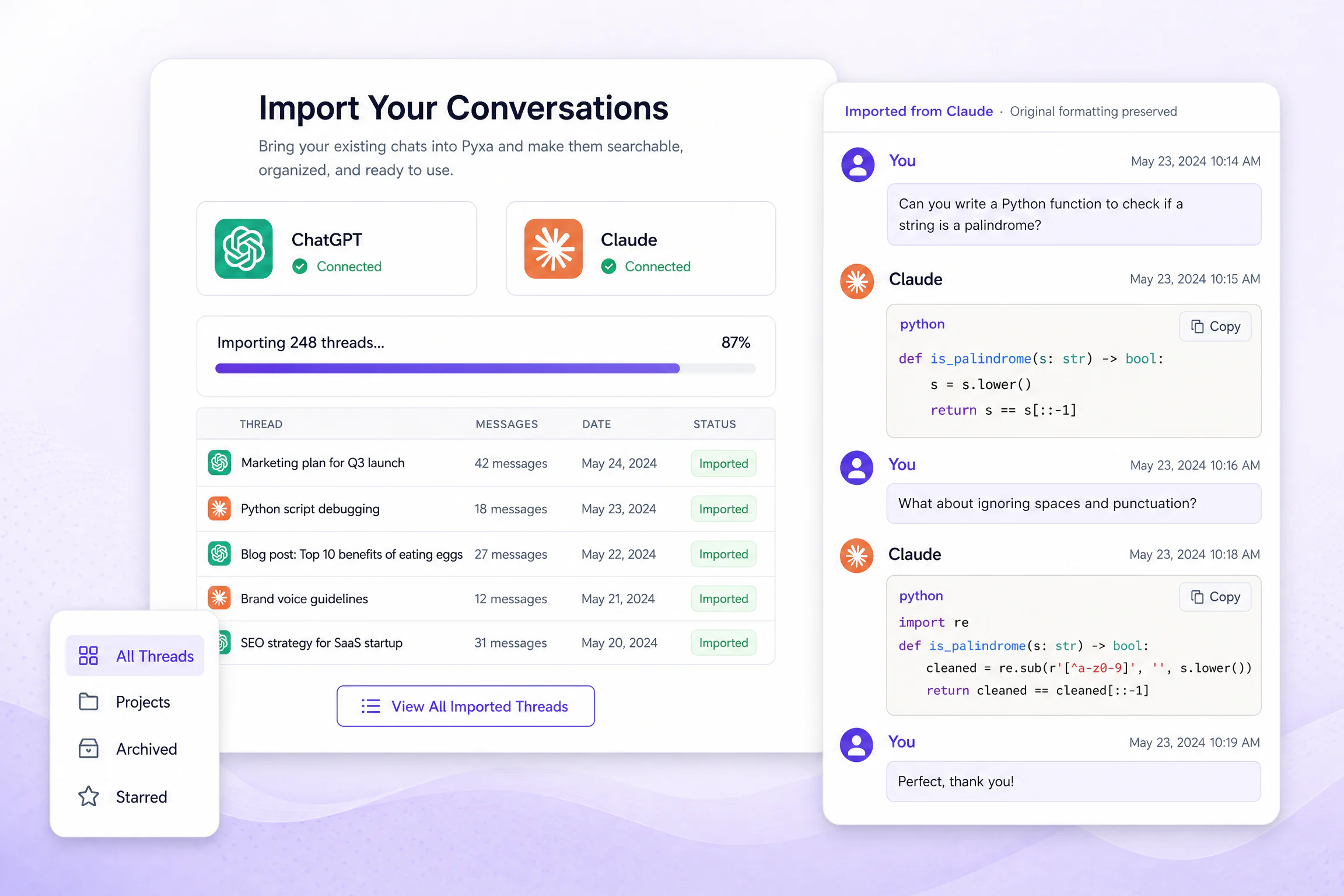
You can reduce that cost in two ways. First, keep your working prompts and saved instructions in a document you control, so they move with you. Second, pick an alternative that lets you import old conversations. Pyxa lets you export from ChatGPT or Claude, upload the file and carry on, and its FAQ mentions Gemini import as well.
Using several models in one place also lowers the risk of any single provider changing a plan or a model under you. If one assistant gets worse at your task, you switch to another with one click instead of starting a new subscription.
Gemini is the better choice in a few specific cases, and you should stay with it if one of these is your main reason for paying.
If that list describes you, keep Google AI Pro. The rest of this page is for people whose reasons for paying are the chat and the creative tools, not the storage.
Google AI Pro costs $19.99 a month, which is $239.88 a year. Google AI Ultra starts at $99.99 a month. The free plan costs $0 and includes 15 GB of storage.
The price is not the issue, the shape is. It is a subscription, so over three years you pay $719.64 and own nothing at the end. Our Google AI Pro price breakdown goes through what each tier includes. Taxes are excluded in every figure here.
Pyxa AI is the Gemini alternative that keeps Gemini. It lists Gemini 3.8 next to ChatGPT (GPT 6.1 Sol), Claude Sonnet 5.5, Perplexity, Grok 4.7 and DeepSeek v4, and you switch between them with one click. That covers every option in the list above except the Google Workspace and storage extras.
The payment model is different. Pyxa says it plainly: "They charge monthly. We charge once for lifetime access." Master Creator is $49.99, Ultimate Creator is $99.99 and Premium Creator is $149.99, each paid once. There are no monthly fees, and pyxa.ai lists a 7-day money-back guarantee. When new models come out, Pyxa adds them to your existing plan at no extra cost.
Three Pyxa features help if you are leaving Gemini:
Pyxa is an independent platform that integrates with various AI APIs. It is not affiliated with or endorsed by Google, OpenAI, Anthropic or other AI providers. See all models in Pyxa.
Google AI Pro at $19.99 a month totals $239.88 after 12 months, $479.76 after 24 and $719.64 after 36. Pyxa's Ultimate Creator is $99.99 once. Even the Premium plan at $149.99 is less than 8 months of Google AI Pro.
The comparison is not perfectly like for like. Google's price includes 5 TB of storage and Workspace features that Pyxa does not offer. If you use those, keep them. If you pay mainly to chat and create, you are paying a monthly rate for a part of what you use.
Master Creator ($49.99) is enough to try the models side by side: it includes AI model selection, the text, image, voice and video suites and 1 Social Media Agent. Ultimate Creator ($99.99, most popular) adds 3 Skills, 2 Social Media Agents and premium support, which suits someone replacing two or three subscriptions. Premium Creator ($149.99) has 5 Skills, 5 Social Media Agents and 5 external chatbots for people running work for others.
For most readers of this page, Ultimate is the sensible pick. You can compare the three plans before you choose.
You do not have to cancel Google AI Pro on day one. Start the lifetime plan, move your regular prompts over for a week, and cancel the subscription only if you are not using the Workspace and storage extras. The 7-day money-back guarantee gives you a week to decide on the Pyxa side.
Stay with Gemini for Workspace, storage and Google's newest models. Look for a Gemini alternative if you want to choose the model yourself, avoid a monthly bill, or use ChatGPT, Claude, Grok, Perplexity and DeepSeek too. Pyxa covers that second case, with Gemini 3.8 included.
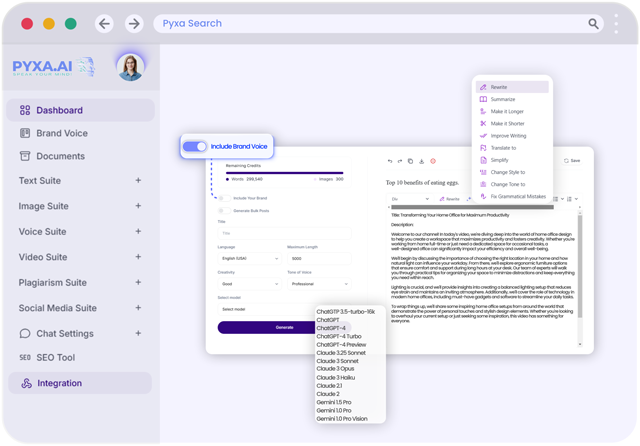
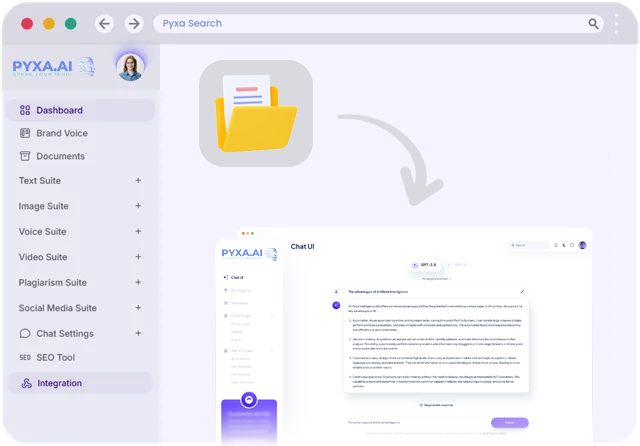
Real screens from the Pyxa app. Pick a feature to see it.
Prices from official pages, checked November 25, 2026.
| Google AI Pro | Pyxa AI | |
|---|---|---|
| Price | $19.99/month | $49.99, $99.99 or $149.99 once |
| Billing | Monthly subscription | One-time, lifetime access |
| Gemini models | Google's newest Gemini models | Gemini 3.8 |
| Other labs' models | No | ChatGPT, Claude, Grok, Perplexity, DeepSeek |
| Switch models | Gemini models only | One click between models |
| Gemini in Gmail and Docs | Yes | No |
| Cloud storage | 5 TB | No |
| Video generation | Veo 3 in Google Photos (US only) | Veo 3.1, Kling, Luma |
| Money-back guarantee | Not stated on plan page | 7 days |
Choose Master, Ultimate or Premium Creator. One payment, no monthly subscription.
Use Gemini 3.8, ChatGPT, Claude, Grok, Perplexity or DeepSeek, and switch with one click.
Run the same brief through several models with the AI Council and keep the answer you prefer.
Chat with any model and switch in one click, without four separate subscriptions.

Write SEO articles with several models, check plagiarism and publish to WordPress in one click.

Keep a brand voice per client and deliver plagiarism-checked drafts faster.
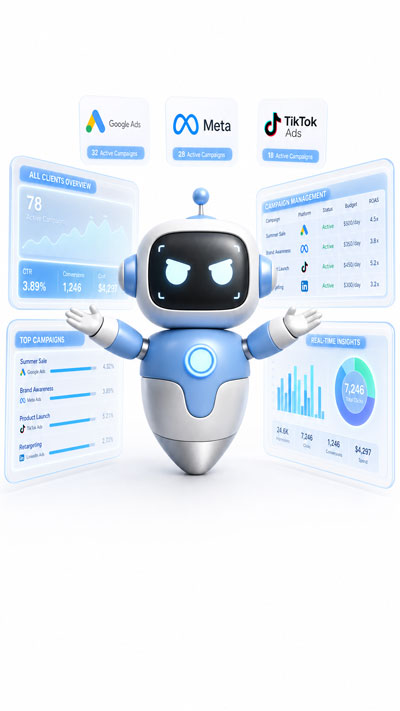
Ad copy, landing pages, emails and creatives for many clients from one place.
Lifetime pricingNo monthly fees, no daily caps, no API keys. New models are added to your plan at no extra cost.
Still unsure? Every plan has a 7-day money-back guarantee.
One lifetime payment from $49.99 replaces a stack of monthly plans, with a 7-day money-back guarantee.