 Social media · 2026
Best AI Social Media Post Generator in 2026


- A good generator needs platform-native formats, brand voice, images, scheduling and analytics, not just caption text.
- Buffer is the cheapest per channel, Hootsuite suits teams, Later suits Instagram-first brands, and Canva suits design-led work.
- All four lead tools are monthly subscriptions, so cost grows with accounts and seats.
- Pyxa AI's Social Media Suite connects 7+ networks with AI Brainstorm, scheduling, a calendar and analytics for one payment.
What makes the best AI social media post generator
The best AI social media post generator writes in your brand voice, shapes each post for the platform it will land on, makes the matching image, and then schedules and measures the result. Text alone is the easy part. Most tools stumble on everything around it.
Here is the checklist we use to judge any tool:
- Platform-native formats. A LinkedIn post, an X post, an Instagram caption and a Pinterest description are different jobs. A good generator lets you set length, tone and hashtags per network instead of pasting one caption everywhere.
- Brand voice. You should be able to describe or train your voice once, so a new draft does not read like generic marketing copy.
- Images. Social posts that need a separate design app slow you down. Image generation or an editor in the same place saves a round trip.
- Scheduling and a calendar. An AI post generator and scheduler in one tool beats copying drafts into a second app.
- Analytics. Impressions, reach, engagement and clicks show which posts to repeat.
- Pricing model. Per-channel or per-seat monthly pricing adds up as you add accounts.
AI Instagram caption generator or full post generator?
An AI Instagram caption generator solves one small problem: you have a photo and need words. That is useful, but it stops there. You still have to resize the idea for LinkedIn, rewrite it for X, pick a posting time and check results somewhere else.
A full post generator starts one step earlier. You give it a topic or a goal, it suggests ideas, drafts the posts and hands them to a scheduler. If you post on more than two networks, the full workflow saves more time than a caption tool alone. If you post only on Instagram, a caption generator inside a scheduler can be enough.
Why an AI content calendar matters more than the caption
Teams that stop posting usually stop because planning is a chore, not because writing is hard. An AI content calendar fixes that by turning one session of brainstorming into a month of scheduled posts. Batch your ideas on one day, schedule them, then check analytics weekly and repeat what worked.
Look for a calendar that shows both scheduled and published posts, lets you duplicate a post to another network, and sits close to your analytics. Tools that split these across several apps make the habit harder to keep.
The leading AI post generators in 2026
We checked each plan on the vendor's own page on 2026-11-24. Prices change, so confirm before you buy.
Buffer AI Assistant
Buffer's free plan covers up to 3 channels and includes the AI Assistant, with caps of 100 ideas and 5 AI replies a week. Paid Essentials and Team plans start at $5 and $10 a month for one channel, with unlimited ideas and AI replies. Buffer is simple, quick to learn and priced per channel, so cost grows with every account you add.
Hootsuite OwlyWriter
OwlyWriter generates posts and images inside Hootsuite, and every paid plan includes it. Standard is $99 per user a month with 10 social accounts, Professional is $199 and Advanced is $399. It suits agencies and larger teams that need approvals and reporting. For one creator or a small business, the price is steep.
Later
Later is strong for visual, Instagram-first planning. Plans run from $18.75 a month billed yearly (1 social set, 8 profiles) to $82.50 for 6 sets, and AI usage is capped by plan. Check the pricing page for the current limits.
Canva
Canva is the best-known design tool, and its Pro plan ($18 a month) and Business plan ($25 a month per person) include social scheduling and more AI than the free plan. It is a design tool first, and the writing side is lighter than the dedicated schedulers. If you are weighing it against other design apps, see our Canva alternatives guide.
For a wider roundup that includes agency suites and analytics tools, read our best AI tools for social media managers post. This page is narrower: it looks at tools that write the post for you.
Where each tool is the right pick
Stay with Buffer if you manage a handful of channels and want the lowest monthly cost. Pick Hootsuite if you run a team that needs approvals, inbox tools and enterprise reporting. Choose Later if your content is mostly photo and video on Instagram and Pinterest. Use Canva if the design work is the main job and captions come second.
All four are subscriptions. That is fine when the tool is central to your business. It is harder to justify when you also pay for a chatbot, an image generator and a voiceover tool.
Pyxa's Social Media Suite as an AI post generator and scheduler
Pyxa AI takes the opposite approach to a single-purpose scheduler. Its AI Social Media Suite sits inside the same dashboard as the text, image, video and voice tools, so you create the post and publish it in one place.
According to pyxa.ai, the suite lets you:
- Connect your accounts. Link Instagram, Facebook, TikTok, X, LinkedIn, YouTube, Pinterest and more.
- Brainstorm with AI. AI Brainstorm suggests fresh ideas and ready-to-use posts.
- Post and schedule. Publish now or schedule from the social media post workflow.
- Duplicate across platforms. Copy a scheduled post to another network in one click, then adjust it.
- Plan on a calendar. See scheduled and published posts in a single calendar.
- Read real-time analytics. View impressions, reach, engagement, clicks and more across connected platforms.
- Use Social Media Agents. The latest addition to the suite; Ultimate includes 2 agents.
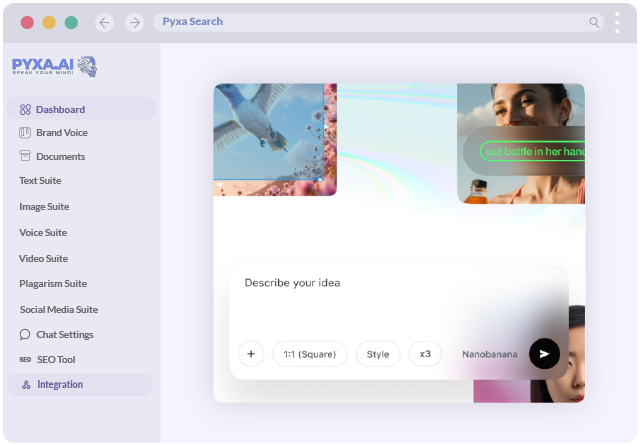
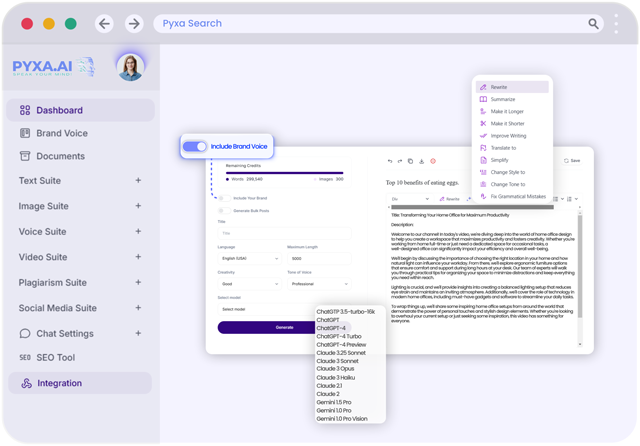
Pyxa also offers 150+ specialized templates, brand voice, an AI image editor and image models such as Midjourney, GPT Image and Nano Banana, so the picture for the post comes from the same account. Pyxa does not state per-platform format rules on its page, so review each draft before you schedule it.
One payment versus monthly social tools
Pyxa's pitch is that other tools charge monthly while it charges once for lifetime access. Ultimate Creator is $99.99 one time. Compare that with Hootsuite Standard at $99 a month, or Later and Canva Pro at roughly $18 a month, which is about $216 a year each. Buffer is cheaper per channel, but you still pay again every month.
The same payment also covers the writing, image, video, voiceover and chatbot tools, and pyxa.ai says new models are added to your plan at no extra cost. You can start a 7-day money-back window if it does not fit. See the current plans.
The honest trade-off: Pyxa is not an enterprise social suite built around team approval chains. If you manage dozens of client accounts, Hootsuite still earns its price.
How to pick the best AI social media post generator for you
- List the networks you post to. If it is three or more, favor a tool with cross-platform duplication and one calendar.
- Decide whether you also need images, video or voiceover. If yes, a multi-tool dashboard saves a stack of subscriptions.
- Add up twelve months of cost for each option, including extra channels or seats.
- Run a week of real posts through your top choice before you commit.
If you want one payment and an AI content calendar next to your writing and image tools, start with the Pyxa Social Media Suite and pick the Ultimate plan.
One dashboard instead of five subscriptions
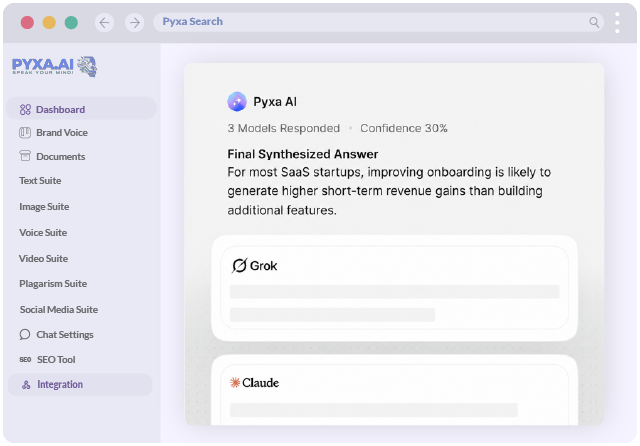
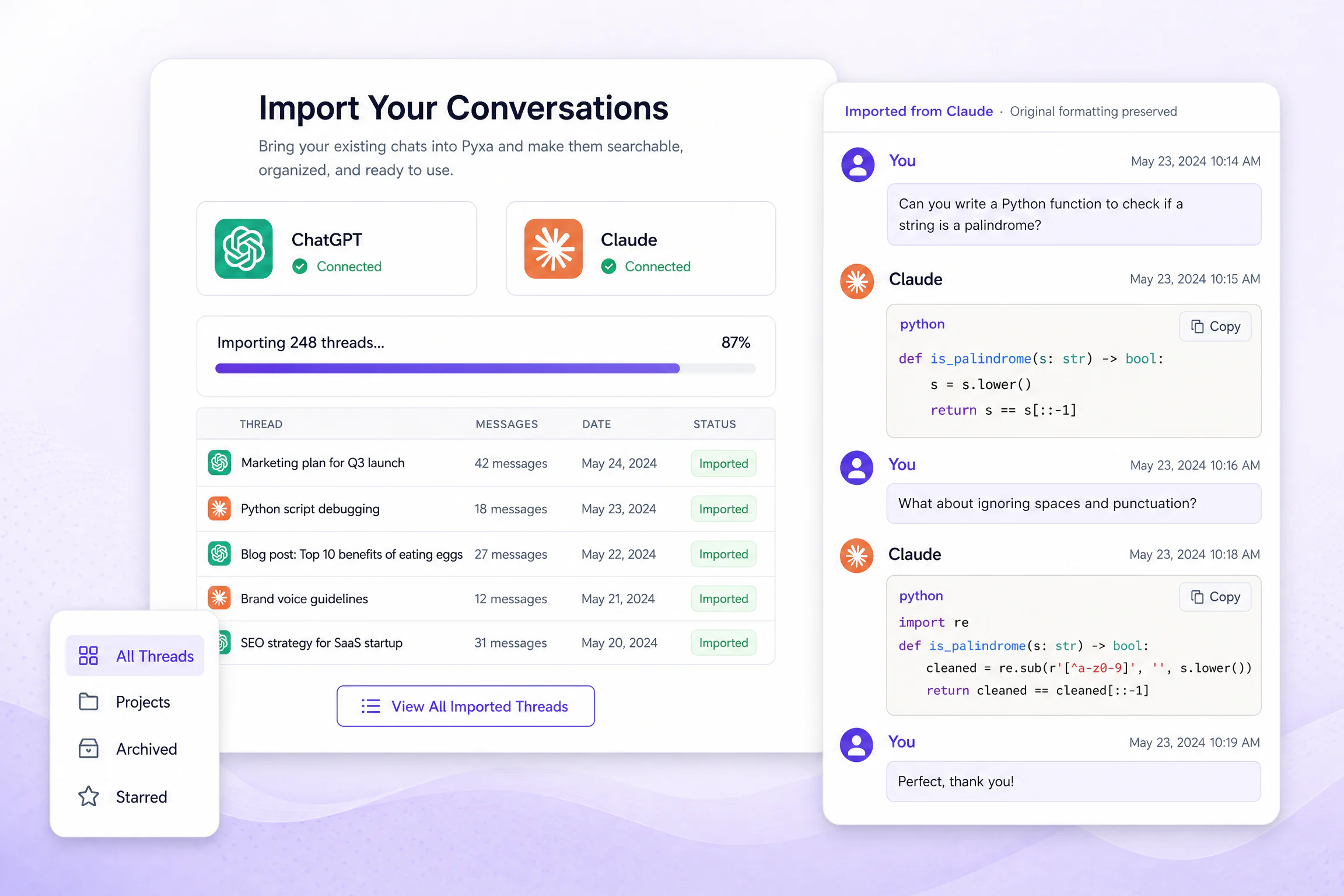
Real screens from the Pyxa app. Pick a feature to see it.
 Lifetime pricing
Pay once. Keep it for life.
No monthly fees, no daily caps, no API keys. New models are added to your plan at no extra cost.
Master Creator
- Text, image, video & voice suites
- AI image editor & creative suite
- 1 external chatbot + training
- 1 Social Media Agent · 2 Skills
- WordPress integration & SEO tools
- Standard support
Ultimate Creator
- Everything in Master Creator
- 2 Social Media Agents
- 3 Skills
- AI model selection & brand voice
- Premium support
Premium Creator
- Everything in Ultimate Creator
- 5 external chatbots
- 5 Social Media Agents
- 5 Skills
- Premium support
Questions people ask
Still unsure? Every plan has a 7-day money-back guarantee.
What is the best AI social media post generator?
Is there a free AI social media post generator?
What is a good AI post generator and scheduler?
What is the best AI Instagram caption generator?
Can AI build a content calendar?
Which social networks does Pyxa AI connect to?
Should I still edit AI-written posts?
Post, schedule and measure from one dashboard
Get the Social Media Suite with Pyxa's Ultimate plan for one payment. 7-day money-back guarantee.