Everyday AI users
Chat with any model and switch in one click, without four separate subscriptions.

 AI model comparison · 2026





 One payment · No API keys · 7-day money-back
Every model you would otherwise pay for separately
ChatGPTClaudeGeminiGrok DeepSeek
 PerplexityMidjourney
 Nano Banana
 Flux
 Ideogram
 Imagen 4
 VeoKling
 Luma
 Wan
 HeyGen
 ElevenLabsChatGPTClaudeGeminiGrokDeepSeekPerplexityMidjourneyNano BananaFluxIdeogramImagen 4VeoKlingLumaWanHeyGenElevenLabs
Prices as listed on official pages on 2026-11-25. Pyxa is one payment, with no monthly fees ever.
| Plan | Price | What you get |
|---|---|---|
ChatGPT Plus | $20/mo | OpenAI's GPT models in the ChatGPT app |
Claude Pro | $20/mo ($17/mo billed annually) | Anthropic's Claude models and apps |
Google AI Pro | $19.99/mo | Google's Gemini models with Google AI plan features |
xAI Premium (SuperGrok benefits) | $30/mo | Grok on grok.com and X; check x.ai/pricing for current tiers |
| Pyxa AI Master Creator | $49.99 once | Lifetime access to text, image, video and voice tools with leading AI models in one dashboard. New models added at no extra cost. |
Sum of the four monthly prices above times months vs Pyxa's one-time price. Excludes DeepSeek and Perplexity. Taxes excluded.
An honest AI model comparison has no single winner, because the leading models trade places depending on the task. The practical way to pick is to match the model to the job, check a public leaderboard for that job, and then test two or three models on your own prompt. This page gives a starting map, links to the sources, and a method you can repeat whenever a new model ships.
The six model families most people compare are GPT (OpenAI), Claude (Anthropic), Gemini (Google), Grok (xAI), DeepSeek and Perplexity. Perplexity is a little different from the others: it is built around answers with cited web sources, and it can run on top of several underlying models. Treat it as a research tool first and a general chat model second.
Scores and rankings move every few weeks. We do not print a ranking table here, because it would be out of date soon. Instead we point to the places that update continuously, and show you how to read them.
Start from what you need to produce. These are general tendencies reported by reviewers and leaderboards. Always confirm on the current leaderboard, because a model that leads this month may not lead next month.
| Task | What to look for | Where to check |
|---|---|---|
| Writing and editing | Natural tone, follows style instructions, does not pad. Claude and GPT models are the usual first two to test. | Arena text leaderboard, plus your own blind test |
| Coding | Passes real repository tasks, not just short puzzles. Compare on agentic coding benchmarks and then on your own codebase. | SWE-bench, Arena coding category |
| Research with sources | Cites pages you can open and check. Perplexity is built for this; Gemini and GPT also browse. | Each product's own search or research mode |
| Long documents | Size of the context window and how well the model finds details deep inside a long file. Gemini is known for very large windows. | Official model pages list the window size |
| Math and reasoning | Accuracy on multi-step problems; reasoning modes help but run slower. | Artificial Analysis, Arena |
| Real-time and social topics | Grok is tied to X and live posts; useful for what people are saying right now. | x.ai model page |
| Low cost at scale | DeepSeek is often compared on price-to-quality, mainly through its API. | DeepSeek and Artificial Analysis price charts |
If you only remember one thing from this table: a model that wins on coding does not automatically win on writing. Compare per task.
Leaderboards are the fastest way to see which models are currently strong. Each one measures something different, so use two or three together rather than trusting a single number.
Read the date on every chart, check which exact model version was tested, and remember that benchmark makers can only test what they can reach. A leaderboard tells you where to start your own test; it does not replace it.
Specs such as context window, supported file types and pricing belong on the vendor's own pages. Before you compare, open the current page for each model you plan to test:
Vendors name and version their models often. When a page says "best model yet," that is a marketing claim; the numbers and the date are what you can use.
Most people compare models by chatting with each one on a different day with a slightly different question. That tells you almost nothing. A fair test takes ten extra minutes:
This works with any tool. The slow part is switching tabs and pasting the same prompt into four products, which is the problem the next section addresses.
To compare the big families on their own apps, you pay each vendor. As listed on the official pages on 2026-11-25, the usual entry paid plans are ChatGPT Plus at $20 a month, Claude Pro at $20 a month ($17 a month when billed annually), Google AI Pro at $19.99 a month, and on xAI's pricing page the Premium plan at $30 a month, which xAI describes as including the benefits of SuperGrok. Together that is $89.99 a month, or about $1,080 a year, before DeepSeek or Perplexity.
That is a fair price if you use one of those apps heavily every day. It is a poor deal if what you want is to test models and use whichever fits each task. For a longer walk-through of this problem, read how to compare 20 AI models without paying 20 subscriptions.
Also compare what the subscription is for. A vendor's app is built around its own model and features. A multi-model workspace is built around choosing the model per task.
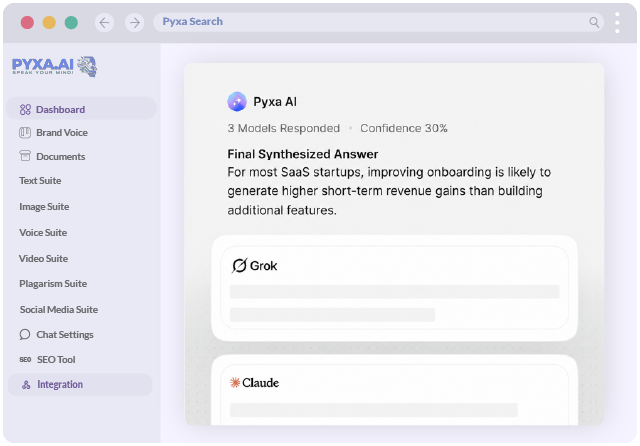
Pyxa AI is an independent platform that integrates with various AI models; it is not affiliated with OpenAI, Anthropic, Google or other providers. Its AI Council is built for exactly this comparison. You run several models (OpenAI, Gemini, Anthropic and more) in parallel on the same prompt and get a combined view of where they agree, where they disagree, and a consensus answer.
That maps onto the method above. Same prompt, sent once. All the full answers side by side. And the disagreements are marked for you, which is where you should spend your fact-checking time: when four models agree it is usually safe, and when they split, you have found the part of the answer that needs a human look.
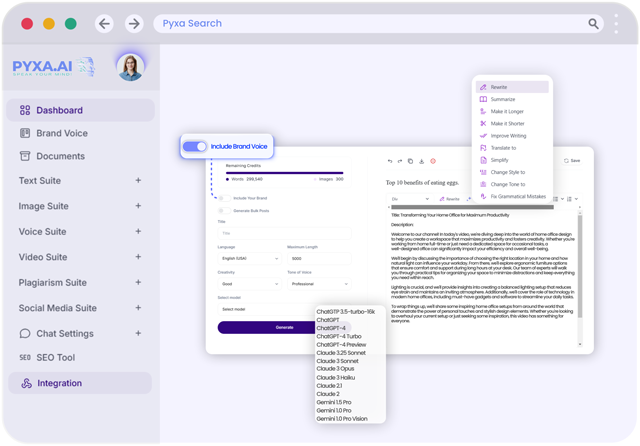
Pyxa's multi-model AI workspace also lets you switch between models with one click, so you can run a task on Claude Sonnet 5.5, then try the same draft on GPT 6.1 Sol, then ask Gemini 3.8, Grok 4.7, DeepSeek v4 or Perplexity, without opening another tab or managing API keys. See the current list on the models page.
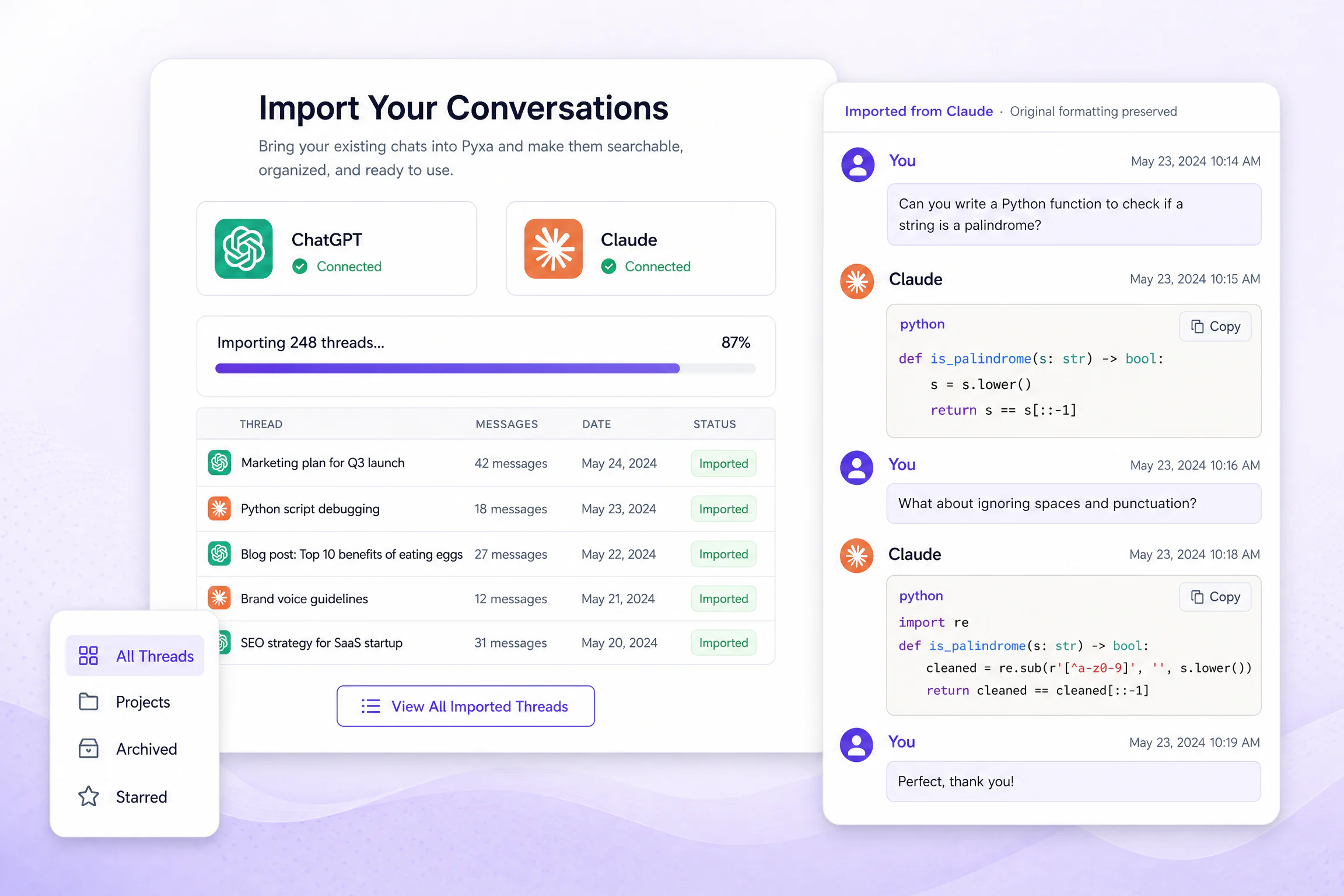
The key difference in cost: Pyxa charges once for lifetime access, and when new models come out they are added to your existing plan for no extra cost. You can also bring your old chats over from ChatGPT or Claude and keep going.
Pyxa is not the right choice for everyone. Stay with a vendor's own app if you depend on features that live only there, such as a specific desktop app, a vendor's coding agent, or enterprise controls your company has already approved. Also stay if you only ever use one model and are happy with it.
Choose Pyxa if you test models often, switch by task, want one place for text, images, video and voice, and would rather pay once than add a fourth or fifth monthly bill. Pyxa also includes AI image tools and 150+ templates, which the chat apps do not bundle in the same way. Plans are $49.99, $99.99 and $149.99, each with a 7-day money-back guarantee; the plan details are on the pricing section of this page.
For deeper head-to-heads, see ChatGPT vs Claude, ChatGPT vs Gemini, and our guide to the best AI subscription.
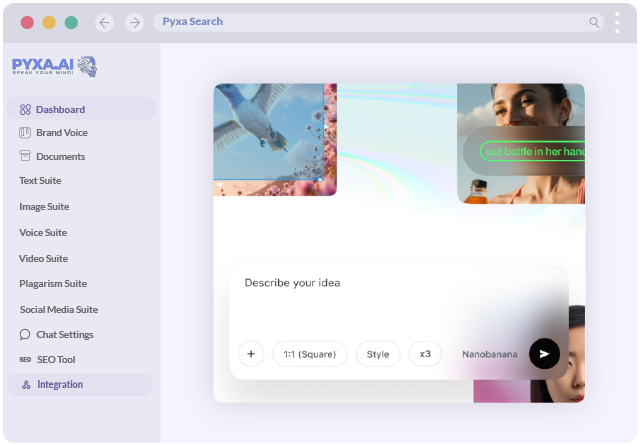
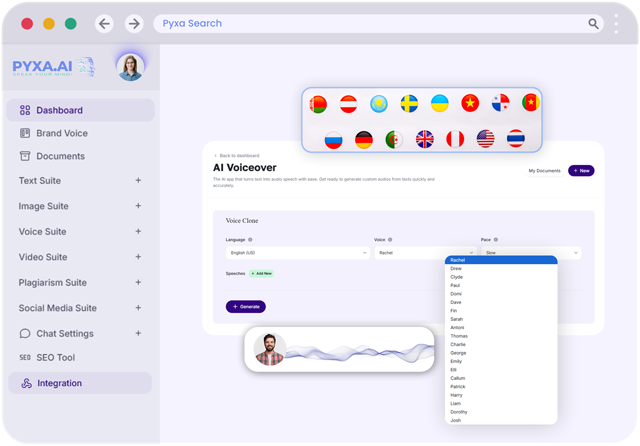
Real screens from the Pyxa app. Pick a feature to see it.
Official pages checked 2026-11-25
Separate subscriptions | Pyxa AI | |
|---|---|---|
| Price | ChatGPT Plus $20/mo, Claude Pro $20/mo, Google AI Pro $19.99/mo, xAI Premium $30/mo | From $49.99 once |
| Billing | Monthly, per vendor | One payment, lifetime access, no monthly fees ever |
| Models in one place | One vendor's models per app | GPT 6.1 Sol, Claude Sonnet 5.5, Gemini 3.8, Grok 4.7, DeepSeek v4, Perplexity |
| Side-by-side comparison | Copy and paste between tabs | AI Council runs models in parallel |
| Agreements and disagreements | You compare by hand | Shown with a consensus answer |
| Switching models | Open another app and sign in | One click |
| New models | Depends on your plan with each vendor | Added to your existing plan at no extra cost |
| Vendor-only features | Full access to each vendor's own apps and tools | Not a replacement for vendor-specific apps |
| Refund | Varies by vendor | 7-day money-back guarantee |
Choose Master, Ultimate or Premium and pay once. Every plan has a 7-day money-back guarantee.
Select the models you want to test, such as GPT 6.1 Sol, Claude Sonnet 5.5 and Gemini 3.8, and run them in parallel.
Review the disagreements, check the facts that matter, and use the consensus answer or switch models with one click.
Chat with any model and switch in one click, without four separate subscriptions.

Write SEO articles with several models, check plagiarism and publish to WordPress in one click.
Keep a brand voice per client and deliver plagiarism-checked drafts faster.
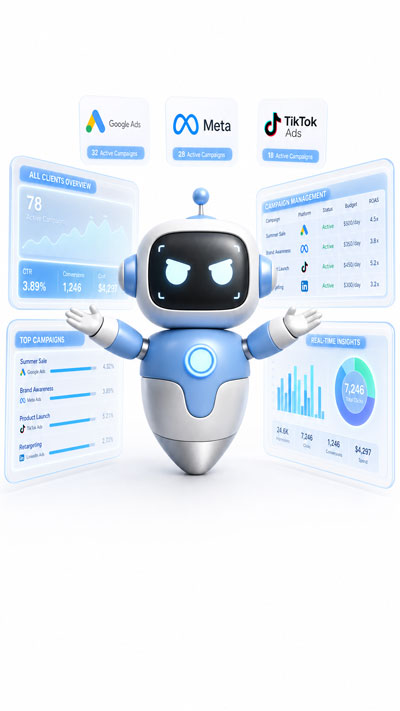
Ad copy, landing pages, emails and creatives for many clients from one place.
Lifetime pricingNo monthly fees, no daily caps, no API keys. New models are added to your plan at no extra cost.
Still unsure? Every plan has a 7-day money-back guarantee.
Get the AI Council, one-click model switching and new models at no extra cost for one payment, with a 7-day money-back guarantee.