 Comparison · 2026
Sora vs Veo: Sora 2 vs Veo 3.1, Compared

- OpenAI's own help center says Sora web and app ended April 26, 2026 and the Sora API ended September 24, 2026. Sora 2 pricing from OpenAI no longer exists to quote.
- Veo 3.1 (Google DeepMind) generates audio natively and offers 720p, 1080p and 4K, with clips of 4, 6 or 8 seconds in the Gemini API docs.
- Google's Gemini API shut down the Veo 3.1 preview models on October 22, 2026, and its video docs now lead with a newer Gemini model. Check Google's current pricing page for Veo 3 pricing.
- Pyxa offers Google Veo 3.1, Kling AI and Luma AI video in one dashboard for a one-time payment, with no daily caps, no API keys and new models added at no extra cost.
Sora vs Veo: the short answer
If you searched sora vs veo expecting a close race, the situation changed in 2026. OpenAI's help center states that the Sora web and app experiences were discontinued on April 26, 2026, and the Sora API on September 24, 2026. The same page says data tied to Sora will be permanently deleted after any final export window. It names no successor.
Veo 3.1 is Google's current flagship video model on its DeepMind page, and it is available through the Gemini app, Flow and Google's developer platforms. So the practical answer is: choose Veo 3.1 for new work, and treat Sora 2 as a model you may be comparing out of curiosity or because you saw older clips.
One caution on dates. Google also retired the Veo 3.1 preview model names in the Gemini API on October 22, 2026, and its main video docs page now centers on a newer Gemini video model. Model lineups here move quickly, so confirm what your account actually offers before you plan a project.
Sora 2 vs Veo 3.1 by what matters
Here is what the official pages let us confirm today, and what they no longer let us confirm.
| Factor | Sora 2 (OpenAI) | Veo 3.1 (Google) |
|---|---|---|
| Status | App and API discontinued (Apr 26 and Sep 24, 2026) | Live in Gemini app and Flow per Google DeepMind; API preview names retired Oct 22, 2026 |
| Audio | Launch post: synchronized dialogue and sound effects | Native audio, always on, including dialogue and effects |
| Resolution | Not verifiable: OpenAI pages removed | 720p, 1080p, 4K (4K and 1080p on 8-second clips) |
| Clip length | Not verifiable | 4, 6 or 8 seconds in the API docs |
| Prompt control | Text and image prompts at launch | Up to 3 reference images, 16:9 and 9:16, extend a clip by 7 seconds up to 20 times |
| Watermark | Not verifiable | SynthID on all Veo output |
We do not quote Sora 2 resolution or length numbers because OpenAI's own pages for them are gone, and third-party lists disagree. Anything you read elsewhere about Sora 2 limits is secondhand.
Realism, motion and audio: who wins
Honest answer: no official source ranks realism or motion, so any "winner" is opinion. Sora 2 was widely praised for dramatic, physically ambitious scenes and for talking-head style dialogue clips. Veo 3.1 is Google's pitch for filmmakers: cinematic framing, synced sound, and tighter control through reference images.
On audio they tie on paper. Both generate sound with the picture instead of leaving you to add it later. On length, Veo's 8-second ceiling per generation means longer scenes need extension or editing. On prompt control, Veo 3.1 has the documented edge: reference images and extension are listed features, while Sora 2 can no longer be checked.
Test with your own prompt. Generate the same 8-second scene in each model you can reach, then judge faces, hands, and whether the audio matches the lips. A model that wins a demo reel can lose on your product shot. Our Kling vs Runway comparison uses the same approach.
Sora 2 pricing and Veo 3 pricing
Sora 2 pricing: there is nothing current to quote. The app and API are closed, and OpenAI's help center covers refunds for existing users. If a site lists a live Sora 2 price today, ask where you would actually pay it.
Veo 3 pricing: Google sells Veo through several routes, including Gemini plans, Flow and per-second API billing, and the numbers change often. We could not confirm a Veo 3.1 per-second rate on Google's pricing page today, so we are not printing one. Google's docs only state that 4K costs more than lower resolutions. Check Google's current pricing before budgeting.
That uncertainty is the real cost of picking a single video model: you may rent a monthly plan for a model that is retired or repriced next quarter.
Verdict by use case
- Social clips with sound: Veo 3.1, 9:16 support and native audio.
- Consistent character or product: Veo 3.1 with reference images, or try Kling image-to-video (see Kling AI image to video).
- Longer scenes: Veo with extension, or stitch several clips in an editor.
- Anything needing Sora specifically: OpenAI no longer offers it, so there is nothing to choose.
- Highest resolution: Veo 3.1 at 4K, on 8-second clips.
Which is the best AI video generator in 2026? No single model wins every shot. Veo 3.1, Kling and Luma each lead on different prompts, which is the argument for testing several.
How to pick a video model without guessing
Spec tables only go so far, so run a short test before you commit money. It takes about an hour and works for any model you can reach.
- Write three prompts from your real work: a product shot, a person speaking, and a moving camera scene.
- Run each prompt on every model at the same aspect ratio. Use 9:16 if the clips are for Shorts or Reels.
- Score five things: faces and hands, motion that obeys physics, audio that matches the picture, text on screen, and how closely the result follows your wording.
- Count retries. A model that needs four attempts costs four times the time and effort of one that lands in one.
Image-to-video is often the more reliable route for brand work, because you control the first frame. Veo 3.1 accepts reference images per Google's docs, and Kling's image-to-video guide covers the same idea. Inside Pyxa you can run the same test on Veo 3.1, Kling and Luma from one dashboard, with no API keys and no separate accounts. Since Sora is closed, Veo 3.1, Kling and Luma are the models to build your workflow around.
Keep your winning prompts in a note. Prompts that work on one model usually need small edits on the next, mostly in camera wording and how you describe sound.
Use Veo 3.1, Kling and Luma in one place with Pyxa
Pyxa is an independent platform that integrates with various AI APIs. It is not affiliated with, endorsed by or sponsored by OpenAI, Google or other AI providers. Its video lineup, as listed on pyxa.ai, is Google Veo 3.1 with multi-shot coherence and natural motion, Kling AI text to video and image to video, Kling AI 3.0 and Kling Avatar, and Luma AI text to video. You can open the Veo 3.1 page and the Kling AI image to video page to see how each works.
OpenAI has closed Sora, so the way forward is Veo 3.1, Kling and Luma. In Pyxa you can run the same prompt on Veo 3.1, Kling and Luma, switch models with one click and keep the best take. When new models come out, Pyxa adds them to your existing plan at no extra cost.
Billing is one lifetime payment instead of monthly plans: Master Creator is $49.99 once, Ultimate Creator $99.99 once, Premium Creator $149.99 once. pyxa.ai lists no daily caps, no API keys and no monthly fees ever, and every plan has a 7-day money-back guarantee. If you want to see current Kling rates first, read Kling AI pricing.
Where Pyxa fits and where it does not
Pyxa is a good fit if you want to compare several video models, plus writing, images and voice, from one dashboard without managing four subscriptions or hunting for API keys. Premium Creator ($149.99 once) adds 5 Skills, 5 Social Media Agents and five external chatbots, and Ultimate Creator ($99.99 once) is the most popular plan.
Stay with Google's own apps if you need the very newest Veo release the day it ships, enterprise terms, or the full Flow editing workflow. Pyxa is an independent platform, so its model lineup follows what pyxa.ai lists rather than Google's own release schedule. Try Veo 3.1 in Pyxa and judge the output on your own prompts.
One dashboard instead of five subscriptions
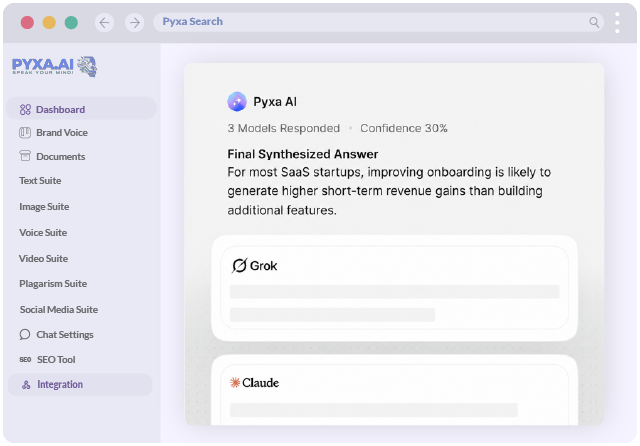
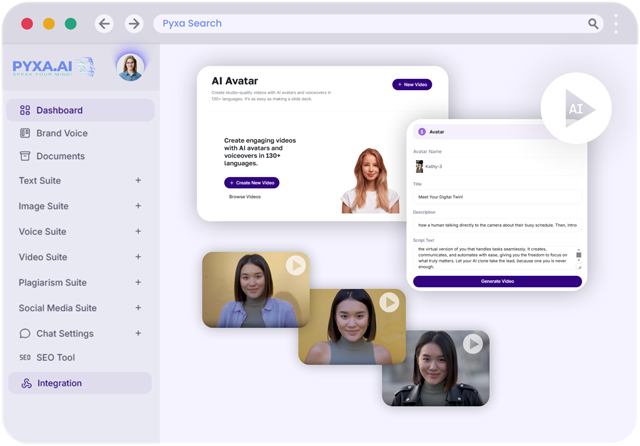
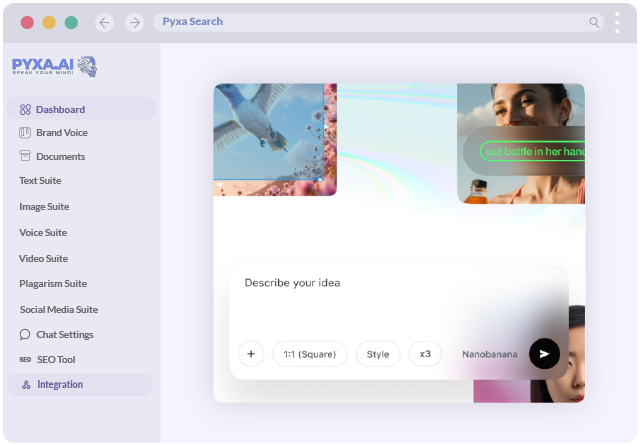
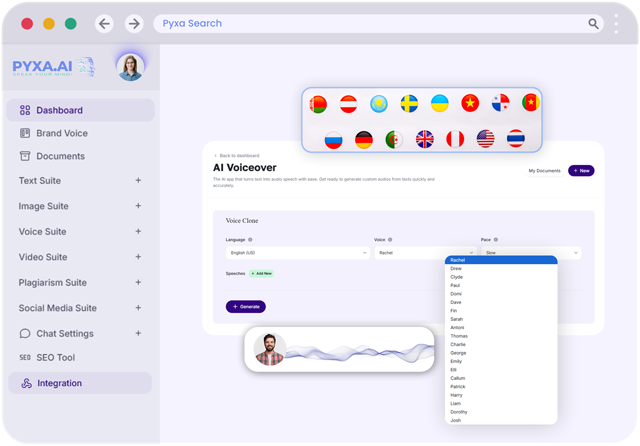
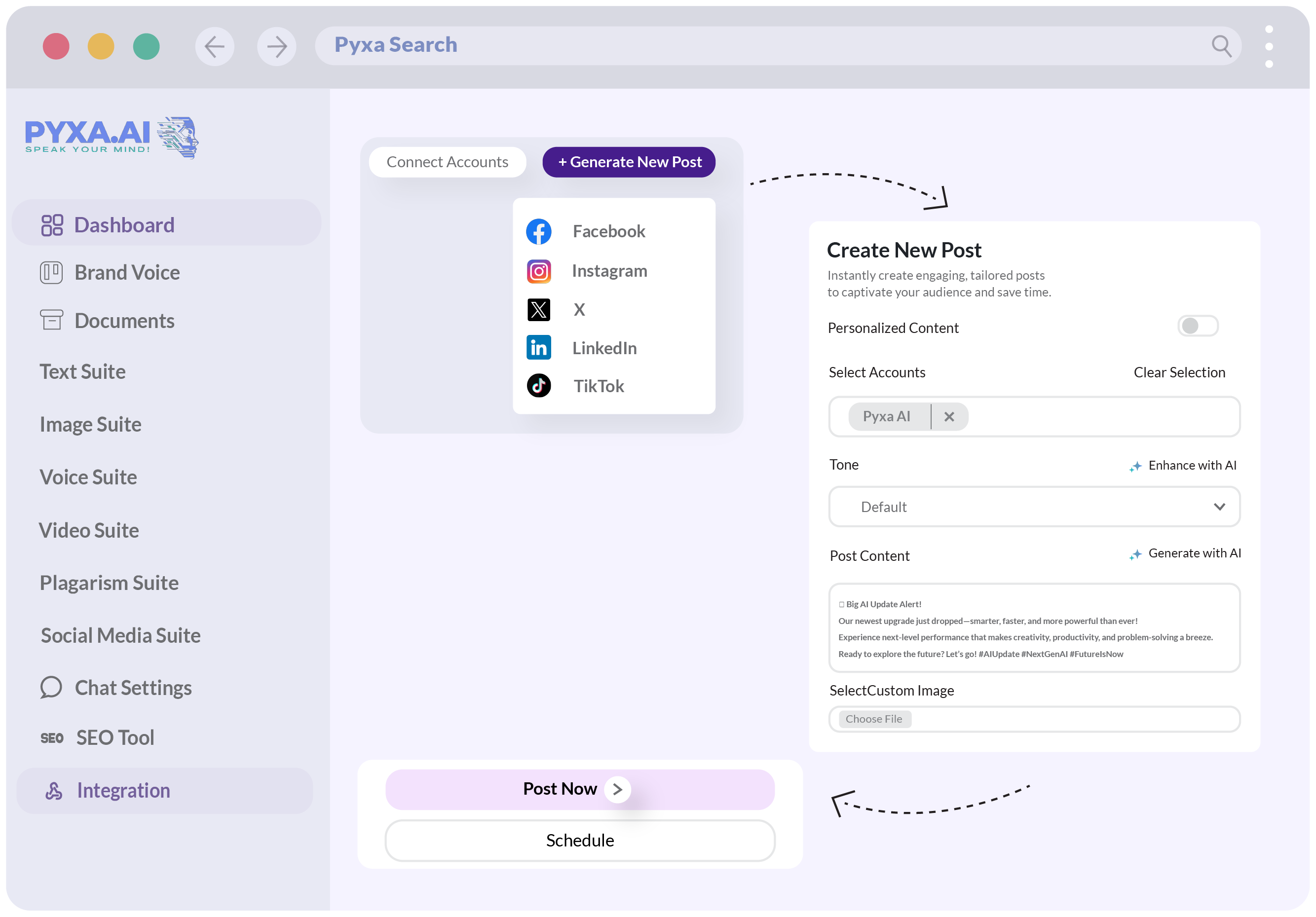
Real screens from the Pyxa app. Pick a feature to see it.
 Lifetime pricing
Pay once. Keep it for life.
No monthly fees, no daily caps, no API keys. New models are added to your plan at no extra cost.
Master Creator
- Text, image, video & voice suites
- AI image editor & creative suite
- 1 external chatbot + training
- 1 Social Media Agent · 2 Skills
- WordPress integration & SEO tools
- Standard support
Ultimate Creator
- Everything in Master Creator
- 2 Social Media Agents
- 3 Skills
- AI model selection & brand voice
- Premium support
Premium Creator
- Everything in Ultimate Creator
- 5 external chatbots
- 5 Social Media Agents
- 5 Skills
- Premium support
Questions people ask
Still unsure? Every plan has a 7-day money-back guarantee.
Is Sora better than Veo?
Is Sora 2 still available?
How long are Veo 3.1 videos?
Does Veo 3.1 generate audio?
What does Veo 3 cost?
What is the best AI video generator in 2026?
Can I use Veo, Kling and Luma in one tool?
Does Pyxa have daily caps or API keys for video?
Compare Veo, Kling and Luma in one login
One lifetime payment, 7-day money-back guarantee, no daily caps, no API keys. New models are added at no extra cost.