 Alternatives · 2026
Descript Alternative: The Best Options for Video, Podcasts, Captions and Voice


- Descript is a text-based audio and video editor with an Overdub voice clone, sold as monthly plans from Hobbyist to Business.
- Pick by job: CapCut for video, Riverside for podcasts, Kapwing for captions, ElevenLabs for voice.
- Pyxa is not a timeline or transcript editor; it fits creators who generate voiceovers and video clips and post them.
- Pyxa Ultimate is $99.99 once with a 7-day money-back guarantee, versus a recurring Descript subscription.
What Descript does, and why people look for a Descript alternative
Descript is an AI video and audio editor built around text-based editing. You record or drag in a file, get an instant transcript, and edit the video or audio by editing the words. Its homepage describes it as record, transcribe, edit, add captions, make clips and publish in one place, and it is popular with podcasters and talking-head video creators.
It also has a voice feature. Descript's own pages describe Overdub as its voice cloning feature: it builds a model of your voice from a recorded sample, then generates new audio in that voice from typed text, so you can fix a flubbed line without re-recording. Descript says you can only clone your own voice (or someone who has given recorded authorization).
People search for a Descript alternative for a few reasons: the monthly bill, the cap on media hours and AI credits, a need for a true timeline editor, or a wish for a stronger voice or video generator. The right pick depends on which of those is yours.
Descript plans and pricing on the official page
Descript's pricing page (checked 2026-11-24) says plans start free and lists four paid tiers. It shows two rates for each tier, which matches annual versus month-to-month billing, so confirm which one you are quoted at checkout.
- Hobbyist: $16 and $24 a month, 10 media hours a month, 400 AI credits a month, 1080p export, 1 seat.
- Creator: $24 and $35 a month, 30 media hours, 800 AI credits, 4K export, 1 to 3 seats.
- Business: $50 and $65 a month, 40 media hours, 1,500 AI credits, 4K export, up to 5 seats.
- Enterprise: custom pricing.
Prices change, so check current pricing before you buy. The point to notice is that every tier is a subscription with monthly media hours and AI credits, which is where a cheaper alternative can save money.
Descript's free plan is useful for testing the text-based editor, but media hours and AI credits are the limits to watch. Heavy podcast producers and teams that edit long recordings every week tend to move up a tier, and a team on Business pays per month for each plan. If you only need voice generation, a smaller tool can cost less than any of these tiers.
The best Descript alternative by need
There is no single best Descript alternative, because Descript bundles several jobs. Pick by the job you do most.
Video editing: CapCut
CapCut has a free plan, and its pricing page lists Pro at $19.99 a month or $179.99 a year (checked 2026-11-24). Choose it if you want a full video editor for short-form and social clips and do not need the transcript-first workflow.
Podcasts: Riverside
Riverside is a recording and editing platform. Its pricing page lists a free plan (up to 720p video) and a Pro plan at $24 a month billed $288 annually ($35 month to month), with unlimited text-based editing and transcription on paid plans. It suits remote interviews and podcasts where recording quality matters.
Captions: Kapwing
Kapwing's pricing page shows Free at $0, Pro at $16 and Business at $50, with auto-subtitling up to 10 minutes on Free and up to 1,000 minutes a month on Pro. It is a simple browser editor if captions are your main need.
Voice cloning: ElevenLabs
ElevenLabs is the specialist for synthetic voices. Its pricing page lists a free tier and paid plans from $6 a month (Starter) and $22 (Creator), though check which plan includes the type of cloning you want. We compare its plans in our ElevenLabs pricing guide.
If a timeline video editor is the core of your work, one of these is the better fit than Pyxa.
Where Pyxa fits as a Descript alternative (and where it does not)
Pyxa is not a timeline video editor and not a transcript editor. You cannot open a recording in Pyxa and cut it by deleting words, so if that is your daily workflow, stay with Descript or one of the tools above.
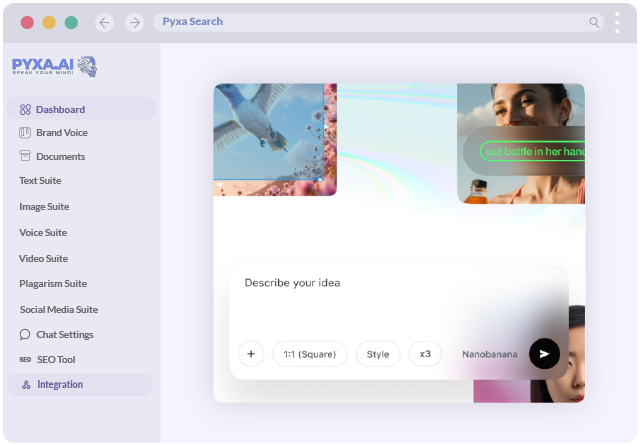
Pyxa fits when you used Descript mostly to create things: narration, voiceovers and video clips, then post them. From one dashboard you get:
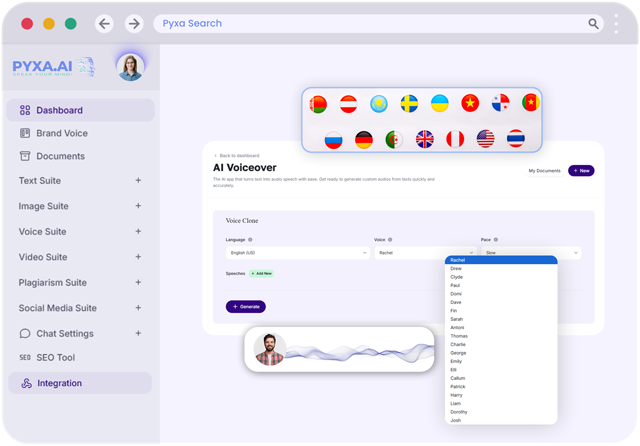
- AI Voiceover: text to speech with emotion and customizable tones. See AI Voiceover.
- Voice Clone: clone a voice and reuse it across scripts. See Voice Clone.
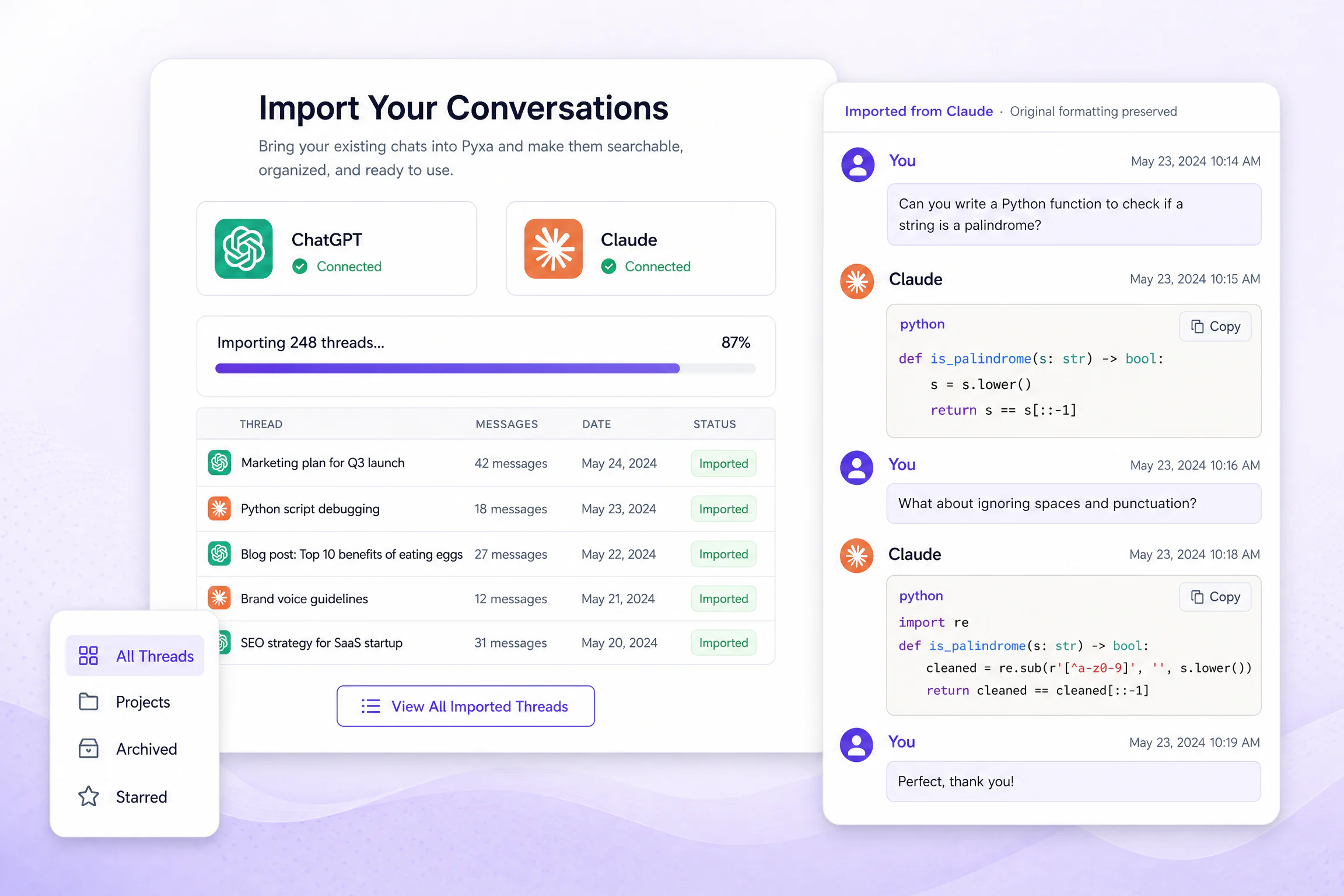
- AI YouTube: turn YouTube videos into blog posts, a quick way to repurpose a recording.
- Video generation: Google Veo 3.1, Kling AI and Luma AI text to video.
- Social publishing: connect Instagram, Facebook, TikTok, X, LinkedIn, YouTube and Pinterest, then post and schedule.
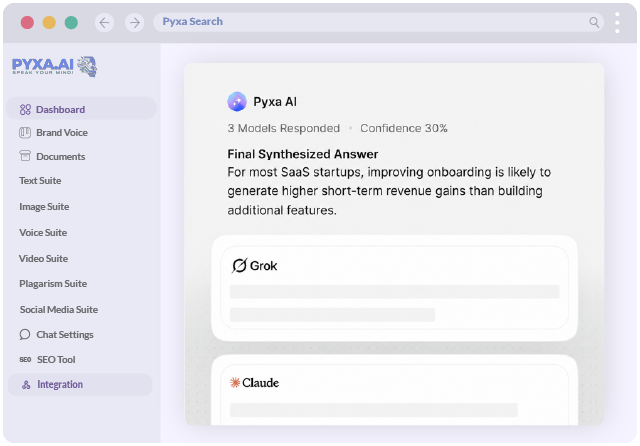
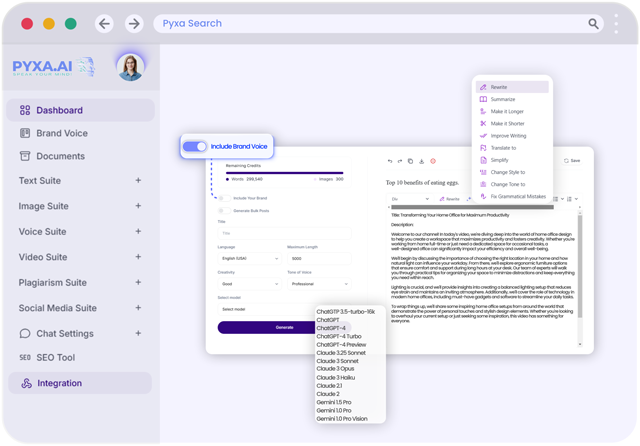
Pyxa also switches between models with one click and adds new models to your existing plan at no extra cost. For the full list of options, read our roundup of the best AI voice generator tools.
A practical workflow: record or edit in a free editor, then use Pyxa to write the script, generate the voiceover, create a Veo 3.1, Kling AI or Luma AI clip, turn a finished YouTube video into a blog post, and schedule the posts. That covers the generating and publishing side of a content week without a second monthly subscription.
Voice cloning and voiceover compared
Descript's Overdub is designed for fixing and extending your own recordings inside an editor. Pyxa's Voice Clone and AI Voiceover are for generating narration from scratch: write the script, pick or clone a voice, set the emotion and tone, and export audio for a video or podcast intro.
If you want the voice tool as a standalone product with the most depth, ElevenLabs is the specialist and pyxa.ai names it among the voice options in the platform. If you want voice next to scripts, images, video and scheduling, an all-in-one dashboard avoids juggling tabs and logins. Our best AI voice generator guide goes deeper on the choices.
Cost: a monthly editor versus one payment
Take Descript's Creator tier at its lower listed rate of $24 a month. Over 12 months that is $288, over 24 months $576 and over 36 months $864 (taxes excluded). At the higher $35 rate, 12 months is $420.
Pyxa's Ultimate Creator plan is $99.99 once for lifetime access, with no monthly fees and a 7-day money-back guarantee. Ultimate is the most popular plan and adds more Skills and Social Media Agents plus premium support over Master Creator ($49.99). Premium Creator is $149.99.
The comparison is fair only if you would use Pyxa's tools instead of Descript's. If you need transcript editing every week, Pyxa does not replace it. If you mostly generate voiceovers and clips, one payment can cost less than a few months of an editor subscription. You can also pair a free editor with Pyxa for the generating side. Our YouTube automation AI workflow shows how the pieces connect for a channel.
Which one should you choose?
- Stay with Descript if you edit recorded podcasts or talking-head video by editing a transcript.
- Choose CapCut or Kapwing for a cheaper or free video and caption editor.
- Choose Riverside if recording quality and remote guests come first.
- Choose ElevenLabs if voice quality is the entire product you need.
- Choose Pyxa if you want voiceover, voice clone, AI video, repurposing and social posting from one lifetime payment.
Many creators combine a free editor with Pyxa, which keeps editing and generating separate and avoids paying a monthly fee for either.
One dashboard instead of five subscriptions
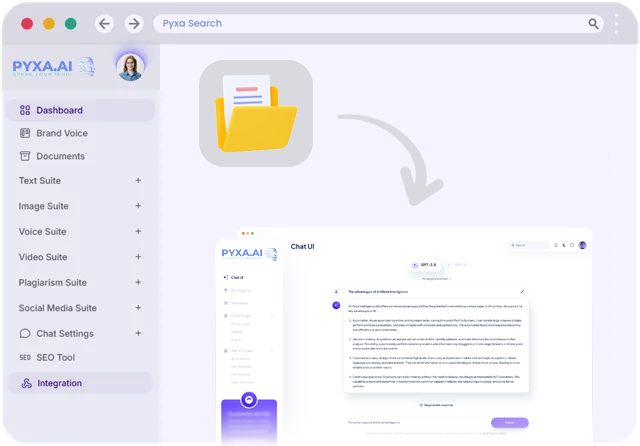
Real screens from the Pyxa app. Pick a feature to see it.
 Lifetime pricing
Pay once. Keep it for life.
No monthly fees, no daily caps, no API keys. New models are added to your plan at no extra cost.
Master Creator
- Text, image, video & voice suites
- AI image editor & creative suite
- 1 external chatbot + training
- 1 Social Media Agent · 2 Skills
- WordPress integration & SEO tools
- Standard support
Ultimate Creator
- Everything in Master Creator
- 2 Social Media Agents
- 3 Skills
- AI model selection & brand voice
- Premium support
Premium Creator
- Everything in Ultimate Creator
- 5 external chatbots
- 5 Social Media Agents
- 5 Skills
- Premium support
Questions people ask
Still unsure? Every plan has a 7-day money-back guarantee.
What is the best Descript alternative?
Is there a free Descript alternative?
What is a cheaper Descript alternative?
Does Descript have voice cloning?
Is Pyxa a video editor like Descript?
What is an AI voice editing tool?
Can I turn a YouTube video into a blog post?
Generate voice and video, then post, for one payment
Get Pyxa Ultimate Creator for a one-time lifetime payment and try it with a 7-day money-back guarantee.