 Canva alternatives · 2026
Alternatives to Canva in 2026: The Best Picks by Use Case

- Canva Pro was listed at US$18 per month on Canva's pricing page on November 24, 2026, with a 50% off promo for the first 3 months.
- Adobe Express Premium is US$9.99 per month; Figma Professional Full seats are US$16 per month; each fits a different job.
- Canva is still the better pick for large template libraries, team workflows and print.
- Pyxa's Ultimate Creator is $99.99 once, with an editor, AI image models, image editing and social scheduling.
The best alternatives to Canva in 2026, by use case
The best alternatives to Canva depend on what you design. Adobe Express suits people who already live in Adobe. Figma suits product and UI work. Kittl suits logos, type and merch. Pyxa suits people who want an editor, AI images and social scheduling for one payment.
Here is the quick map before the details:
- Brand-safe social graphics with Adobe fonts and Firefly: Adobe Express.
- Interface design, prototypes and team design systems: Figma.
- Logos, lettering, T-shirt and print-on-demand art: Kittl.
- An editor plus AI images plus posting, without a monthly bill: Pyxa AI.
None of these copies Canva one-for-one. If you want better alternatives to Canva, start by naming the job you do most often, then pick the tool built for it.
Canva Pro price in 2026: what you pay today
The Canva Pro price shown on Canva's own pricing page on November 24, 2026 is US$18 per month for one person. The same page shows a promotional US$9 per month, which Canva describes as 50% off the first 3 months of a monthly Pro or Business plan, with terms. Canva Business is listed at US$25 per month per person, and Canva Free is US$0.
Canva lists Pro with 3.6M+ templates, 141M+ elements, 5 Brand Kits, 100GB of cloud storage and "10x more AI than Free". The page did not show a yearly Pro price when we checked, so look at the live page before you budget for a year. Taxes are not included.
The part that matters for comparison: Canva Pro is a subscription. At US$18 a month that is US$216 a year, and you keep paying for as long as you want access to Pro features.
Adobe Express: the closest Canva alternative for Adobe users
Adobe Express is the most direct Canva alternative. It has templates, a browser and mobile editor, scheduling and generative AI. Adobe lists a free plan and Express Premium at US$9.99 per month with no annual commitment, which includes 250 generative credits per month per user.
The free plan includes scheduling for 1 account per social network, 10 days of version history and 5GB of storage. Adobe also sells Firefly Pro at US$19.99 per month for heavier video and audio generation, so AI-heavy use can raise the bill.
Choose it if you already use Photoshop or Illustrator files, or you want Adobe's fonts and Firefly in the same place. Stay with Canva if your team already shares Canva templates and Brand Kits.
Figma, Kittl and other tools worth a look
Figma. Figma lists a limited free Starter plan, a Professional Full seat at US$16 per month, and an Organization Full seat at US$55 per month. It is a design tool for interfaces, prototypes and design systems, not a template library for Instagram posts. Pick it for product design, and expect a steeper learning curve than Canva.
Kittl. Kittl markets itself as an AI-first design platform with a free plan, mockups and commercial licenses on paid plans. It is strong for logos, lettering, T-shirts and merch. Its pricing page showed monthly figures billed annually, but the numbers were inconsistent between page sections, so check the live page.
Where AI-first tools fit. Newer tools lean on AI image generation first and layout second. They are fast for one hero image, and slower if you need ten consistent posts. That gap is where an editor plus AI images in one product helps.
When Canva is still the right pick
Canva is still the right pick in several cases, and a fair comparison should say so.
- Big template needs. A library of 3.6M+ templates on Pro is hard to match. If you reuse templates across a team, switching costs time.
- Team workflows. Shared Brand Kits, comments and approvals are mature in Canva.
- Print and presentations. If you make decks, flyers and printed products often, Canva's ecosystem is deep.
- Light use. If Canva Free covers you, paying for anything else is hard to justify.
If none of those describe you, and you mostly make social images and posts, the subscription may be the main reason to look for a canva alternative.
A practical test: list the last ten things you made in Canva. If most were social posts, ads or product images, you are using a small slice of what you pay for. If half were multi-page decks or print jobs for a team, keep Canva and look for savings elsewhere.
A canva ai alternative you pay for once: Pyxa AI
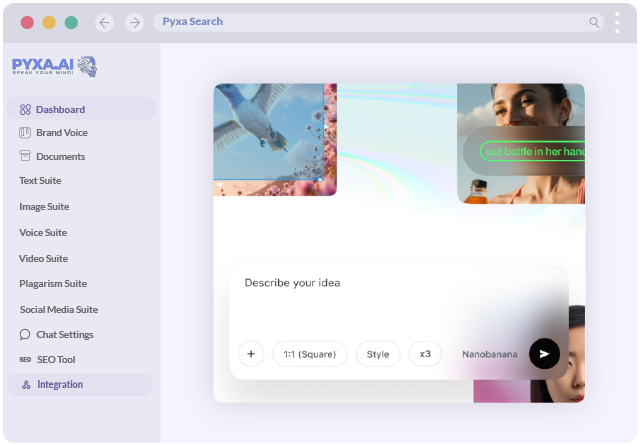
Pyxa is not a Canva clone, and it does not claim Canva's template library. What it offers is a different way to pay for a similar job. Pyxa's AI Creative Suite is a drag-and-drop editor, and Pyxa also generates images with models named on pyxa.ai such as Midjourney, Nano Banana, GPT Image, Imagen 4, Ideogram and Flux Schnell.
For edits, Pyxa's AI image editing can remove backgrounds in one click, enhance an image, refine it and adjust composition. For publishing, you connect Instagram, Facebook, TikTok, X, LinkedIn, YouTube, Pinterest and more, then post or schedule from a content calendar.
If you are comparing against a Midjourney subscription as well, see our Midjourney alternative page for how the image side works.
Pyxa says "They charge monthly. We charge once for lifetime access." There are no monthly fees. New models are added to your existing plan at no extra cost.
Canva Pro vs a one-time payment
Pyxa's Ultimate Creator plan is $99.99 once, with lifetime access and a 7-day money-back guarantee. Canva Pro at US$18 per month passes that amount in six months. The table shows the plain math, with taxes excluded and Canva's promo ignored.
| Months | Canva Pro at US$18/mo | Pyxa Ultimate |
|---|---|---|
| 6 | US$108 | $99.99 once |
| 12 | US$216 | $99.99 once |
| 24 | US$432 | $99.99 once |
The honest caveat: the two products are not identical. You are trading Canva's template depth and team tools for an editor, AI image models and social scheduling that you pay for once. If you need both Canva templates and Pyxa, you can use Canva Free alongside it.
If that mix fits how you work, the AI Creative Suite is the place to start. Also compare the best AI image generators and AI social media post generators.
How to choose between alternatives to Canva
Answer three questions before you switch.
- What do you make most? Posts and ads point to Pyxa or Adobe Express. Interfaces point to Figma. Logos and merch point to Kittl.
- How many people share files? Teams usually stay where templates and brand rules already live.
- How do you want to pay? Monthly plans are easy to cancel. A one-time payment costs less over time if you keep using it.
If you are a solo creator or small business that wants images, edits and posting in one place, try Pyxa's AI Creative Suite. Pyxa's Ultimate Creator plan includes 3 Skills and 2 Social Media Agents on top of the Master features.
Whatever you pick, test it on a real project before you commit. Make one week of posts, export them, and check fonts, sizes and how long the work took. Cancel dates and refund windows matter too: Pyxa offers a 7-day money-back guarantee, and monthly tools let you stop at the end of any billing period.
One dashboard instead of five subscriptions
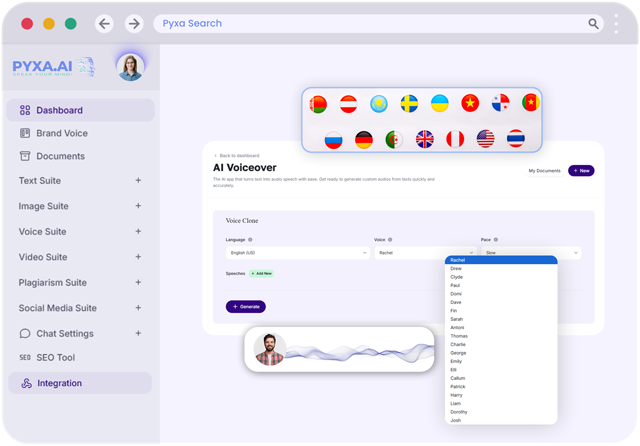
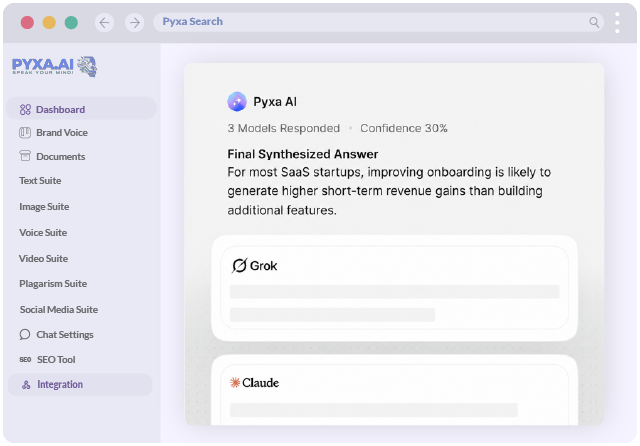
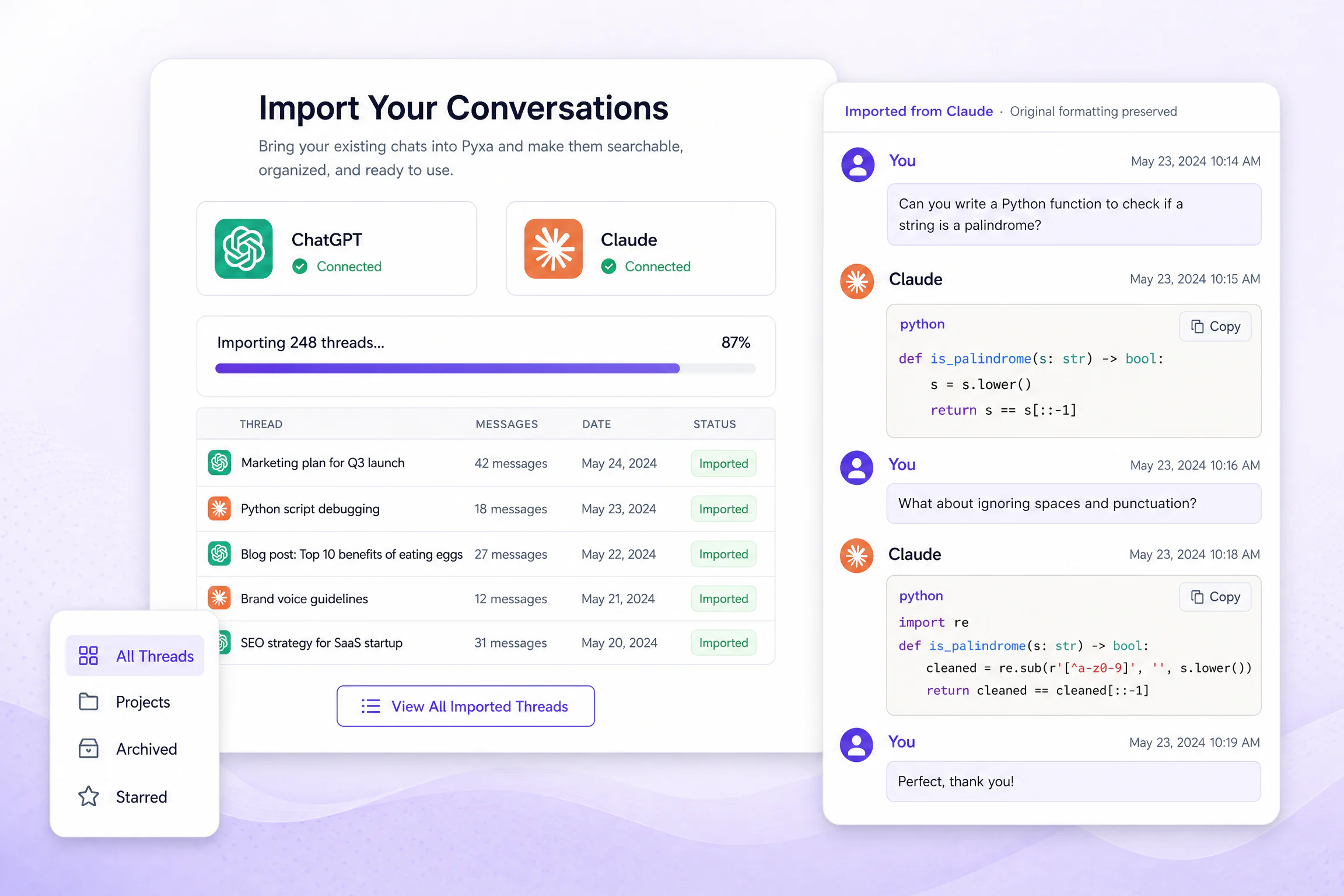
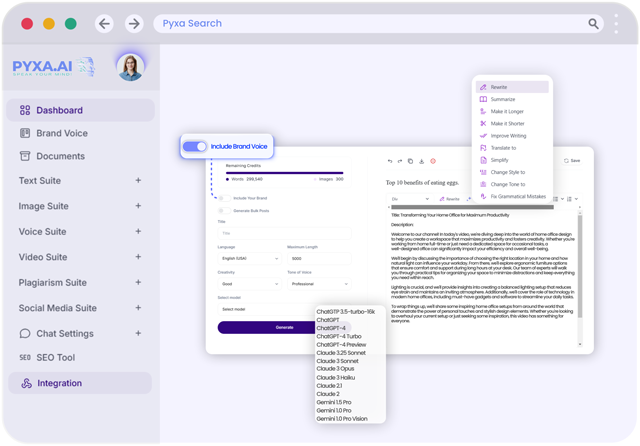
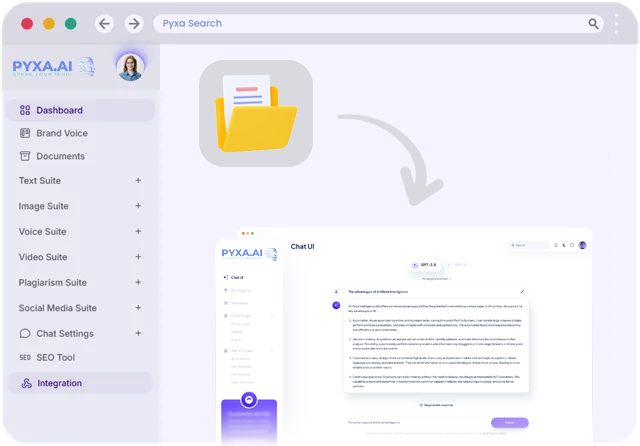
Real screens from the Pyxa app. Pick a feature to see it.
 Lifetime pricing
Pay once. Keep it for life.
No monthly fees, no daily caps, no API keys. New models are added to your plan at no extra cost.
Master Creator
- Text, image, video & voice suites
- AI image editor & creative suite
- 1 external chatbot + training
- 1 Social Media Agent · 2 Skills
- WordPress integration & SEO tools
- Standard support
Ultimate Creator
- Everything in Master Creator
- 2 Social Media Agents
- 3 Skills
- AI model selection & brand voice
- Premium support
Premium Creator
- Everything in Ultimate Creator
- 5 external chatbots
- 5 Social Media Agents
- 5 Skills
- Premium support
Questions people ask
Still unsure? Every plan has a 7-day money-back guarantee.
What is the best alternative to Canva?
How much does Canva Pro cost?
Is there a free alternative to Canva?
What is a good Canva AI alternative?
Can I schedule social posts without Canva?
Is Pyxa a replacement for Canva?
Does Pyxa have monthly fees?
Design, edit and post for one payment
Get Ultimate Creator for $99.99 once, with lifetime access, new models at no extra cost and a 7-day money-back guarantee.