 AI comparison · 2026
Gemini vs Grok: Which AI Is Better for Each Task?


- Gemini wins on Deep Research and Google app integration.
- Grok wins on real-time web and X information.
- Google AI Pro is $19.99/month; Grok runs $8 to $30/month for most people.
- Pyxa AI lets you use Gemini 3.8 and Grok 4.7 together for one lifetime payment.
Gemini vs Grok: which one wins, by task
The honest answer to Gemini vs Grok is that neither wins everything. Gemini is the better pick if you live in Gmail and Google Docs, want Deep Research, or want your storage bundled in. Grok is the better pick if you want live answers pulled from the web and X, or you already pay for X. Here is the verdict task by task, then the price of each plan.
- Research: Gemini, for Deep Research and Google integration.
- Real-time information: Grok, for live web and X posts.
- Writing: a tie. Try both on your own drafts.
- Coding: depends on your tools. Grok pairs with Cursor on its paid plans.
- Images and video: both generate them. Gemini ties into Google Photos, Grok into its Imagine tool.
- Integration: Google apps for Gemini, X for Grok.
We read both official plan pages on November 25, 2026. Prices exclude tax and can change, so confirm before you pay.
Gemini or Grok for research
If you ask Gemini or Grok for research, start with Gemini when the job is a long, structured report. Google lists Deep Research on its paid plans, and your files, mail and documents sit in the same account, which makes it easy to pull your own material into a question.
Grok is stronger when the question is about what people are saying right now. Because it reads the web and posts on X, it suits quick checks on a news story, a product launch or a trend. For anything that matters, open the sources it cites and read them. Both assistants can state wrong facts with confidence, and neither replaces checking a primary source.
Verdict: Gemini for deep, document-style research. Grok for fast, current-events checks.
Real-time information: Grok vs Gemini
This is the clearest split. Grok is built around live information from the web and from X, and that is the main reason people pay for it. If you track markets, memes, breaking news or what a brand is being called this hour, Grok gets you there faster.
Gemini can also search the web, and it connects to Google Search, Maps and your own Google data. It is less tied to social posts. For a question like "what happened in the last hour on X," Grok is the natural tool. For "what does my calendar and inbox say about next week," Gemini is.
Verdict: Grok for live social and news. Gemini for live info about your own Google account.
Writing and coding
For writing, there is no clean winner. Both produce solid drafts, emails and outlines, and the difference is mostly tone and how well each follows your instructions. Run the same prompt through both on a real task and keep the one whose voice you prefer. That test beats any chart.
For coding, the paid Grok plans add Grok Build and, from the $30/month Premium tier, Cursor cloud agents. If you work inside Cursor, that bundle is a real reason to choose Grok. Gemini has its own coding help and fits well if your code lives in Google tools. Neither is a reason to skip a code review.
Verdict: writing is a tie. Coding goes to Grok if you use Cursor, otherwise test both.
Gemini vs Grok for images and video
On Gemini vs Grok for images, both can generate pictures. Grok free users get limited image generation, and the Plus plan opens up more. Video generation arrives on Grok Premium at $30/month. Google AI Pro lists image generation and Veo 3 photo-to-video in Google Photos (US only).
The practical difference is where the output lands. Gemini images and video flow into Google Photos and Drive. Grok output is designed to be posted on X. If you need a specific look, such as a product photo or a particular art style, you will often need a dedicated image model, which neither assistant is.
Verdict: a draw on quality claims we cannot verify. Gemini if you want it in Google Photos, Grok if you want it on X.
Google integration vs X integration
This is the real decision for most people. Gemini works inside Gmail, Docs and other Google apps, and its paid plan bundles 5 TB of storage. If you are a Workspace user, that integration is hard to match.
Grok comes with X. Paid Grok plans carry X features such as the checkmark, longer posts, Articles and analytics. If you build an audience on X, that is useful. If you do not use X, you are paying for features you will never touch.
Verdict: pick the ecosystem you already use. Switching ecosystems for the assistant alone rarely pays off.
Gemini vs Grok plan prices from the official pages
Prices as we saw them on November 25, 2026, before tax:
- Gemini free: $0, with automatic model selection and 15 GB of storage.
- Google AI Pro: $19.99/month ($239.88 a year), with four times the free limits, Gemini in Gmail and Docs and 5 TB of storage.
- Google AI Ultra: from $99.99/month.
- Grok free: $0, with limited chat and images.
- Grok Plus: $8/month.
- Grok Premium: $30/month, with video generation, Grok Bot and Cursor cloud agents.
- Grok Super: $100/month, and Ultra: $200/month.
The closest match is Google AI Pro at $19.99 against Grok Plus at $8 or Premium at $30. Our Google AI Pro price guide and Grok pricing guide go through each tier. Paying for both Google AI Pro and Grok Premium costs $49.99 a month, or $599.88 a year.
How to use both inside Pyxa with AI Council
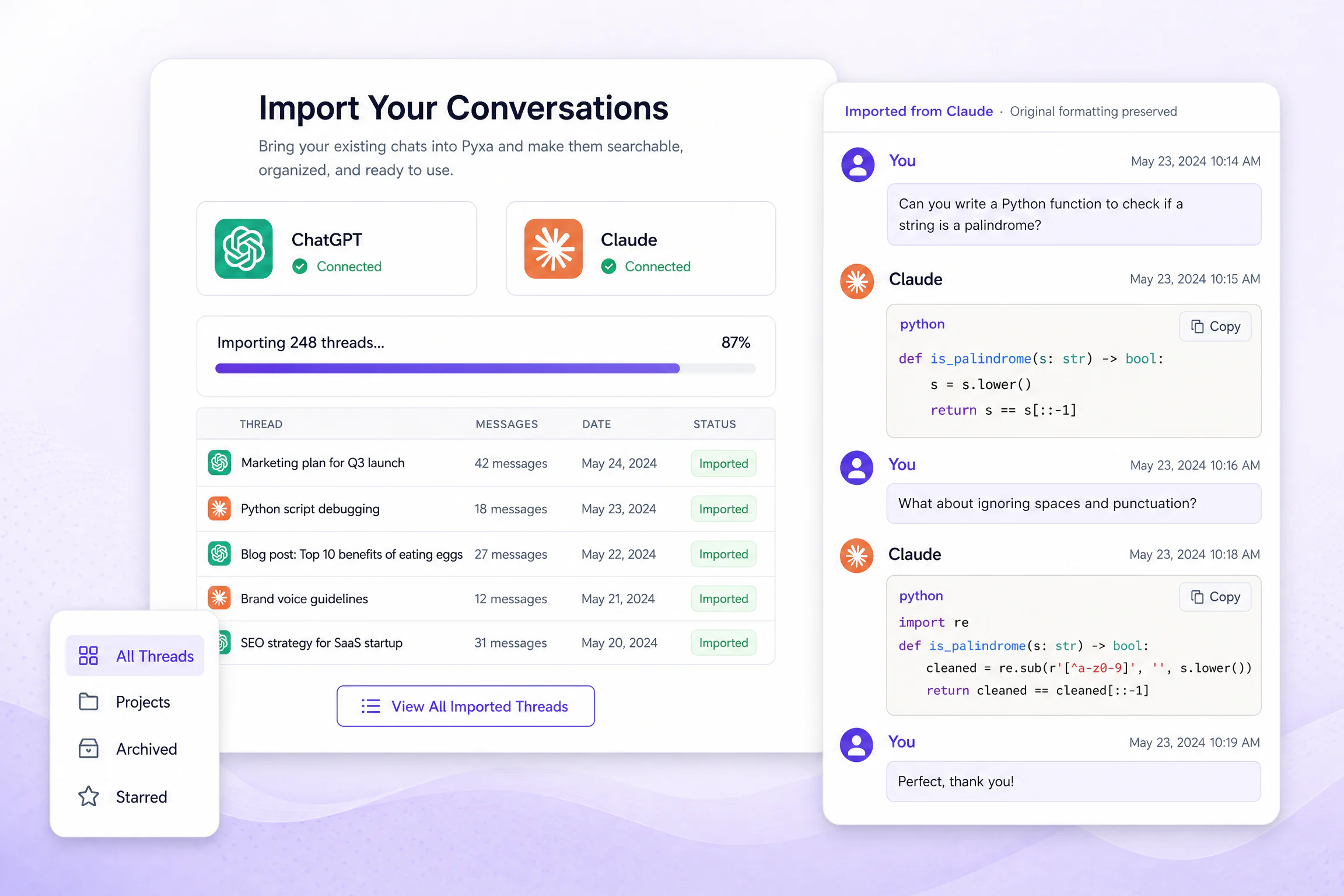
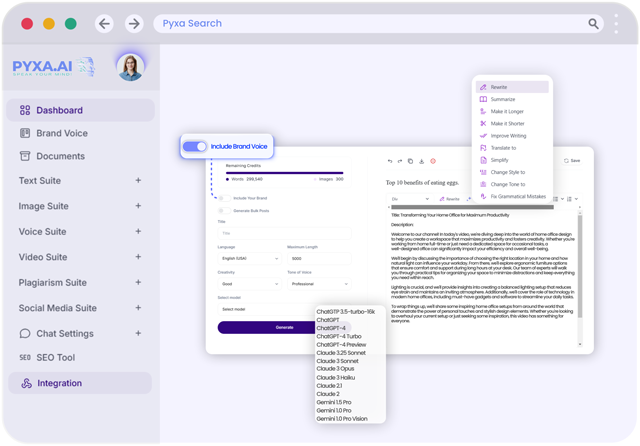
You do not have to pick one. Pyxa AI is an independent platform that integrates several AI models, and its text generator lists Gemini 3.8 and Grok 4.7 together with ChatGPT (GPT 6.1 Sol), Claude Sonnet 5.5, Perplexity and DeepSeek v4. You switch between them with one click, with no extra tabs and no API keys.
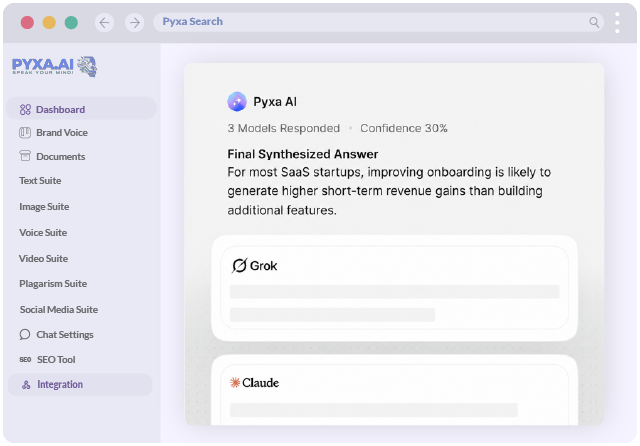
The multi-model AI tool includes AI Council. It runs several models in parallel, such as Gemini and Grok on the same question, and shows where they agree, where they disagree and a consensus answer. That is a direct way to settle a Gemini vs Grok argument on your own prompt.
Pyxa charges once for lifetime access instead of monthly: Master is $49.99, Ultimate is $99.99 and Premium is $149.99, with a 7-day money-back guarantee, and new models are added to your plan at no extra cost. Compared with $49.99 a month for Google AI Pro plus Grok Premium, the lifetime plans cost the same as one to three months of both. Pyxa does not replace Gmail integration, Google storage or X features, so keep those subscriptions if you use them. See Grok pricing and Google AI Pro price before you decide.
Which should you choose?
Choose Gemini if you use Google Workspace daily or want Deep Research and storage in one bill. Choose Grok if live web and X information is the point, or you want Cursor agents on the same plan. Choose a multi-model setup if you flip between assistants and would rather pay once. The model list shows what Pyxa includes.
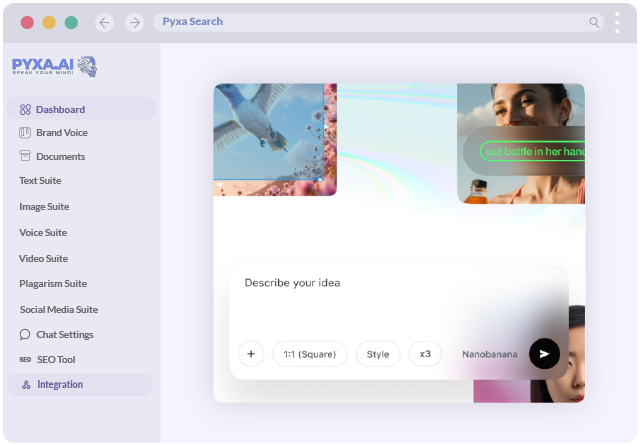
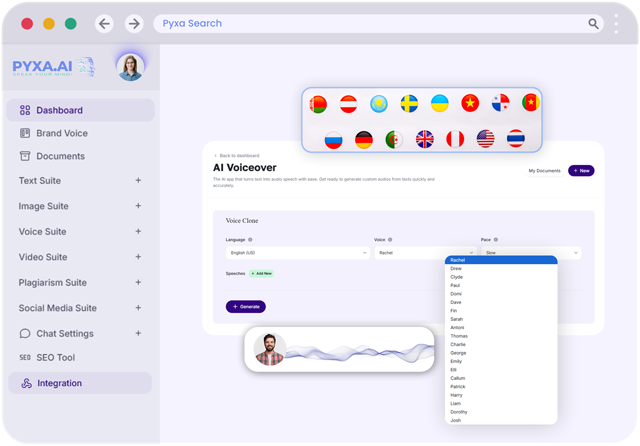
One dashboard instead of five subscriptions
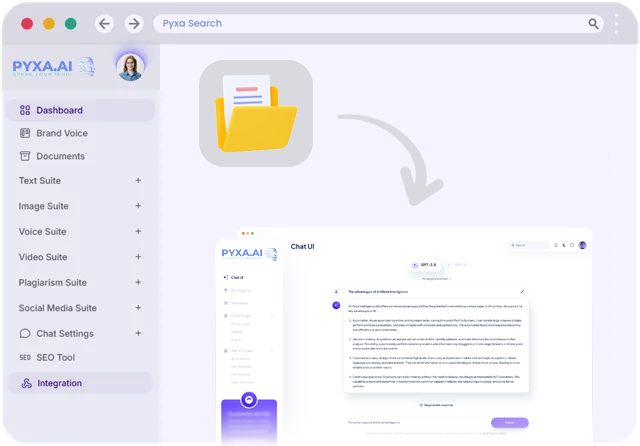
Real screens from the Pyxa app. Pick a feature to see it.
 Lifetime pricing
Pay once. Keep it for life.
No monthly fees, no daily caps, no API keys. New models are added to your plan at no extra cost.
Master Creator
- Text, image, video & voice suites
- AI image editor & creative suite
- 1 external chatbot + training
- 1 Social Media Agent · 2 Skills
- WordPress integration & SEO tools
- Standard support
Ultimate Creator
- Everything in Master Creator
- 2 Social Media Agents
- 3 Skills
- AI model selection & brand voice
- Premium support
Premium Creator
- Everything in Ultimate Creator
- 5 external chatbots
- 5 Social Media Agents
- 5 Skills
- Premium support
Questions people ask
Still unsure? Every plan has a 7-day money-back guarantee.
Is Gemini or Grok better?
Is Grok better than Gemini for research?
How much do Gemini and Grok cost?
Which is better for images?
Can I use Gemini and Grok together?
Use Gemini and Grok in one place
Get lifetime access to Gemini 3.8, Grok 4.7 and AI Council with one payment.