Everyday AI users
Chat with any model and switch in one click, without four separate subscriptions.



 Comparison · 2026
Every model you would otherwise pay for separately
ChatGPT Claude
 Gemini
 GrokDeepSeek
 Perplexity
 Midjourney
 Nano Banana
 Flux
 Ideogram
 Imagen 4
 Veo
 Kling
 Luma
 Wan
 HeyGen
 ElevenLabsChatGPTClaudeGeminiGrokDeepSeekPerplexityMidjourneyNano BananaFluxIdeogramImagen 4VeoKlingLumaWanHeyGenElevenLabsPlus $20/mo; free plan available
DeepSeek: Chat and app free to use
Pyxa: From $49.99 once
GPT-6.2 on PlusDeepSeek: V4 Thinking mode; vendor says it rivals top closed models
Pyxa: Switch between GPT 6.1 Sol and DeepSeek v4 with one click
Codex, projectsDeepSeek: Open weights; agentic coding focus
Pyxa: Compare both models on the same prompt
Custom GPTs, projects, memoryDeepSeek: Competent; stronger on technical text
Pyxa: Run both, keep the better draft
Image creation and voice chats listedDeepSeek: Not listed on its chat page
Pyxa: Image and voiceover tools on every plan
Expanded on PlusDeepSeek: About 1 million (V4)
Pyxa: Depends on the model you pick
ChatGPT price as listed on the official pricing page on 2026-11-25. Pyxa is one payment, with no monthly fees ever.
| Plan | Price | What you get |
|---|---|---|
| ChatGPT Plus | $20/mo | GPT-6.2 reasoning, expanded messages and uploads, image creation, deep research, Codex, custom GPTs |
| DeepSeek chat app | Free | V4 models with Thinking and Non-Thinking modes, file uploads, long-context chat |
| Pyxa AI Master Creator | $49.99 once | Lifetime access to text, image, video and voice tools with leading AI models in one dashboard. New models added at no extra cost. |
ChatGPT Plus at $20 per month times months vs Pyxa's one-time price. DeepSeek's app is free. Taxes excluded.
Here is the short version of ChatGPT vs DeepSeek, task by task. ChatGPT is the broader product. DeepSeek is the cheaper way to get a strong reasoning and coding model, with trade-offs on data location and extras.
If you searched is DeepSeek better than ChatGPT, the honest answer is that it is better on cost and openness, and behind on breadth. Many people end up using both.
DeepSeek V4 comes in two sizes, V4-Pro and V4-Flash, and both support a context window of about 1 million with Thinking and Non-Thinking modes. DeepSeek's own release notes say V4-Pro beats all current open models on math, STEM and coding and rivals top closed-source models. That is the vendor's claim, so treat it as a strong sign, not a neutral ranking.
ChatGPT Plus lists advanced reasoning models with GPT-6.2 on its official pricing page. The free ChatGPT plan lists unlimited text chats with GPT-6, so you can test the family before paying.
In day-to-day use, the gap shows up less in raw accuracy and more in handling. ChatGPT tends to explain its steps in a clear, readable way. DeepSeek is strong on formal math and logic but can be wordier. The practical test is simple: run five of your own hard questions through both and compare.
Verdict: a near tie on difficult problems; ChatGPT for explanations, DeepSeek for open-weight and cost-conscious reasoning work.
For DeepSeek or ChatGPT for coding, the answer depends on how you code. DeepSeek says V4 is open-source state of the art on agentic coding benchmarks and already drives its own in-house agentic coding. It also works with agent tools such as Claude Code and OpenCode. One third-party review reports an 80.6% score for V4 Pro on SWE-bench Verified. Check the current leaderboard before you rely on any single number.
ChatGPT Plus lists expanded Codex usage and projects, which suits people who want a coding assistant, an agent and a chat in one place. Reviewers commonly rate ChatGPT higher for walking through a bug step by step.
Neither is safe to ship without human review. Pyxa also has an AI Code Generator and multi-model chat if you want to try more than one model on the same function.
ChatGPT is the safer pick for writing. Plus lists projects, scheduled tasks, custom GPTs and expanded memory, which help with repeat jobs such as weekly reports, email replies and brand-voice drafts. Its output usually needs fewer edits for general audiences.
DeepSeek writes competently, and V4 handles long documents well because of its 1 million context window. Reviews we read describe it as stronger on technical and structured work than on strategy and tone. If you write marketing copy for customers, you will likely edit DeepSeek's drafts more.
Verdict: ChatGPT for polished prose and repeatable workflows; DeepSeek for long technical documents and drafts you will edit anyway.
ChatGPT lists image creation on both the free plan (limited) and Plus (more complex and accurate), plus voice chats. On the free plan, voice chats are limited. Plus also lists expanded deep research and early access to new features.
DeepSeek's official chat page describes coding, content creation, file reading, document uploads and long-context conversations. It does not list image generation or voice there. DeepSeek V4.1-Flash added native visual understanding, so it can read images, but that is different from creating them. Check the app for the current feature list, since DeepSeek ships often.
Verdict: ChatGPT, easily. If you need images, voice or video from the same login, Pyxa adds separate models for them; see the AI image generator and AI voiceover pages.
This is where the two differ most, and where your own rules matter more than a benchmark. Both statements below come from the companies' own policies.
If you handle client data, health records or anything regulated, read both policies and ask your compliance contact before pasting it into either app. For sensitive work, a self-hosted open model or a business plan with a data processing agreement is a different category from a consumer chat app. This page is not legal advice.
ChatGPT Plus is listed at $20/month on OpenAI's official pricing page (checked 2026-11-25). The ChatGPT free plan covers unlimited text chats with GPT-6, with limited uploads, images, voice and deep research.
DeepSeek's chat and app are free to try. We did not find a paid consumer plan on its chat site, and its pricing is set per model for the developer API, so check the current pricing page if you plan to build with it. Our DeepSeek pricing guide covers that in detail, and our ChatGPT Plus price breakdown covers the $20 plan.
So the free-versus-paid question is easy: DeepSeek costs nothing to start, and ChatGPT Plus adds limits you may or may not hit. The harder question is what you do when each one is better at a different job. Paying $20 a month for one and juggling a free app for the other is the usual result, and that is the gap a multi-model tool fills.
Choose ChatGPT if you want one polished assistant for writing, research, images and voice, and you are happy to pay $20 a month for higher limits. It is also the easier starting point for people who are new to AI tools.
Choose DeepSeek if you are a developer or analyst who wants a strong reasoning model at no cost, a long context window for large files, or open weights you can run yourself. Accept that its consumer app has fewer extras and that its policy places data in China.
Choose both if your work mixes drafting, coding and checking. The cheapest honest workflow is to ask both models the same question and keep the stronger answer, which is exactly what Pyxa's model switch and AI Council are built for. Many readers who ask whether DeepSeek is better than ChatGPT are really asking how to avoid paying for two tools; one lifetime plan answers that.
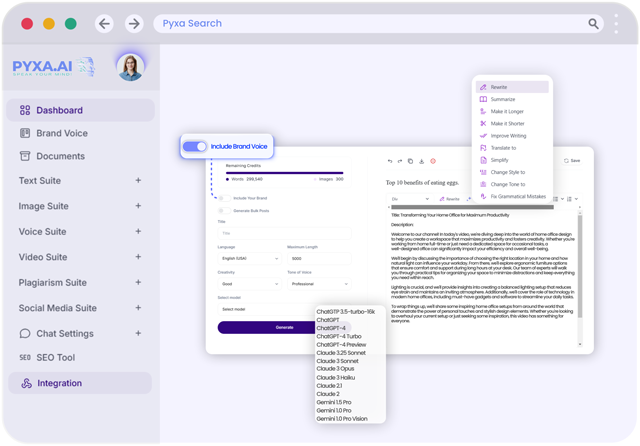
You do not have to pick. Pyxa AI lists GPT 6.1 Sol and DeepSeek v4 among the models you can switch between with one click, alongside Claude Sonnet 5.5, Gemini 3.8, Grok 4.7 and Perplexity. Pyxa is an independent platform and is not affiliated with OpenAI or DeepSeek.
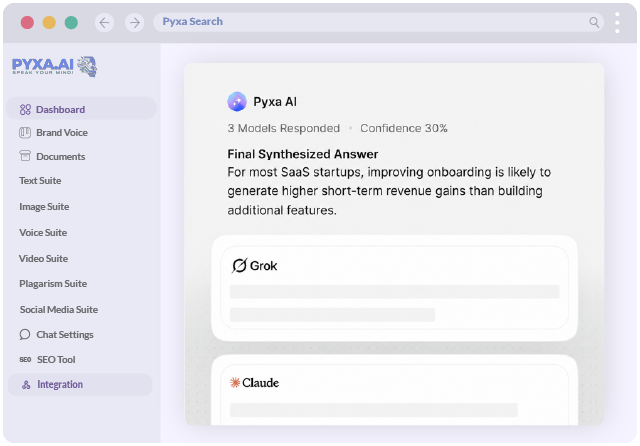
AI Council runs several models in parallel and gives you a combined view of agreements, disagreements and a consensus answer. For the ChatGPT vs DeepSeek question, that means you can send one coding or reasoning prompt to both and see where they differ, instead of copying text between two tabs. Read more on the multi-model AI page.
The pricing model is different too: Pyxa is a one-time payment for lifetime access, with no monthly fees ever, and new models are added to your plan at no extra cost. Every plan has a 7-day money-back guarantee. If you keep ChatGPT Plus for a year, that is $240; the Master plan is $49.99 once.
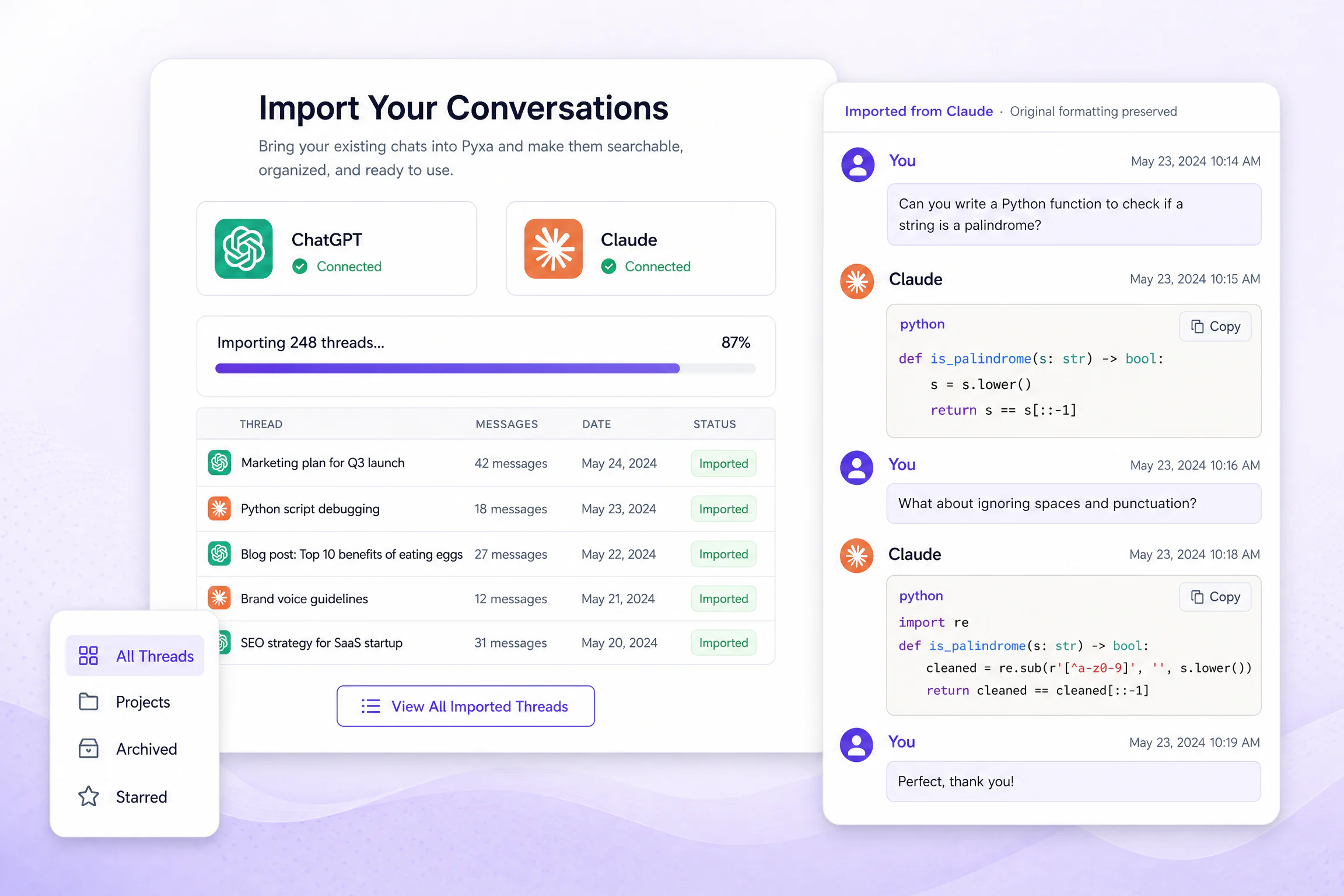
You can also bring old chats over: export from ChatGPT, upload them and keep going, as described on the import conversations page. Not sure about ChatGPT's own limits? Our ChatGPT alternative guide compares the options, and the Claude vs DeepSeek page covers another pairing.
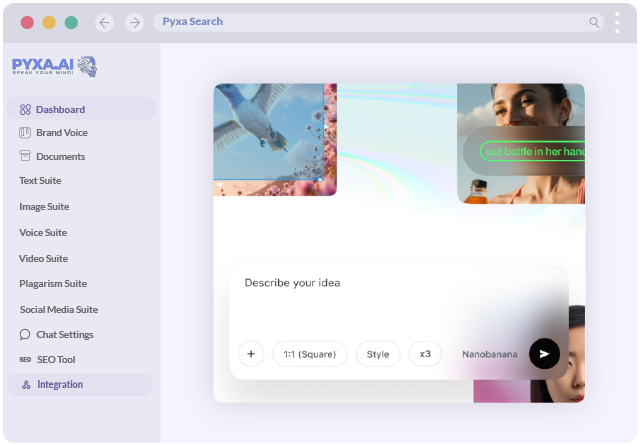
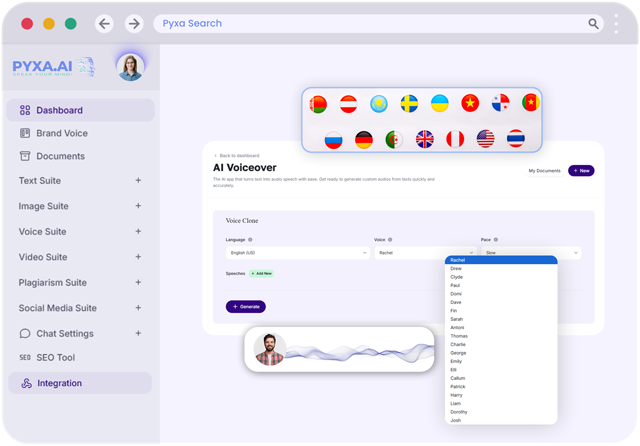
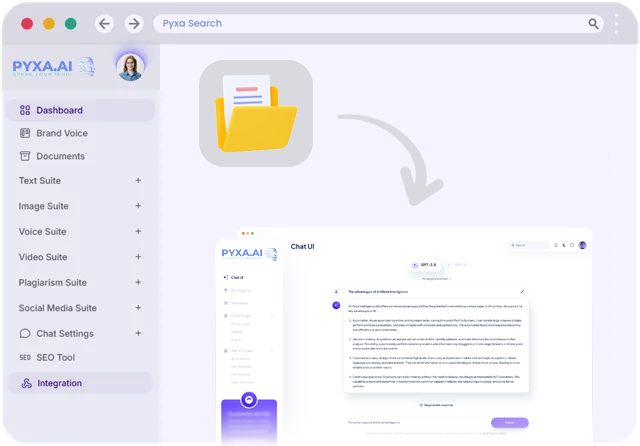
Real screens from the Pyxa app. Pick a feature to see it.
Official pages checked 2026-11-25
| ChatGPT | DeepSeek | Pyxa AI | |
|---|---|---|---|
| Price | Plus $20/mo; free plan available | Chat and app free to use | From $49.99 once |
| Reasoning | GPT-6.2 on Plus | V4 Thinking mode; vendor says it rivals top closed models | Switch between GPT 6.1 Sol and DeepSeek v4 with one click |
| Coding | Codex, projects | Open weights; agentic coding focus | Compare both models on the same prompt |
| Writing | Custom GPTs, projects, memory | Competent; stronger on technical text | Run both, keep the better draft |
| Images and voice | Image creation and voice chats listed | Not listed on its chat page | Image and voiceover tools on every plan |
| Context window | Expanded on Plus | About 1 million (V4) | Depends on the model you pick |
| Data location (per policy) | Servers in various jurisdictions, including the US | Servers in the People's Republic of China | Check pyxa.ai and your own requirements |
| Multi-model view | No | No | AI Council: combined view of agreements and disagreements |
Chat with any model and switch in one click, without four separate subscriptions.

Write SEO articles with several models, check plagiarism and publish to WordPress in one click.
Keep a brand voice per client and deliver plagiarism-checked drafts faster.
Ad copy, landing pages, emails and creatives for many clients from one place.
Lifetime pricingNo monthly fees, no daily caps, no API keys. New models are added to your plan at no extra cost.
Still unsure? Every plan has a 7-day money-back guarantee.
One lifetime payment instead of a monthly plan. 7-day money-back guarantee.