YouTubers
Scripts, voiceovers, thumbnails and video from one dashboard.

 Pricing · 2026





 One payment · No API keys · 7-day money-back


Every model you would otherwise pay for separately
ChatGPTClaudeGeminiGrok DeepSeek
 PerplexityMidjourney
 Nano Banana
 Flux
 Ideogram
 Imagen 4
 VeoKling
 Luma
 Wan
 HeyGen
 ElevenLabsChatGPTClaudeGeminiGrokDeepSeekPerplexityMidjourneyNano BananaFluxIdeogramImagen 4VeoKlingLumaWanHeyGenElevenLabs
Runway bills every month and its credits reset. Pyxa is paid once, with lifetime access and no monthly fees.
| Plan | Price | What you get |
|---|---|---|
| Free | $0 | 125 credits, one time |
| Standard | $15/mo ($12 yearly) | 625 credits per month, about 52 seconds of Gen-4.5 |
| Pro | $35/mo ($28 yearly) | 2,250 credits per month, about 187 seconds of Gen-4.5 |
| Max | $95/mo ($76 yearly) | 9,500 credits per month, one month rollover |
| Pyxa AI Master Creator | $49.99 once | Lifetime access to text, image, video and voice tools with leading AI models in one dashboard. New models added at no extra cost. |
Runway Standard at $15 a month times months, before the yearly discount, versus Pyxa's one-time price. Taxes excluded.
Runway pricing has a free plan and three paid individual plans: Standard, Pro and Max. This is what runway.com/pricing showed on 2026-11-24. Prices are per month, and the yearly column is the monthly equivalent when you pay for a year up front.
| Plan | Monthly billing | Yearly billing (per month) | Credits per month |
|---|---|---|---|
| Free | $0 | $0 | 125 credits, one time |
| Standard | $15 | $12 | 625 |
| Pro | $35 | $28 | 2,250 |
| Max | $95 | $76 | 9,500 |
Team and Enterprise plans exist for companies. Team gives 6,900 credits per seat, shared across the workspace, and Enterprise is quoted by sales, so neither has a public price to compare here.
All paid plans list access to Runway's video and image models, no watermarks and 4K upscaling. Pro adds top-up credits, a Brand Kit and one custom voice clone. Max adds early access to new models, studio-grade output (HDR, ProRes, image sequences) and 500GB of storage.
Runway's yearly toggle is labeled 20% off. In dollars, that is $36 a year saved on Standard ($144 instead of $180), $84 on Pro ($336 instead of $420) and $228 on Max ($912 instead of $1,140).
Two details matter before you commit to a year. First, annual billing does not change the credit rhythm: credits still arrive monthly. Second, on Standard and Pro the monthly credits do not roll over; they reset within 24 hours of your billing date. Only Max carries up to one month of unused credits forward. Credits you buy as extra top-ups never expire, and the minimum top-up is 1,000 credits (top-ups are not available on Free).
Runway credits are priced per second of generated video, and the rate depends on the model. Runway's help center lists these rates, and they apply to Runway's own models and to third-party models it hosts.
| Model on Runway | Credits per second | Cost of a 10-second clip |
|---|---|---|
| Gen-4.5 | 12 | 120 |
| Gen-4 Video Turbo (image to video) | 5 | 50 |
| Veo 3.1, no audio | 20 | 200 |
| Veo 3.1, with audio | 40 | 400 |
| Kling 3.0 Std, no audio / with audio | 9 / 13 | 90 / 130 |
| Kling 3.0 Pro, no audio / with audio | 12 / 17 | 120 / 170 |
| Kling 4.0, 1080p | 24 | 240 |
So a 5-second Gen-4.5 clip costs 60 credits and a 10-second one costs 120. The same 10 seconds of Veo 3.1 with audio costs 400. A model's price is the lever that matters most: the cheapest and most expensive options in the table differ by roughly 8 times.
Dividing each plan's monthly credits by the per-second rate gives the real monthly ceiling. Whole seconds, before failed or discarded takes:
| Model | Standard (625) | Pro (2,250) | Max (9,500) |
|---|---|---|---|
| Gen-4.5 | 52 s | 187 s | 791 s |
| Veo 3.1, no audio | 31 s | 112 s | 475 s |
| Veo 3.1, with audio | 15 s | 56 s | 237 s |
| Kling 3.0 Pro, with audio | 36 s | 132 s | 558 s |
| Kling 4.0, 1080p | 26 s | 93 s | 395 s |
Runway's own pricing page quotes 52 seconds of Gen-4.5 on Standard, 187 on Pro and 791 on Max, which matches this math. It also quotes 104 seconds of Gen-4 Turbo on Standard, while the help center rate of 5 credits a second would give 125, so check the live page for Turbo before you plan around it.
The honest reading: Standard is about one minute of top-tier video a month. That is a trial, not a workflow. Most people who ship video weekly need Pro or Max.
The Runway unlimited plan is now a legacy plan. Runway's help center still has a page titled "Unlimited plan details (Legacy)", describing an Unlimited Mode that generates at a relaxed rate without using credits, and it lists Unlimited alongside Pro at 2,250 monthly credits. But the current pricing page shows only Free, Standard, Pro and Max for individuals, with no Unlimited tier.
If you see an old Unlimited price quoted on a blog, treat it as outdated and check runway.com/pricing. Max, with 9,500 credits and one month of rollover, is the current heavy-use plan, and it is still a credit budget, not unlimited generation.
Runway is a strong product, and some people should simply stay on it.
Stay with Runway if you depend on its own Gen-4.5, Aleph editing, Act-Two character performance or its video editor. Those are Runway's own tools, and Pyxa does not include them.
The plan price is only the start. Three things change what you actually pay for a finished video.
Retakes. Every generation spends credits whether or not you keep it. Most creators run several takes to land one usable clip, so a plan that looks like 187 seconds of Gen-4.5 often delivers a fraction of that as final footage. Plan on keeping one take in three or four until you learn how each model reacts to your prompts.
Audio and resolution. Veo 3.1 doubles from 20 to 40 credits per second when you want sound. Kling 4.0 costs 16 credits per second at 720p and 24 at 1080p. A project that needs audio and full HD burns through a Standard plan in under a minute of footage.
Resets. On Standard and Pro, unused credits disappear at the next billing date. A slow month is a wasted month. Max softens this with one month of rollover, and purchased top-ups never expire, but top-ups are not available on Free and start at 1,000 credits.
None of this makes Runway a bad deal. It makes it a metered one. If your output is steady and you value Runway's own tools, the meter is fair. If your use is bursty, a flat lifetime payment is easier to plan around.
Start with the footage you need each month, not the plan name. Ten finished 10-second clips is 100 seconds. At Gen-4.5 rates that is 1,200 credits if every take is a keeper, and more like 3,600 to 4,800 once you count retakes, which puts you on Pro or Max. At Veo 3.1 with audio, the same 100 seconds is 4,000 credits before retakes.
Then decide whether you need Runway specifically. If you need Gen-4.5, Aleph video editing or Act-Two, pick the Runway plan that fits the math above and pay yearly if you are sure, since that saves 20%. If you mainly want strong text to video and image to video from Veo 3.1, Kling or Luma, test those models in Pyxa first. The 7-day money-back guarantee lets you compare the same prompt across all three before you commit.
Runway itself is not in Pyxa. If you need Gen-4.5 or Runway's editor, Pyxa is not a replacement. But if you mostly want good AI video from the leading models, Pyxa is a cheaper Runway alternative because you pay once instead of every month.
Pyxa gives you Google Veo 3.1, Kling AI text to video and image to video (including Kling AI 3.0 and Kling Avatar) and Luma AI text to video in one dashboard. Pyxa also adds new models to your existing plan for no extra cost. You can try each one from the same login, with no monthly fees ever, no daily caps and no API keys.
Read more about each: Google Veo 3.1 in Pyxa, Kling AI in Pyxa and Luma AI in Pyxa. Pyxa is an independent platform that integrates with various AI APIs and is not affiliated with Runway, Google, Kling or Luma.
The Pyxa dashboard also covers images, voiceovers, text and social posting, which Runway's video plans do not bundle in the same way. That is the real gap for creators who produce more than clips.
Standard at $15 a month is $180 for a year, $360 for two and $540 for three. Pro at $35 a month is $420, $840 and $1,260 over the same spans, before any annual discount. Pyxa Master Creator is $49.99 once, Ultimate Creator is $99.99 and Premium Creator is $149.99, all lifetime.
The trade is plain. Runway gives you its own models and a polished editor on a subscription. Pyxa gives you Veo 3.1, Kling and Luma, plus image, voice and text tools, for one payment and a 7-day money-back guarantee. Head-to-head comparisons are in Kling AI vs Runway, Kling AI pricing and Veo 3 pricing. If you start from a still, see Kling AI image to video.
Video-heavy users should look at Premium Creator; lighter users can start with Master Creator. All plans are listed in the pricing section.
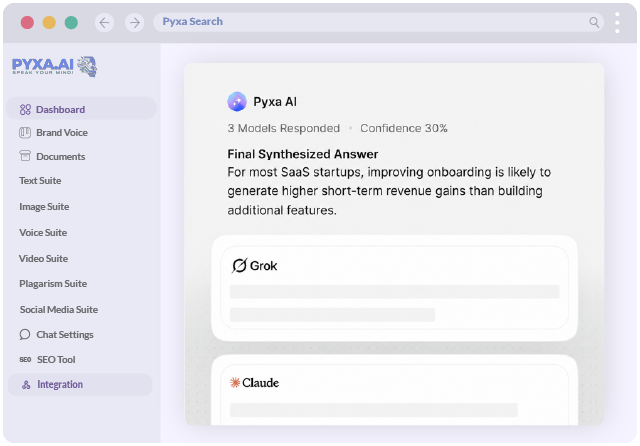
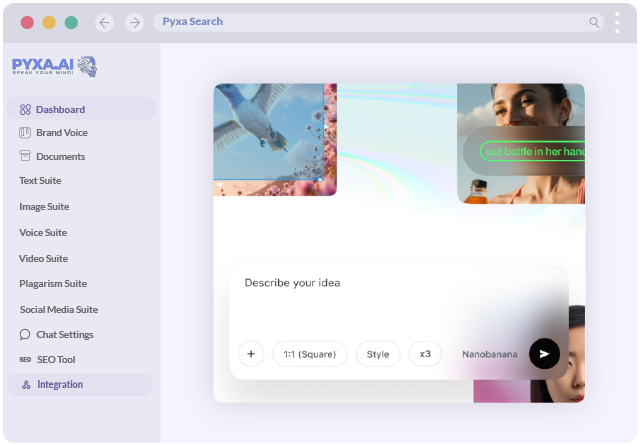
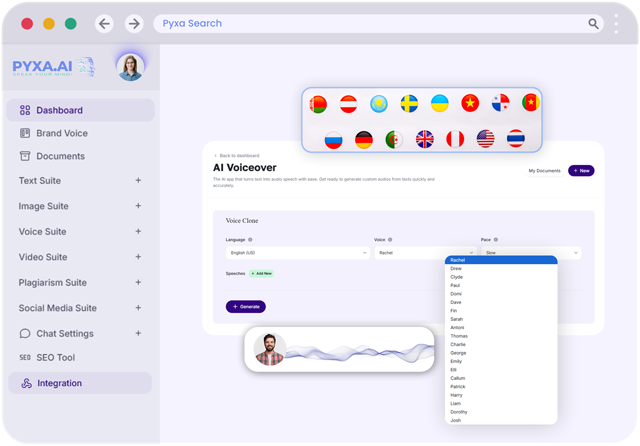
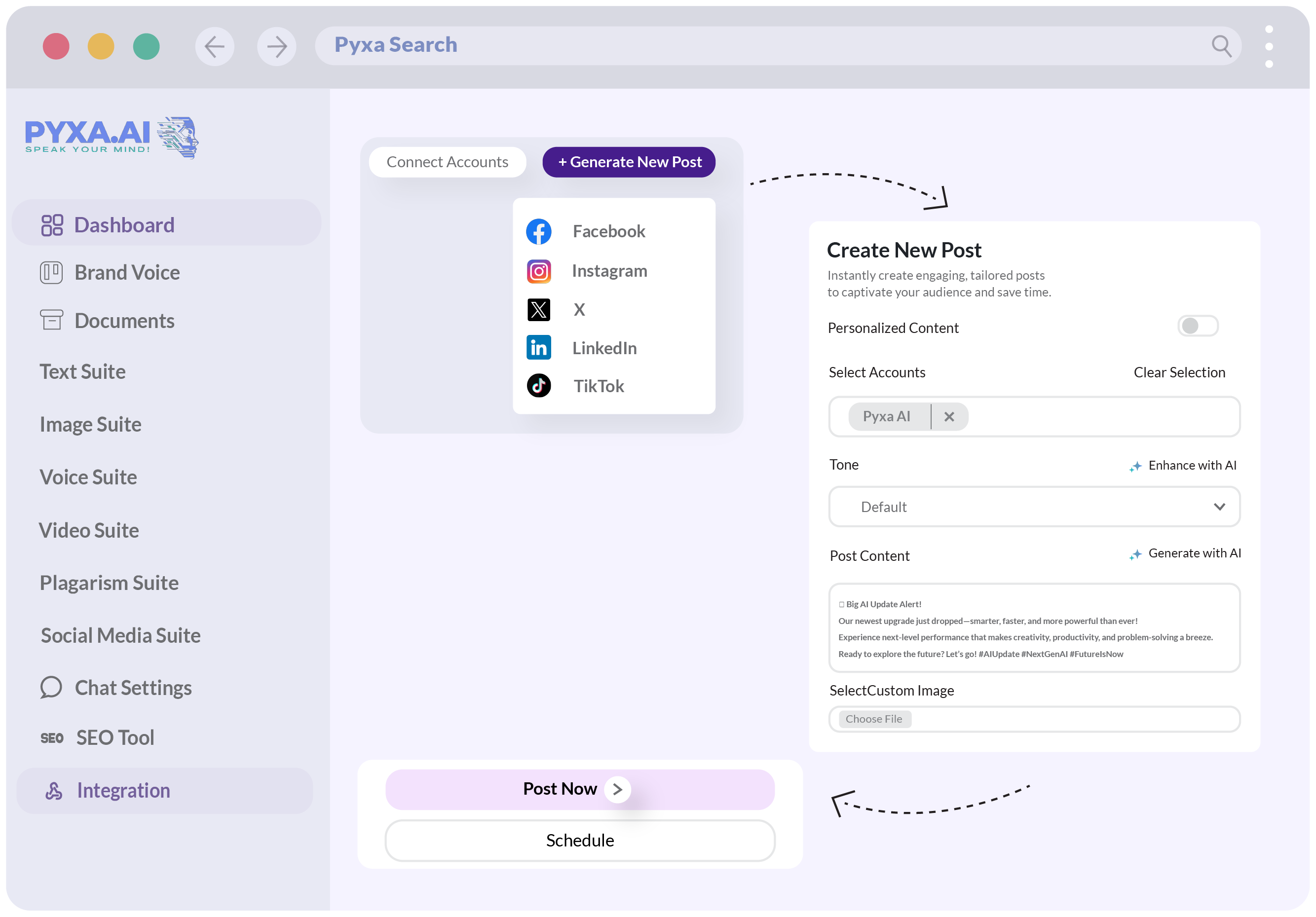
Real screens from the Pyxa app. Pick a feature to see it.
Runway figures from runway.com/pricing and its help center, checked 2026-11-24.
| Runway | Pyxa AI | |
|---|---|---|
| Payment | Monthly subscription, $15 to $95 a month ($12 to $76 billed yearly) | One-time: $49.99, $99.99 or $149.99 |
| Monthly fees | Every month, credits reset on Standard and Pro | No monthly fees ever |
| Runway Gen-4.5 and editor | Yes, Runway's own models and tools | Not included |
| Google Veo 3.1 | Yes, 20 to 40 credits per second | Yes, in the same dashboard |
| Kling | Kling 3.0 and 4.0, 9 to 24 credits per second | Kling AI text/image to video, Kling AI 3.0 and Kling Avatar |
| Luma AI | Not listed in Runway's model table | Luma AI text to video |
| New models | Added as Runway adds them, within your credit budget | Added to your existing plan at no extra cost |
| Beyond video | Image and audio generation, with credits | Text, images, voiceovers, chatbots and social posting in one dashboard |
| Refund | See Runway's terms | 7-day money-back guarantee |
Choose Master Creator, Ultimate Creator or Premium Creator. Heavy video users should look at Premium Creator.
Open Veo 3.1, Kling AI or Luma AI text to video from the same dashboard.
Run the same prompt through each model and compare. Your 7-day money-back guarantee covers the test.
Scripts, voiceovers, thumbnails and video from one dashboard.

Short videos and posts for 5+ platforms in your brand voice.

Product shots that turn into video ads.

Lesson videos, promo graphics and a chatbot for student questions.
Lifetime pricingNo monthly fees, no daily caps, no API keys. New models are added to your plan at no extra cost.
Still unsure? Every plan has a 7-day money-back guarantee.
One lifetime payment, new models added at no extra cost, and a 7-day money-back guarantee. Heavy video users can start with Premium Creator.