YouTubers
Scripts, voiceovers, thumbnails and video from one dashboard.

 Pricing · 2026




 One payment · No API keys · 7-day money-back

Every model you would otherwise pay for separately
ChatGPTClaudeGeminiGrok DeepSeek
 PerplexityMidjourney
 Nano Banana
 Flux
 Ideogram
 Imagen 4
 VeoKling
 Luma
 Wan
 HeyGen
 ElevenLabsChatGPTClaudeGeminiGrokDeepSeekPerplexityMidjourneyNano BananaFluxIdeogramImagen 4VeoKlingLumaWanHeyGenElevenLabs
What Google lists on its own pages, and what Pyxa offers.
| Plan | Price | What you get |
|---|---|---|
| Google AI Plus | $4.99/mo | Video generation and 200 Flow credits |
| Google AI Pro | $19.99/mo | 1,000 Flow credits and a limited trial of Veo 3.1 Lite |
| Google AI Ultra | From $99.99/mo | Veo 3.1 video generation; 10,000 or 25,000 Flow credits ($99.99 and $199.99 tiers) |
| Pyxa AI Master Creator | $49.99 once | Lifetime access to text, image, video and voice tools with leading AI models in one dashboard. New models added at no extra cost. |
Monthly price × months vs Pyxa's one-time price. Taxes excluded.
Veo 3 pricing depends on how you reach it. On Google's own plans, Google AI Pro is $19.99 a month and Google AI Ultra starts at $99.99 a month. Through Google Cloud's Vertex AI, Veo 3.1 is billed per generation at $0.05 to $0.60 depending on model, resolution and audio. There is no one-time Veo purchase from Google.
All figures below were read on Google's own pages on 2026-11-24. Google changes Flow credit costs and model names often (several Veo 3.1 models are already marked as retiring in Flow), so confirm on the linked pages before you pay.
The most common route to Veo 3 access is a Google AI subscription. Google's plans page (gemini.google/subscriptions, checked 2026-11-24) lists these tiers:
| Plan | Price | What Google says about video |
|---|---|---|
| Google AI Plus | $4.99/month | Video generation, plus 200 Google Flow credits |
| Google AI Pro | $19.99/month | Video generation, 1,000 Flow credits, and a limited trial of Veo 3.1 Lite |
| Google AI Ultra | From $99.99/month ($99.99 tier with 5x Pro usage limits; $199.99 tier with 20x) | Video generation with Veo 3.1, 10,000 or 25,000 Flow credits |
Only Pro and Ultra name Veo on the plans page. Pro's wording is a limited trial of Veo 3.1 Lite, the fastest and lightest Veo model. The full Veo 3.1 line is listed under Ultra.
That matters if your search for google veo 3 access ends at the $19.99 plan. You get a real way in, but not unlimited top-quality clips. Check the plans page for your country, since prices and availability can differ.
Flow is Google's AI film studio. It is the tool most people mean when they ask how to use Veo 3: you write a prompt or add a starting image, pick a model, and Flow spends Google Flow credits for each clip.
Google's Flow help page (support.google.com/flow, checked 2026-11-24) says:
In plain numbers, 1,000 monthly credits on Pro covers about 100 Veo 3.1 Lite clips, or about 10 Quality-tier clips while that model is still available. Because the model lineup is moving, treat those as estimates and look at the credit meter in Flow before you plan a project.
The Gemini app is the simplest place to try Veo. You describe a clip in the chat and the app generates it, with no timeline or scene editor. Google's plans page ties Veo 3.1 video generation to the Ultra plan and a limited Veo 3.1 Lite trial to Pro.
The trade-off: the app is quick but gives you less control than Flow. Flow lets you build a sequence of shots and see your credit cost per clip. If you plan to make more than a handful of clips, use Flow and keep the Gemini app for quick tests.
Developers pay per generation instead of a monthly plan. Google Cloud's Vertex AI generative AI pricing page (cloud.google.com/vertex-ai/generative-ai/pricing, checked 2026-11-24) lists these Veo 3.1 price rates in USD:
| Model | Video + audio | Video only |
|---|---|---|
| Veo 3.1 (720p / 1080p) | $0.40 | $0.20 |
| Veo 3.1 (4K) | $0.60 | $0.40 |
| Veo 3.1 Fast (720p / 1080p / 4K) | $0.10 / $0.12 / $0.30 | $0.08 / $0.10 / $0.25 |
| Veo 3.1 Lite (720p / 1080p) | $0.05 / $0.08 | $0.03 / $0.05 |
Google's table labels these as "per 1 count". Third-party guides read that as per second of generated video, which would make an 8-second Veo 3.1 clip with audio about $3.20 at 720p. Google's page does not spell out the unit in the text we read, so verify it on the page before you budget.
The Gemini API has its own pricing page at ai.google.dev. On 2026-11-24 its video documentation was centered on Gemini Omni Flash and we could not confirm Veo rates there, so use Vertex AI's page above or the Gemini API page directly for the current numbers.
Quick math for planning: at the listed 720p rate with audio, ten 8-second Veo 3.1 clips would cost about $32, against about $8 for Veo 3.1 Fast and about $4 for Lite, if the unit is one second. Run a small batch first, because most prompts need several takes before one is usable.
This route suits developers and teams that need an API, want to pay only for what they generate, and are comfortable with a Google Cloud billing account. It is a poor fit if you just want to make a few videos.
If Veo is the only model you will ever use and you make clips every day, Google's own plans are a reasonable fit. They also receive new Veo versions first.
People who search veo 3 vs kling usually want to know which looks better. There is no single winner. Veo 3.1 is known for cinematic lighting and for generating sound with the picture. Kling is strong at image-to-video and controllable camera paths. Luma is often chosen for quick text-to-video drafts.
Because every model has different strengths, the practical approach is to run the same prompt through two or three of them and keep the best take. That is hard to do if each model needs its own monthly plan. See our guides to Kling AI pricing and Kling AI image to video and Runway pricing for the other monthly options.
Pyxa is an independent platform, not affiliated with or endorsed by Google, that integrates with various AI models. It lists Google Veo 3.1 on pyxa.ai as its tool for cinematic video from scripts, with multi-shot coherence and natural motion, aimed at storytelling, ads and concept visuals. See the Veo 3.1 page for the tool itself.
Alongside it, Pyxa lists Kling AI text and image to video, Kling AI 3.0, and Luma AI text to video (Luma AI). You can switch between models with one click, so the Veo 3 vs Kling question becomes a test you run in one dashboard.
The payment model is the difference. Pyxa is one payment for lifetime access with no monthly fees, no daily caps and no API keys. When new models come out, they are added to your existing plan at no extra cost. Plans are $49.99 (Master Creator), $99.99 (Ultimate Creator) or $149.99 (Premium Creator), each with a 7-day money-back guarantee.
Pyxa also covers text, images, voiceovers and chatbots from the same dashboard, so the video tools are not the only reason to use it. The fair limits: Google's own plans remain the place for the full Flow studio and for API billing. If you need either, stay with Google.
At $19.99 a month, Google AI Pro adds up to about $240 over 12 months, $480 over 24 months and $720 over 36 months, before tax. Google AI Ultra at $99.99 a month is about $1,200 over a year.
Pyxa's Ultimate Creator is $99.99 once, and Premium Creator is $149.99 once. The two are not the same product: Google's plan includes Google's own storage and Gemini features, while Pyxa bundles several vendors' video, image, text and voice models. If video from more than one model is the goal, one payment can cost less than a year of Google AI Pro. If you want Flow and Google's storage, you will still pay Google.
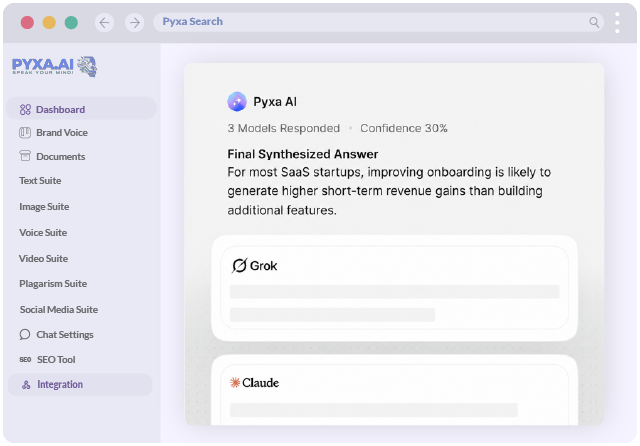
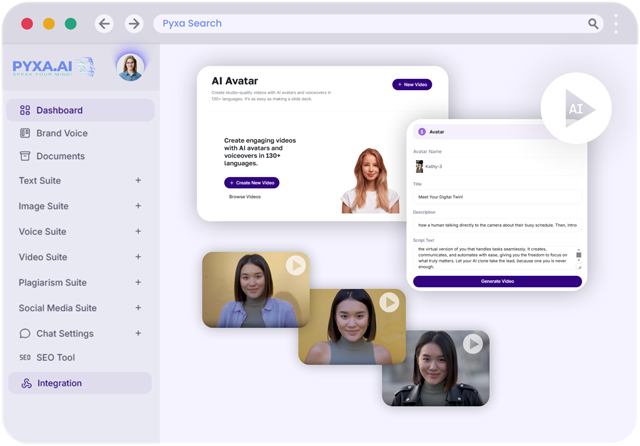
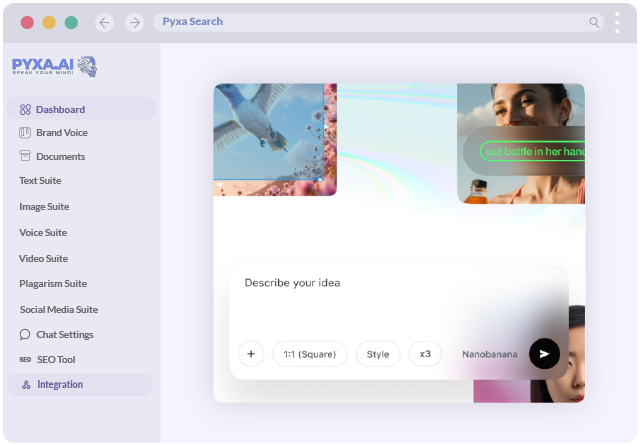
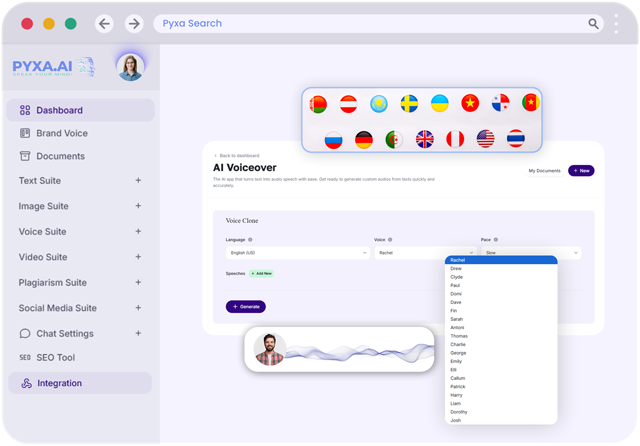
Real screens from the Pyxa app. Pick a feature to see it.
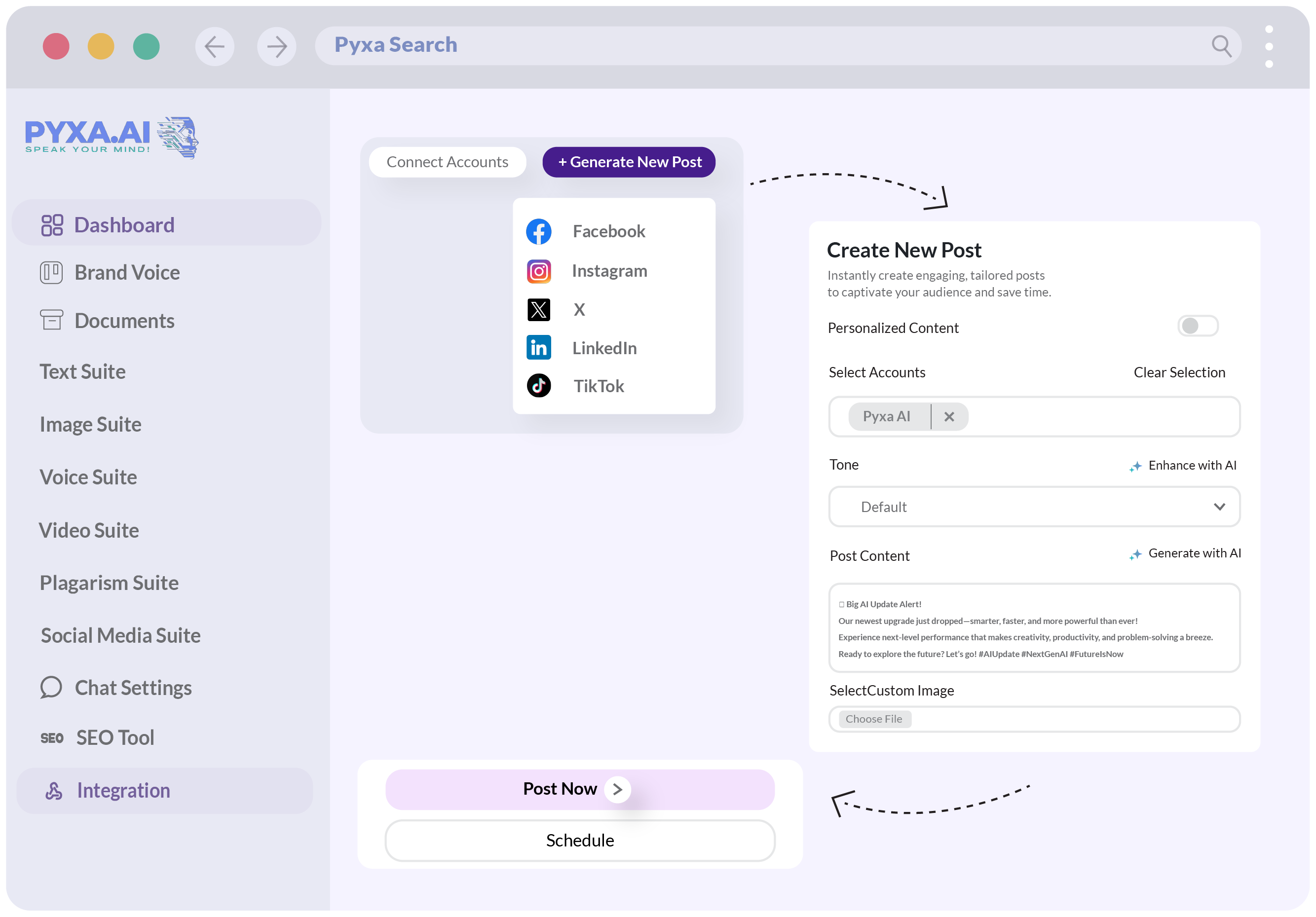
Google figures from its official pages, checked 2026-11-24.
| Google AI plans | Pyxa AI | |
|---|---|---|
| Price model | $4.99, $19.99 or from $99.99 per month | One-time payment: $49.99, $99.99 or $149.99 |
| Veo 3.1 | Pro: limited Veo 3.1 Lite trial; Ultra: Veo 3.1 | Google Veo 3.1 listed |
| Kling and Luma | Not included | Kling AI, Kling AI 3.0 and Luma AI listed |
| Studio for multi-shot films | Flow | Multi-shot coherence in Veo 3.1 |
| API billing | Vertex AI, $0.05 to $0.60 per generation | No API keys needed |
| Daily caps | Credits per plan; 50 per day free | No daily caps |
| New models | Added by Google to its own lineup | Added to your plan at no extra cost |
| Text, images, voice | Gemini features and storage | Text, images, voiceovers and chatbots |
| Refund | Check Google's terms | 7-day money-back guarantee |
Pick Master, Ultimate or Premium Creator. It is a one-time payment with a 7-day money-back guarantee.
Write your script or scene description and generate a cinematic clip.
Run the same prompt in Kling AI or Luma AI with one click and keep the best take.
Scripts, voiceovers, thumbnails and video from one dashboard.

Short videos and posts for 5+ platforms in your brand voice.

Product shots that turn into video ads.

Lesson videos, promo graphics and a chatbot for student questions.
Lifetime pricingNo monthly fees, no daily caps, no API keys. New models are added to your plan at no extra cost.
Still unsure? Every plan has a 7-day money-back guarantee.
Skip the monthly plan. Get lifetime access to cinematic video models in one dashboard, with a 7-day money-back guarantee.