E-commerce sellers
AI product photography, editing and descriptions without a photoshoot.

 Alternatives · 2026



 One payment · No API keys · 7-day money-back

Every model you would otherwise pay for separately
ChatGPTClaudeGeminiGrok DeepSeek
 PerplexityMidjourney
 Nano Banana
 Flux
 Ideogram
 Imagen 4
 VeoKling
 Luma
 Wan
 HeyGen
 ElevenLabsChatGPTClaudeGeminiGrokDeepSeekPerplexityMidjourneyNano BananaFluxIdeogramImagen 4VeoKlingLumaWanHeyGenElevenLabs
Standard is the Midjourney plan most people compare against. Pyxa's Master Creator is $49.99 once, with lifetime access and no monthly fees.
| Plan | Price | What you get |
|---|---|---|
| Basic | $10/mo ($96/yr) | 3.3 hours of Fast GPU time a month, no Relax mode, SD video. |
| Standard | $30/mo ($288/yr) | 15 Fast hours a month, unlimited Relax image generations, SD and HD video. |
| Pyxa AI Master Creator | $49.99 once | Lifetime access to text, image, video and voice tools with leading AI models in one dashboard. New models added at no extra cost. |
Midjourney Standard at $30 a month × months vs Pyxa's one-time price. Taxes excluded. Full Midjourney plan details are in our pricing guide.
The best Midjourney alternative depends on what you make. There is no single winner, and anyone who names one without asking what the image is for is guessing. Here is the short version, checked against each maker's own pages on 2026-11-24.
If you only want the money side of Midjourney, our Midjourney pricing guide lists every plan. If you are deciding whether to keep paying, read is Midjourney worth it first. This page is about what else you could use.
Before you leave, be clear about what you would give up. Midjourney has a recognizable look: bold composition, strong lighting and an art-directed feel that most other models do not produce by default. If your work is mood boards, album art, fantasy scenes or editorial illustration, many people still prefer its output, and no alternative below reproduces it exactly.
Midjourney's Standard plan also has a pricing quirk that works in its favor for heavy users. According to Midjourney's official plan comparison, Standard at $30 a month includes 15 hours of Fast GPU time plus unlimited Relax image generations. If you generate hundreds of images a month and do not mind waiting in the Relax queue, that is hard to beat on cost per image among subscription tools.
It is weaker where the alternatives are strong. It is not a chat-style tool, so asking it to change one object in a photo and leave everything else alone is less natural than with GPT Image or Nano Banana. Text inside images has improved but is not why people pick it. And it is image and video only, so you will need other tools for writing, voice or chatbots.
Stay with Midjourney if your priority is a distinctive aesthetic, you are comfortable with its workflow, and you generate a lot of images every month.
Readable text is the most common reason people look for a Midjourney alternative. Three options are worth testing.
Ideogram is the one built around type-heavy work such as posters, logos, merchandise and ad creative. Its official pricing page (checked 2026-11-24) lists Plus at $20 a month ($15 a month billed yearly) and Pro at $60 a month ($42 billed yearly), plus a $30 per user Team plan. It shows no free plan, only pay as you go at 1 cent per credit. Plus and Pro include private generation and unlimited character consistency.
Trade-off: it is mostly a single-maker tool. Always proofread the spelling before you ship anything, with any model.
Google's developer documentation describes Nano Banana Pro as the premium choice for complex visual tasks, with advanced reasoning to follow detailed instructions and render high-fidelity text. Google's launch post adds text rendering in multiple languages and the ability to combine up to 14 images in one composition, depending on the surface you use. That makes it a strong pick for infographics, mockups and localized graphics.
OpenAI's launch post for ChatGPT Images 2.0 highlights better text rendering, multilingual support and visual reasoning. The advantage is the chat workflow: you ask for a change in plain language and iterate. The trade-off is that you are inside OpenAI's product and plans.
Verdict: try Ideogram first for pure typography, and Nano Banana Pro when the layout or language is complicated.
For photo-style images, three models are the usual answers.
Black Forest Labs' homepage describes its current FLUX 3 family as truer to life in every kind of style, with accurate text rendering. You can use it through an API, a browser playground, or by running open weights on your own hardware, which no other model on this list offers in the same way. That flexibility is the main reason developers and technical creators choose it. If you only want to click a button in a browser, the self-hosting angle does not matter to you.
Google's Nano Banana models handle photo edits and consistent subjects well, and Google's launch post says Nano Banana 2 combines Pro-level capability with much faster generation. It is a good default when you need many realistic variants quickly.
OpenAI's current image models support complexity control and guided edits, and ChatGPT makes them easy to use. For everyday realistic images with a specific composition, it often needs fewer retries than a prompt-only tool.
There is no neutral benchmark that settles this. Run the same three prompts through each model and judge the result yourself; it takes ten minutes and it is the only test that matches your own taste.
Product images need two things Midjourney does not prioritize: your real item staying intact, and edits that change one thing at a time.
GPT Image is documented by OpenAI with a product-style workflow: you supply reference pictures and ask for a new scene, for example a gift basket on a white background containing the items from your photos. Its API also supports edits guided by markup, where you draw on the image to show exactly what to change.
Nano Banana supports conversational editing and multi-image composition, which suits swapping backgrounds, restyling a scene or placing one product in several settings while keeping the look consistent.
If you want this inside an editor rather than a prompt box, the Pyxa Advanced Image Editor and AI product images tools are built for that job, which we cover below.
Whatever you use, check the final image against the real product before publishing. Logos, labels and small text are where generated images most often go wrong.
This is where Midjourney is hardest to replace. Most alternatives lean toward realism or instruction-following; Midjourney leans toward taste.
Leonardo is the closest practical alternative. Its official pricing page (checked 2026-11-24) shows a free plan with a daily allowance, then Essential at $12 a month, Premium at $30 and Ultimate at $60. Paid plans give access to 80+ models, presets and private creations, plus personal AI models you can train (10 on Essential, 20 on Premium, 50 on Ultimate). Unlimited relaxed generation covers only select models on Premium and above. Usage is metered, so work out what a plan covers for the models you actually use.
GPT Image is useful when you need illustrations that follow a brief closely. OpenAI's docs say its current image models can output SVG and animated GIF through the Image API, which helps with simple vector-style graphics.
Ideogram works well for illustration that carries lettering, such as stickers, covers and posters.
Be realistic: if you want the Midjourney look, you will probably stay with Midjourney for that part and use an alternative for the rest.
Yes, but cheaper depends on how you count. Midjourney's Basic plan is $10 a month and Standard is $30 (official plan page, checked 2026-11-24). Alternatives price differently:
A subscription to each tool adds up fast. Three subscriptions at $20 each is $60 a month before you have made anything. That is the real cost problem with trying several models: not any single price, but stacking them. For the Midjourney side in detail, see our Midjourney pricing guide.
A note on Imagen 4: Google's own Gemini API documentation now says Imagen models are shut down and points developers to Nano Banana. Imagen 4 is therefore not a model to hunt for as a standalone subscription. Check the model list of any tool that offers it before you rely on it.
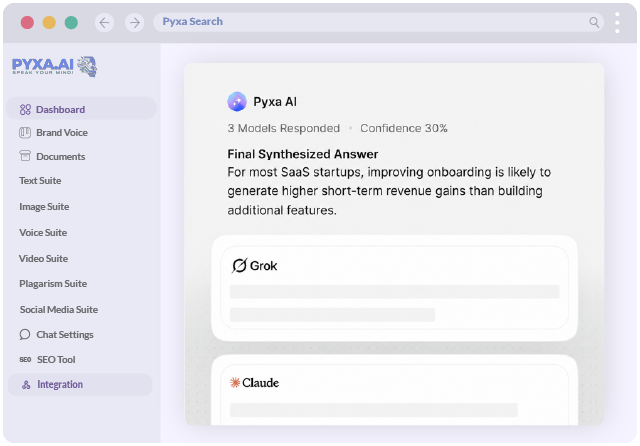
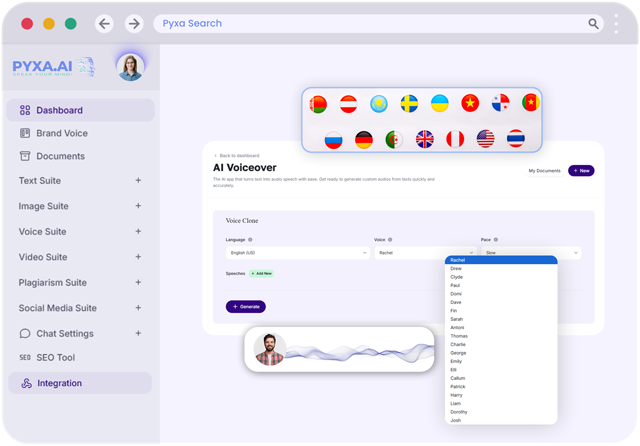
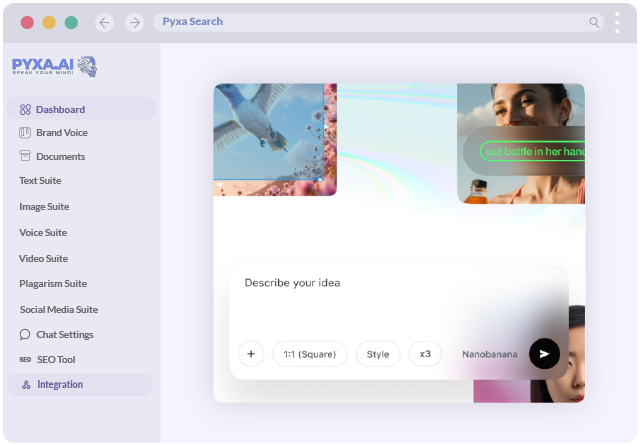
If your answer to "which Midjourney alternative?" is "a few of them, depending on the day", paying for each separately is the expensive route. Pyxa AI is built for that case. Its site names Midjourney, Nano Banana, GPT Image, Imagen 4, Ideogram and Flux Schnell among its image models, and you switch between them with one click.
What you get beyond the models:
The pricing is the point. Pyxa charges once for lifetime access, with no monthly fees ever, no daily caps and no API keys. Master Creator is $49.99, Ultimate Creator is $99.99 (the most popular) and Premium Creator is $149.99. When new models come out, they are added to your existing plan at no extra cost. There is a 7-day money-back guarantee.
Honest limits: Pyxa is an independent platform that connects to other companies' AI models and is not affiliated with Google, OpenAI or Midjourney. pyxa.ai names Flux Schnell, not the newest FLUX family, so if you need FLUX 3 itself or self-hosted weights, go to Black Forest Labs. If you live in Midjourney's own Discord community and workflow, Pyxa does not replace that. For a wider comparison of tools, see our best AI image generator.
Do a one-week test instead of reading more reviews. Pick three prompts from your real work: one with text, one realistic scene or product, one illustration. Run each through two or three models and keep notes on retries needed, not just the best image.
Then decide:
Prices and model names move often. Treat every figure here as a snapshot from 2026-11-24 and confirm on the maker's pricing page before paying.
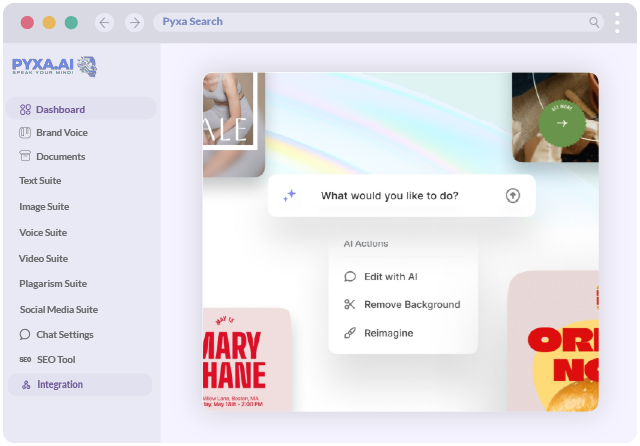
Real screens from the Pyxa app. Pick a feature to see it.
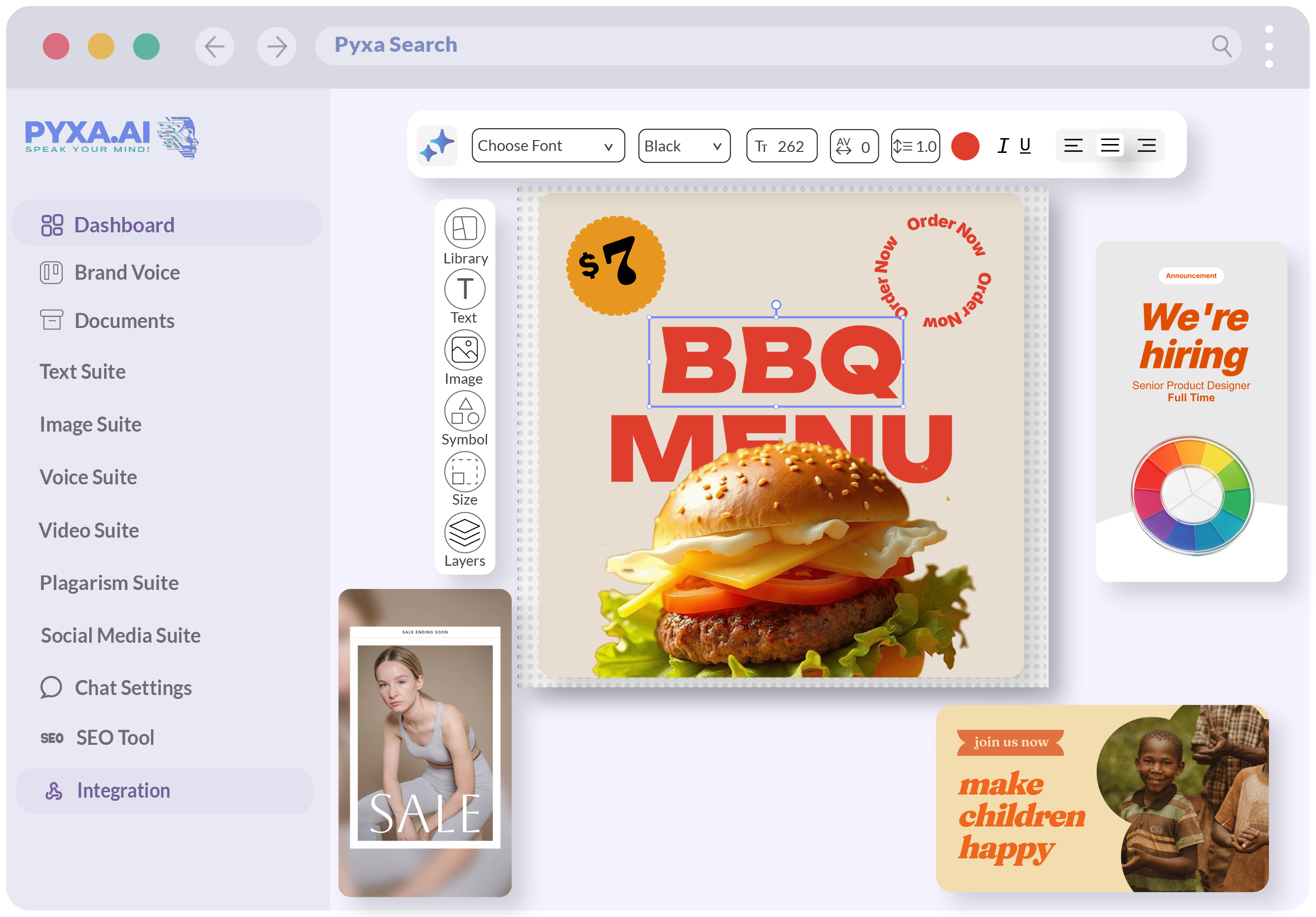
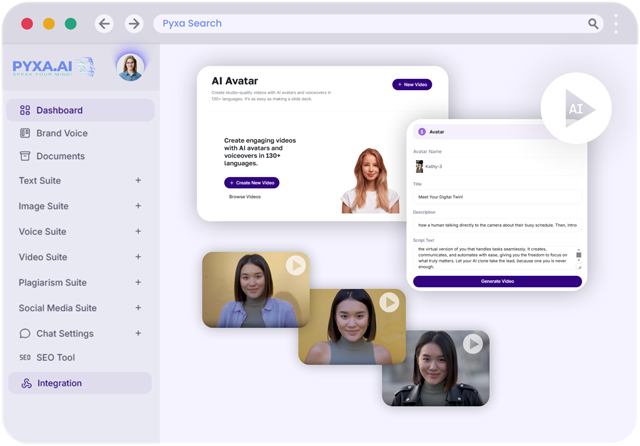
Midjourney details from its official plan page, checked 2026-11-24.
| Midjourney | Pyxa AI | |
|---|---|---|
| Price model | Monthly or yearly subscription: Basic $10, Standard $30 | One-time lifetime payment, $49.99 to $149.99 |
| Image models | Midjourney's own models | Midjourney, Nano Banana 2.1 / Pro, GPT Image 2.5, Imagen 4, Ideogram, Flux Schnell |
| Switching models | Not applicable | One click between models |
| Distinctive art style | Its main strength | Includes Midjourney among its models |
| Text in images | Improving, not its main draw | Choose a model that suits the job, such as Nano Banana or Ideogram |
| Image editing | Midjourney's own editing tools | AI image editing, AI Creative Suite, AI product photography |
| Beyond images | Image and video | Text, images, video, voiceovers and custom chatbots in one dashboard |
| Ongoing cost | Every month while you use it | None after the one payment; new models added at no extra cost |
Pick one with text, one realistic or product image and one illustration, then run them through two or three models.
Add up the subscriptions you would need for the models you liked, and compare with one lifetime payment.
Choose a Pyxa plan, open the AI Image Generator, switch models with one click and refine with AI image editing. The 7-day money-back guarantee applies.
AI product photography, editing and descriptions without a photoshoot.
Graphics, captions and posts for every platform in a consistent brand voice.
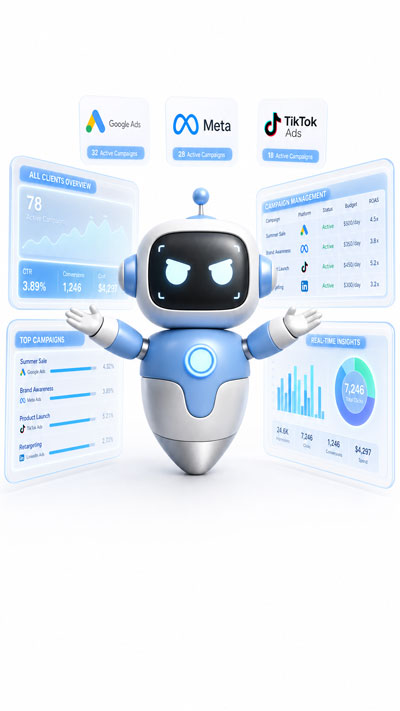
Campaign images and video for many clients, scheduled from one dashboard.

Generate post ideas and visuals, then schedule across every account.
Lifetime pricingNo monthly fees, no daily caps, no API keys. New models are added to your plan at no extra cost.
Still unsure? Every plan has a 7-day money-back guarantee.
Get Pyxa AI once and use Midjourney, Nano Banana, GPT Image, Ideogram and more, with AI image editing, from one login. 7-day money-back guarantee.