Everyday AI users
Chat with any model and switch in one click, without four separate subscriptions.

 Verdict · 2026




 One payment · No API keys · 7-day money-back

Every model you would otherwise pay for separately
ChatGPTClaudeGeminiGrok DeepSeek
 PerplexityMidjourney
 Nano Banana
 Flux
 Ideogram
 Imagen 4
 VeoKling
 Luma
 Wan
 HeyGen
 ElevenLabsChatGPTClaudeGeminiGrokDeepSeekPerplexityMidjourneyNano BananaFluxIdeogramImagen 4VeoKlingLumaWanHeyGenElevenLabs
ChatGPT Plus bills monthly. Pyxa's lifetime plans are paid once.
| Plan | Price | What you get |
|---|---|---|
| Plus | $20/mo | Expanded messages, uploads, image creation, deep research, memory, projects, custom GPTs and Codex usage. |
| Go | $8/mo | Everything in Free with more messages with tools, uploads, image creation and voice. |
| Pyxa AI Master Creator | $49.99 once | Lifetime access to text, image, video and voice tools with leading AI models in one dashboard. New models added at no extra cost. |
Monthly price × months vs Pyxa's one-time price. Taxes excluded.
Whether ChatGPT Plus is worth it depends on how often you run into the Free plan's limits, not on how good the model is. Free already gives you unlimited everyday text chats, subject to abuse-prevention safeguards. What it limits is the heavier stuff: uploads, image creation, voice, deep research, memory and Codex.
Here is the verdict in one pass:
The rest of this page backs each line up with OpenAI's own pages, then shows when a one-time alternative is the better deal.
According to OpenAI's pricing page (checked 2026-11-23), Plus is $20 per month and includes everything in Go plus the items below. Free is $0.
| Feature | Free | Plus |
|---|---|---|
| Text chats | Unlimited everyday text chats | Advanced reasoning models, expanded messages |
| Uploads | Limited | Expanded |
| Image creation | Limited | More complex and accurate image creation |
| Deep research | Limited | Expanded |
| Memory and context | Limited | Expanded |
| Codex and ChatGPT Work | Limited access | Expanded usage |
| Projects, scheduled tasks, custom GPTs | Not listed | Included |
| New features | Standard rollout | Early access |
Two honest caveats. First, OpenAI's help page says Plus gives higher model limits and broader model options, but model availability changes during rollouts, so check the model picker in your account. Second, Plus still has usage limits, such as message caps during high demand. It is more room, not unlimited.
The price itself changes, so for the full breakdown see our ChatGPT Plus price guide.
Plus does not make ChatGPT limitless and it does not include API usage. OpenAI states that API usage billed to an API account is not included in Plus. It also does not give you other companies' models. If you want to compare GPT with Claude or Gemini on the same prompt, you need a second subscription or a multi-model tool.
Also note that OpenAI's own pages describe the model lineup slightly differently depending on the page, and rollouts change what you see. Treat any model name as a snapshot and confirm it in your account before paying.
Plus earns its $20 when ChatGPT is part of your daily work and the limits cost you time. These people usually get their money's worth:
If you recognize yourself here, Plus is a reasonable purchase. The next sections cover the cases where it is not.
OpenAI's help center says free users get unlimited everyday text chats, subject to abuse-prevention safeguards. If your use looks like this, skip Plus:
A simple test: for one week, note every time ChatGPT stops you because of a limit. If it happens fewer than two or three times, $20 a month ($240 a year) buys you little. If it happens most days, Plus, Go or a different setup makes sense.
One more point in Free's favor: you can upgrade any month and cancel when the project ends. Paying for Plus all year "just in case" is the most common way people overspend. Start free, upgrade when a real deadline needs more room, and reassess afterwards.
Compare that with a one-time plan: if you know you will keep using AI for a year or more, a lifetime payment removes the monthly decision entirely. If you are not sure, Free costs nothing and Pyxa has a 7-day money-back guarantee on every plan.
For most students, not at full price. Study help, essay outlines, explanations and summaries fit inside unlimited everyday text chat on Free. Plus starts to pay off for a student with a thesis, many large PDFs to upload, or frequent deep research sessions.
Students also tend to use AI in bursts around deadlines, which is a poor match for a plan billed every month. A one-time plan with no monthly fee and no daily caps fits that pattern better. With Pyxa you can use several models in one place and chat with your own files through AI File Chat. Always follow your school's rules on AI use.
For writers the answer is maybe. Plus helps with long projects: expanded memory and context, projects and uploads of reference material. But writers often get better results by trying different models on the same draft, since each model has its own voice and habits.
That is where one login with many models helps. Inside Pyxa you can switch between GPT, Claude, Gemini and others for the same piece, and use the AI Text Generator, brand voice and SEO tools on top. Pyxa has no daily caps, and you can bring your old chats over from ChatGPT or Claude and keep going. Compare the models side by side in our ChatGPT vs Claude guide.
If you code with Codex every day, Plus is the most direct way to get expanded Codex usage, and OpenAI lists it as a Plus feature. OpenAI also notes that longer or more complex tasks use more of your allowance, so heavy agent-style work can still hit limits.
For occasional help, such as explaining an error, writing a function or reviewing a snippet, Free text chat is often enough. If you like to compare how different models handle the same bug, the AI Code Generator in Pyxa lets you pick the model, so you are not tied to a single vendor's style.
The best ChatGPT Plus alternative depends on what you are missing. If it is cost, a cheaper plan helps. If it is choice, you want more than one model. Pyxa AI covers both with a lifetime payment instead of a monthly one.
Pyxa names GPT 6.1 Sol, Claude Sonnet 5.5, Gemini 3.8, Grok 4.7, DeepSeek v4 and Perplexity for text, image models such as Midjourney, Nano Banana 2.1 and GPT Image 2.5, and video models such as Veo 3.1, Kling and Luma. You switch between models with one click, and when new models come out they are added to your existing plan at no extra cost. See the list on the models page.
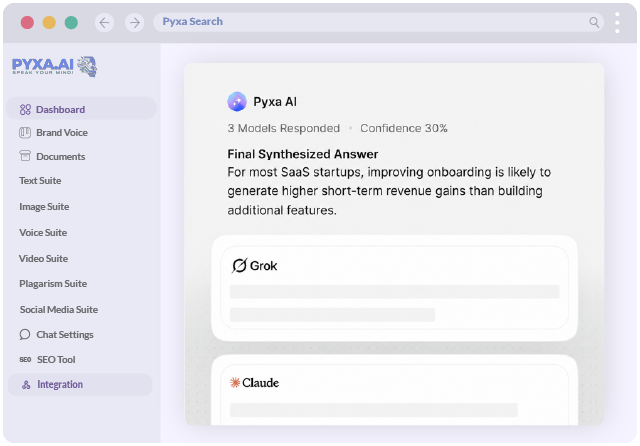
Pyxa is an independent platform, not affiliated with or endorsed by OpenAI, Anthropic, Google or other AI providers. You choose the model per task, and the AI Council can run several models in parallel and show where they agree and disagree. Instead of a monthly subscription you pay once:
No monthly fees, no API keys, no daily caps, and every plan has a 7-day money-back guarantee.
Pick your plan on the Pyxa pricing section, or go straight to checkout for Master Creator or Ultimate Creator. All plans include 150+ templates and text, image, video and voice tools.
A practical way to use both: stay on ChatGPT Free for quick chats, and use Pyxa when you want a specific model, a long draft, an image or a video. That covers most needs without a $20 monthly bill.
At $20 a month, Plus costs $240 a year and $720 over three years. Pyxa's Master Creator is $49.99 once. That is the cheaper-alternative case in plain numbers (taxes excluded).
The trade-off is real: Pyxa does not replace everything Plus includes. If you rely on ChatGPT's own apps, Codex or custom GPTs inside OpenAI's product, keep Plus or use both. If you mostly need strong text, image, voice and video generation from several models, with one-click model switching and no monthly bill, a one-time plan is hard to beat.
Many people also compare this with Claude. Our Claude Pro price page shows the same monthly-vs-once math for the other big subscription.
As a rough guide, Master Creator suits one person who wants the core suites, Ultimate Creator (the most popular plan) adds more Skills, a second Social Media Agent and premium support, and Premium Creator suits people who also want five external chatbots. If you cannot tell which fits, start with Master and keep the 7-day guarantee in mind.
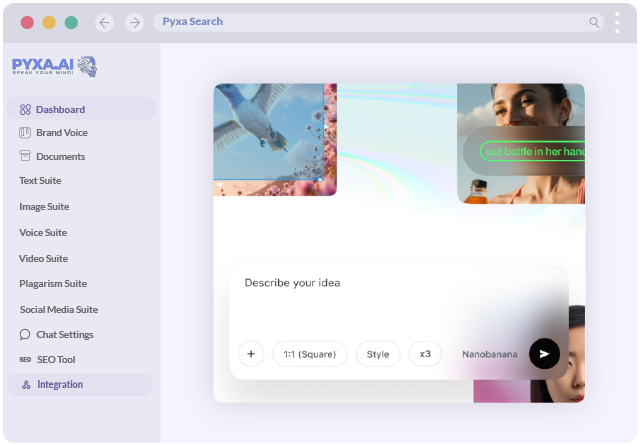
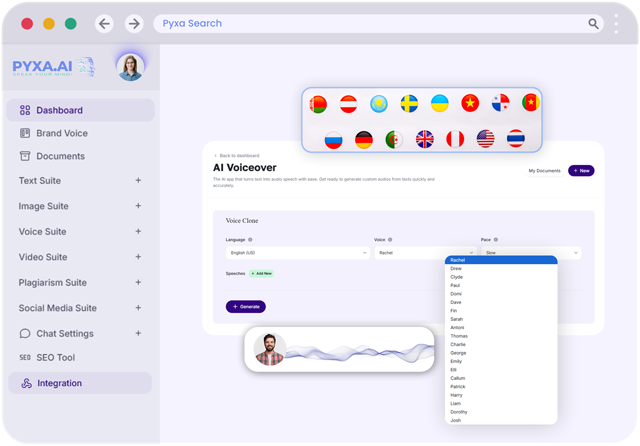
Real screens from the Pyxa app. Pick a feature to see it.
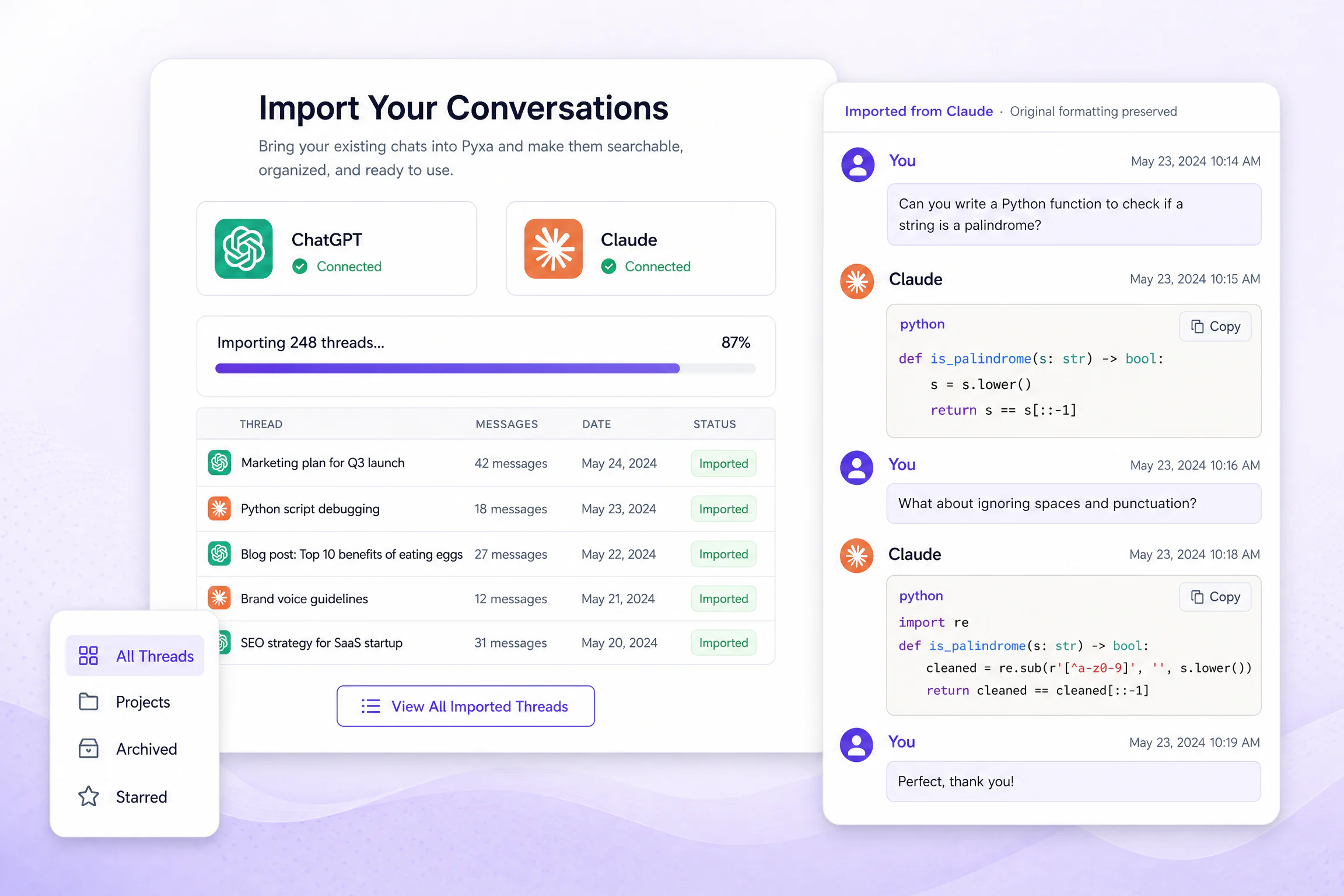
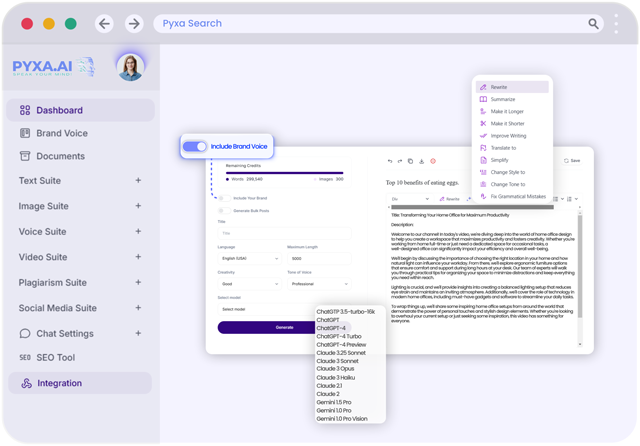
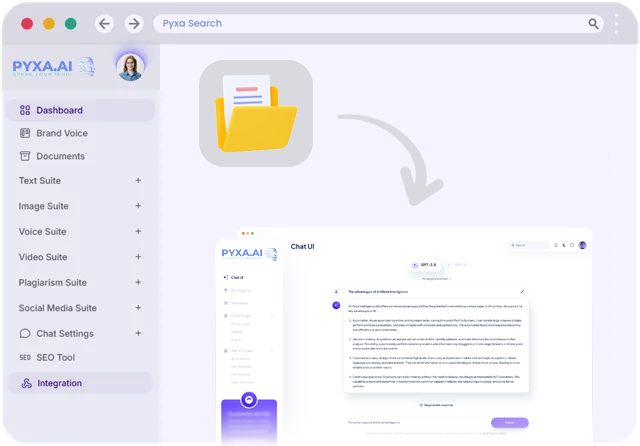
Fair side-by-side. Plus prices from OpenAI's pricing page, checked 2026-11-23.
| ChatGPT Plus | Pyxa AI | |
|---|---|---|
| Payment | $20 per month, recurring | One-time lifetime payment, from $49.99 |
| Models | OpenAI models in ChatGPT | GPT 6.1 Sol, Claude Sonnet 5.5, Gemini 3.8, Grok 4.7 and more, switch with one click |
| Caps and keys | Expanded limits, still capped | No daily caps, no API keys, new models added at no extra cost |
| Images and video | Image creation in ChatGPT | Midjourney, Nano Banana 2.1, GPT Image 2.5, plus Veo 3.1, Kling and Luma video |
| Codex, ChatGPT Work, custom GPTs | Included in Plus | Not part of Pyxa; use OpenAI's apps for these |
| Writing tools | Chat-based | 150+ templates, brand voice, SEO tools, WordPress integration, AI Council |
| Refund | Check OpenAI's terms | 7-day money-back guarantee |
| Best for | Daily ChatGPT power users and Codex users | People who want choice and a one-time cost |
Note each time Free stops you. Rarely means stay on Free. Most days means paying for more.
Codex, projects and custom GPTs point to Plus. Choice of models, images and video point to Pyxa.
If you will use AI for more than a few months, compare $20 a month with one payment, then choose a plan.
Chat with any model and switch in one click, without four separate subscriptions.

Write SEO articles with several models, check plagiarism and publish to WordPress in one click.
Keep a brand voice per client and deliver plagiarism-checked drafts faster.
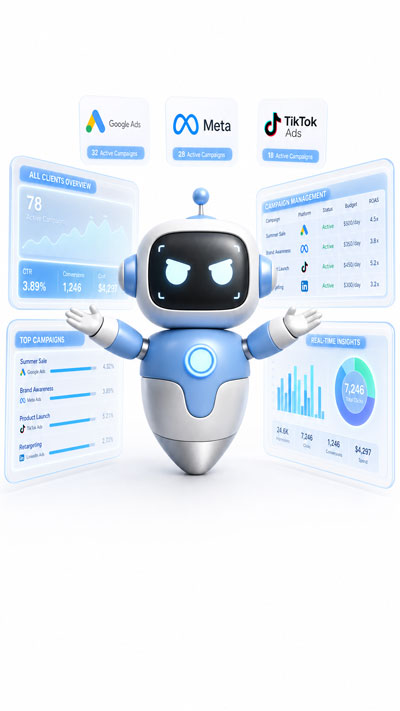
Ad copy, landing pages, emails and creatives for many clients from one place.
Lifetime pricingNo monthly fees, no daily caps, no API keys. New models are added to your plan at no extra cost.
Still unsure? Every plan has a 7-day money-back guarantee.
Skip another monthly bill. Choose a Pyxa lifetime plan, use GPT and other models, and test it with the 7-day money-back guarantee.