Home » Visual Creation Tools » Advanced Image Editor
Advanced Image Editor
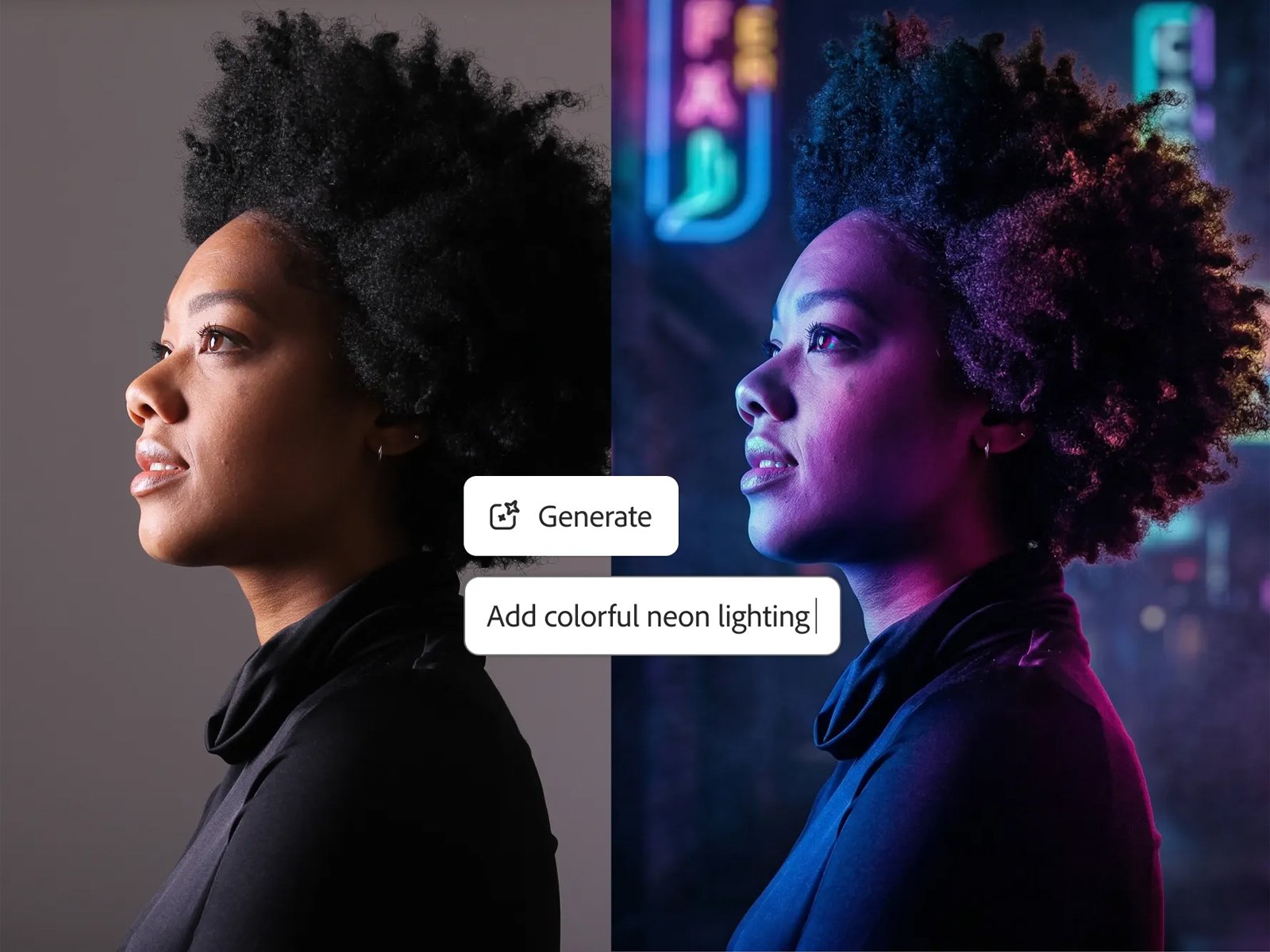
Refine colors, swap backgrounds, and adjust compositions on any image, no design software, no learning curve
Never let a good idea go unexplored
Edit a stunning visual in seconds with Incredible Advanced Image Editor
01 Ideate
Explore 100s of possibilities
Text, image, and video models in one place. no tab-switching, no limits.
02 Iterate
Get to "final" faster
Evolve ideas and maintain
momentum.
03 Scale
Create scalable workflows
Turn a single concept into hundredds of production-grade assets.
- POWERFUL FEATURES
Edit Any Visual with Pixel-Level Precision
Edit Scroll-stopping images, branded graphics, no design degree, no editing suite, no problem with Advanced Image Editor
Total Creative Control
Adjust every element of a generated or uploaded image down to the smallest detail, exactly the way you want it
Pay Just for Once
Pay once, own forever, and edit numerous visuals in one go
Background Swaps in Seconds
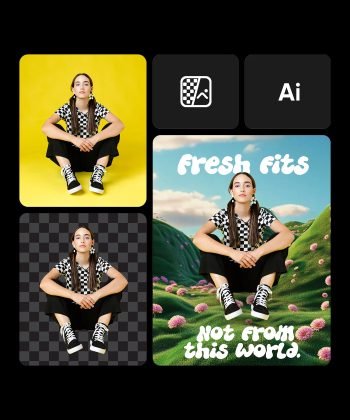
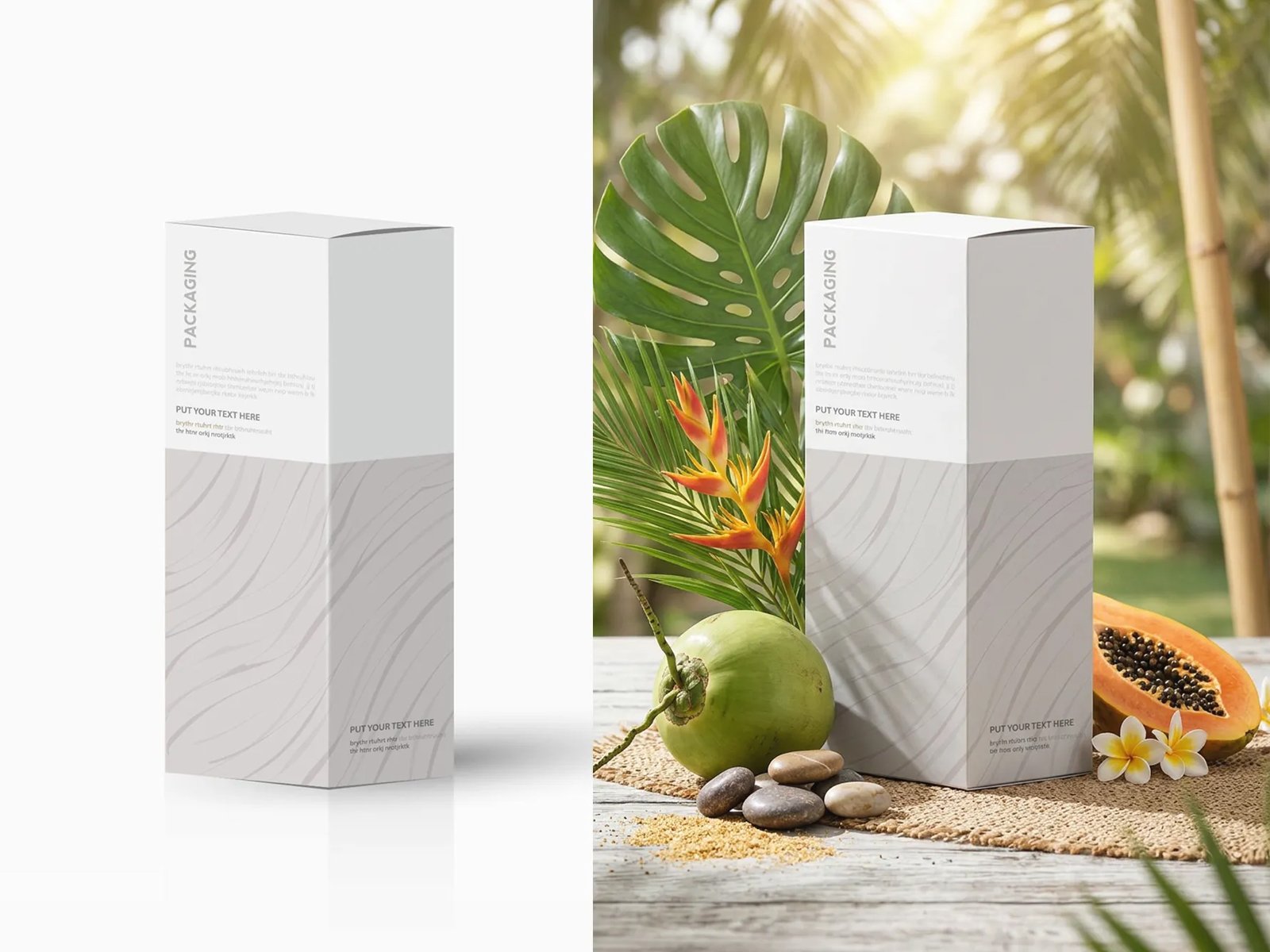
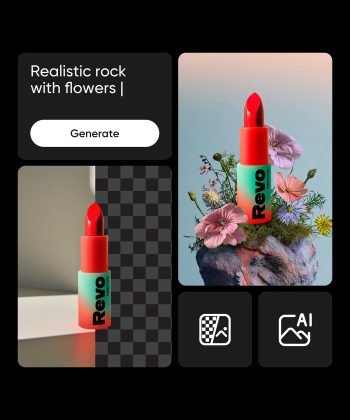
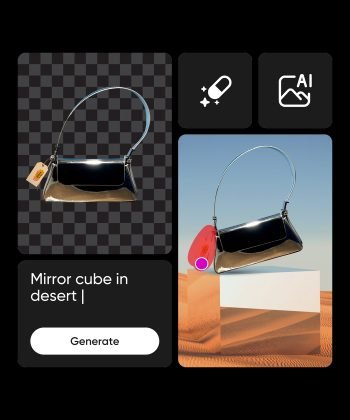
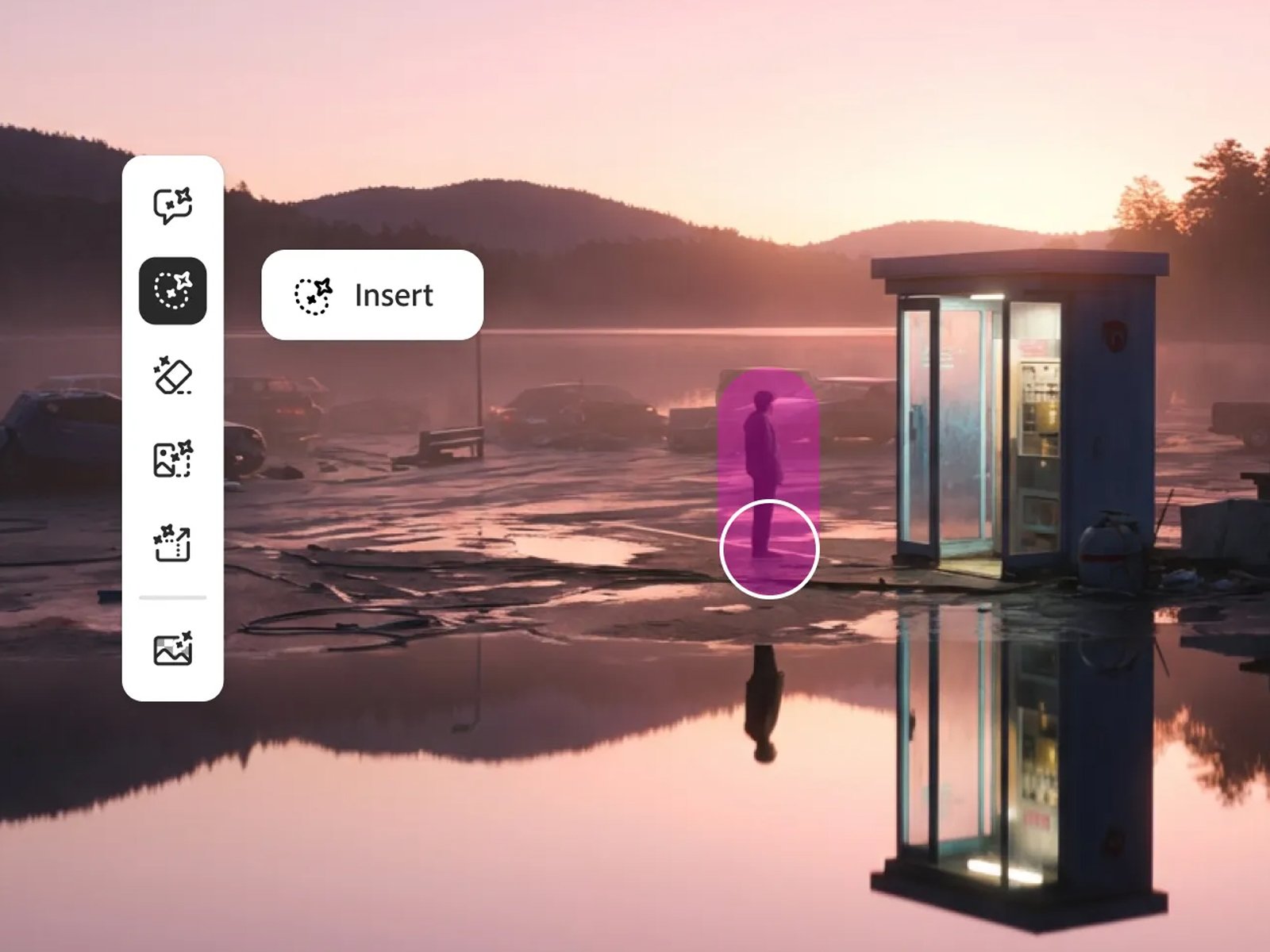
Replace, remove, or reimagine backgrounds without masking tools or manual cutouts
No Monthly Subscription
One Tool, Every Fix
Handle retouching, resizing, and refinement in a single editor instead of swtiching tools
- HOW IT WORKS
Your Other Tools are Just Optional
- Tool Overview
Edit, and Scale Your Visuals in Seconds
- Advanced Editing
Smart Edit with AI
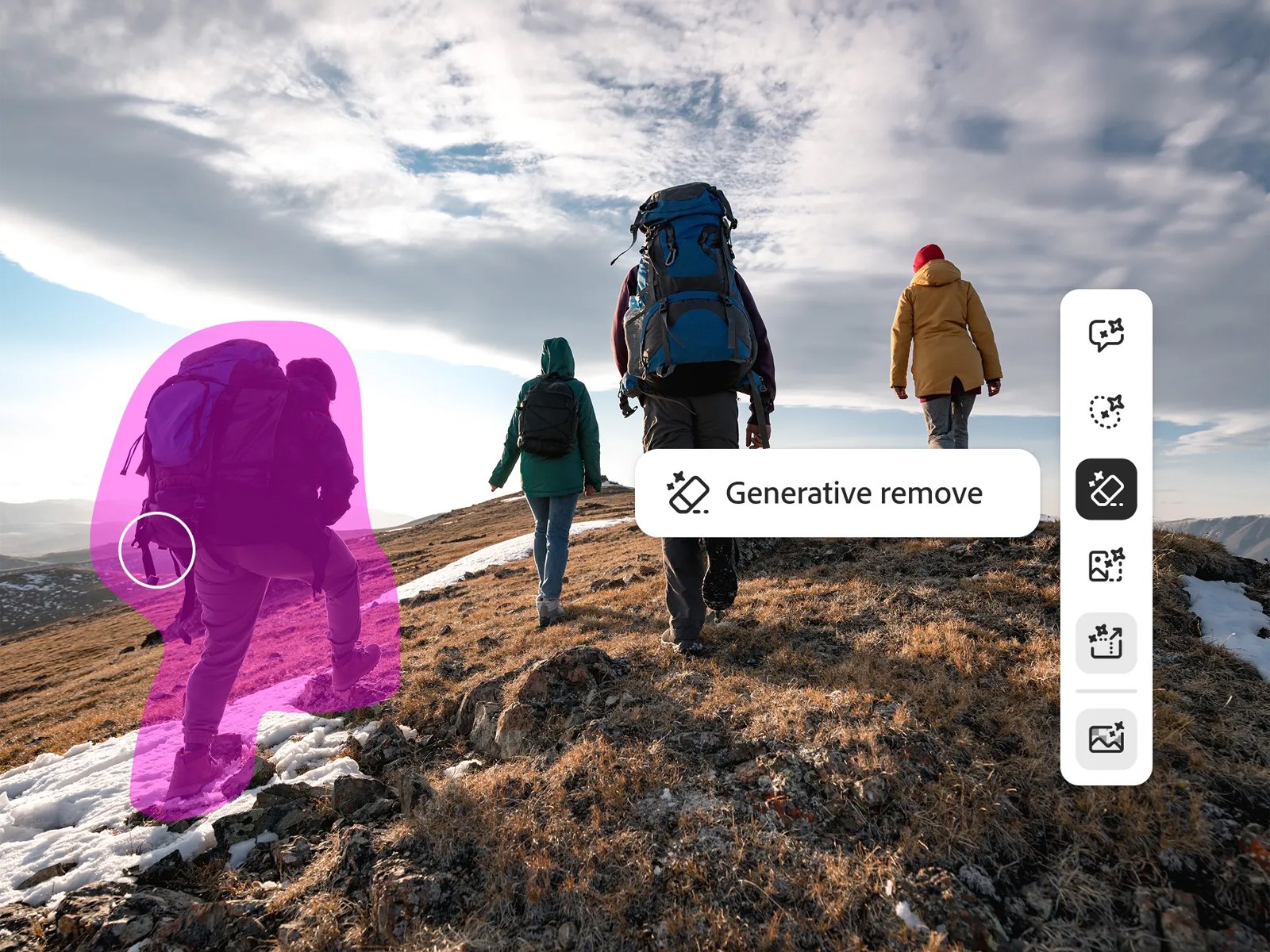
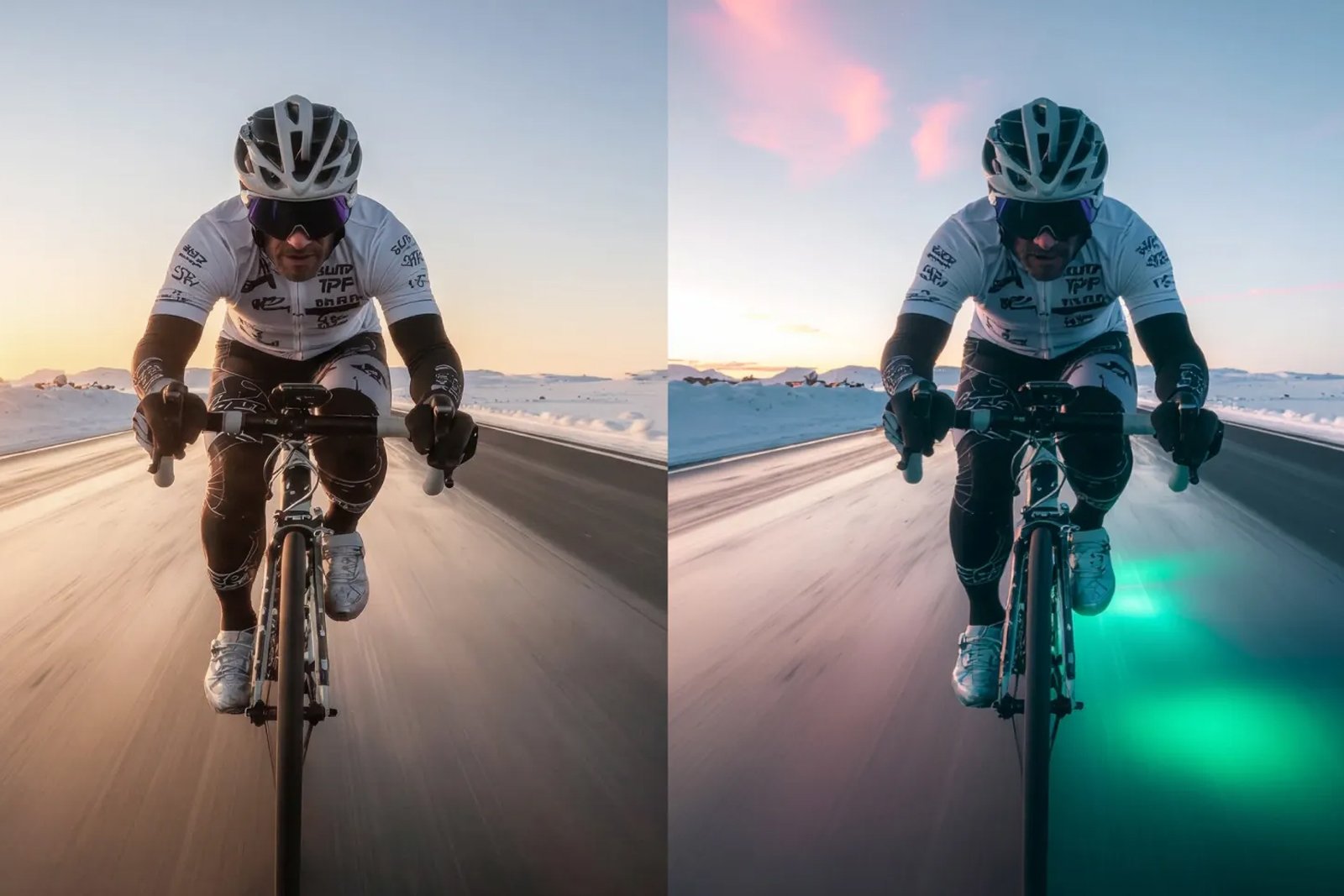
Edit images directly inside the suite remove backgrounds in one click, reimagine visuals with intelligent enhancements, refine details, adjust compositions, and apply gradient overlays. Everything happens within your workflow, without switching platforms
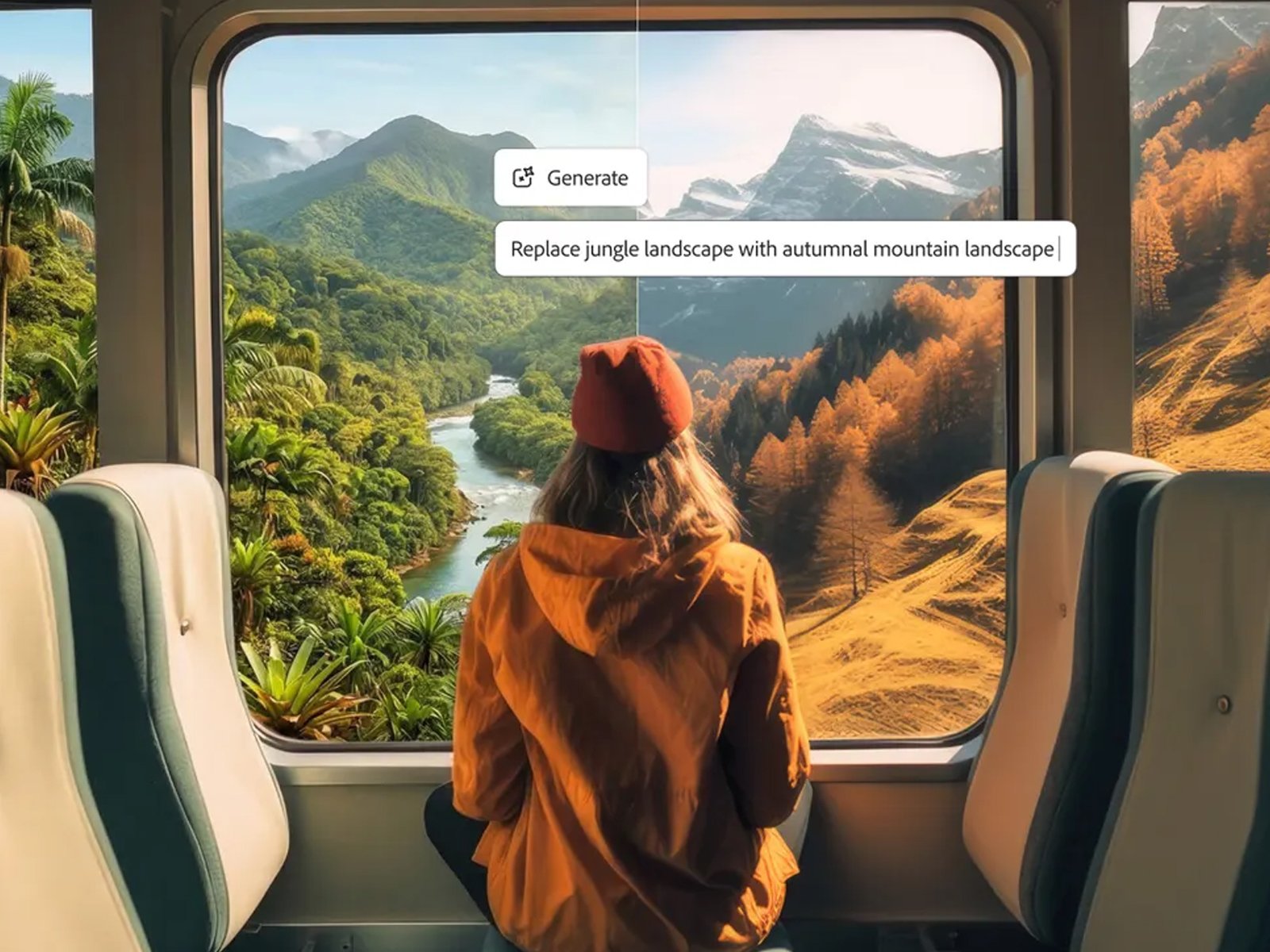
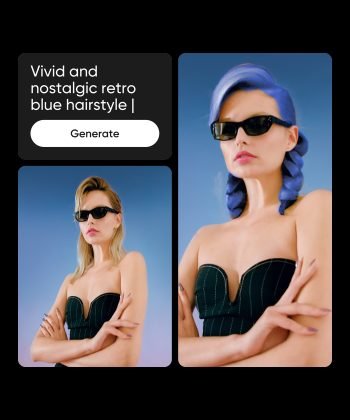
Do advanced editing in no time with just a prompt
Be efficient and balance your design workflow
Utilize the power of AI to upgrade your visuals
- Pay Once
One Platform. One Payment
This tool replaces your entire stack of subscriptions with a single power tool. Remove backgrounds, apply color grading, balance the outlook of your visual with the power of AI. Stop switching tools and everytrhing that disturbs the workflow
Buy only for once and enjoy for lifetime
Perform professional grade editing with the power of AI
No monthly subscription hassle or recurring payment
- Creativity
Visualize Your Idea With Precision
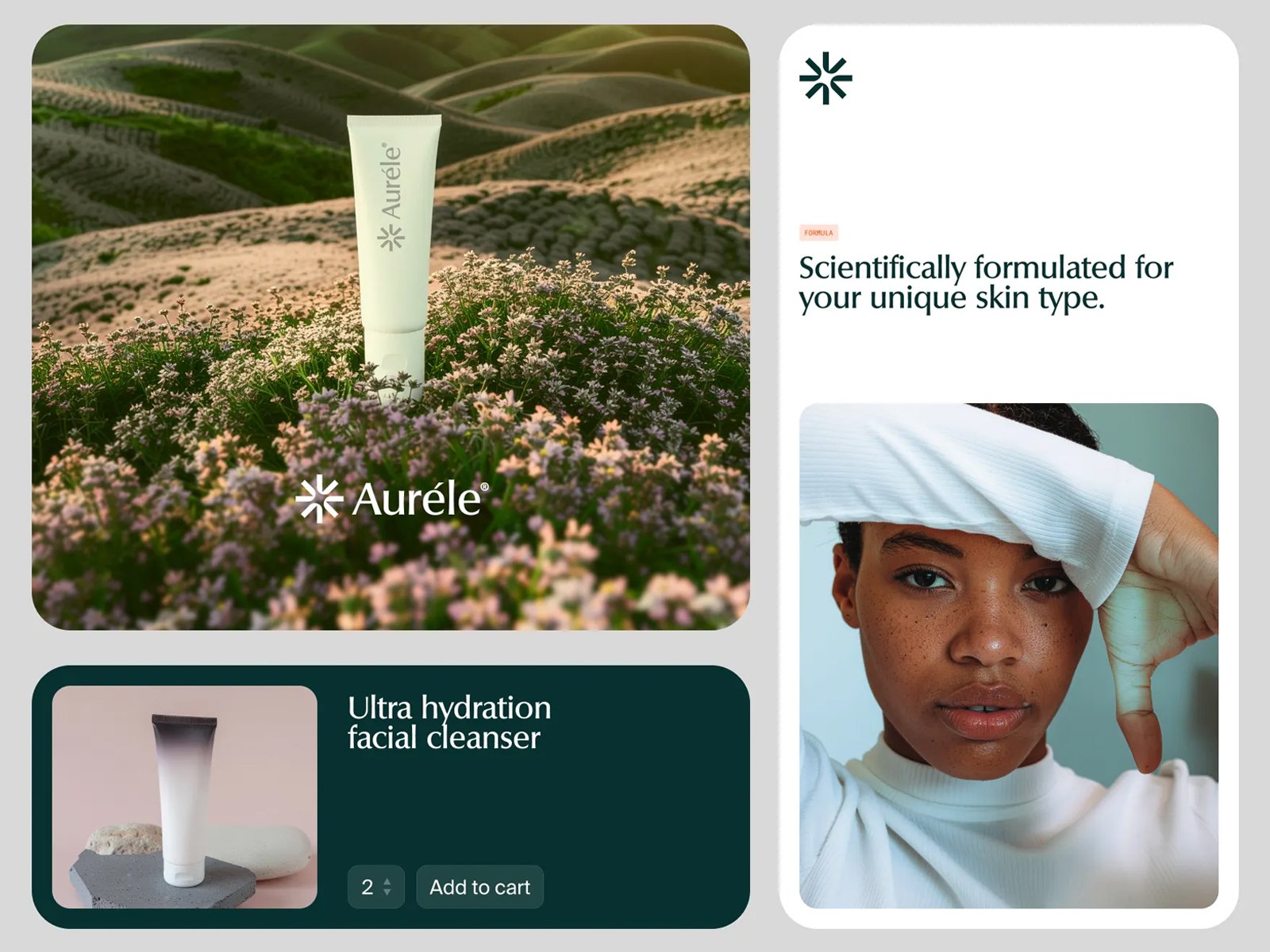
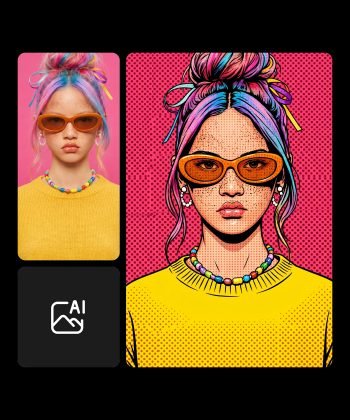
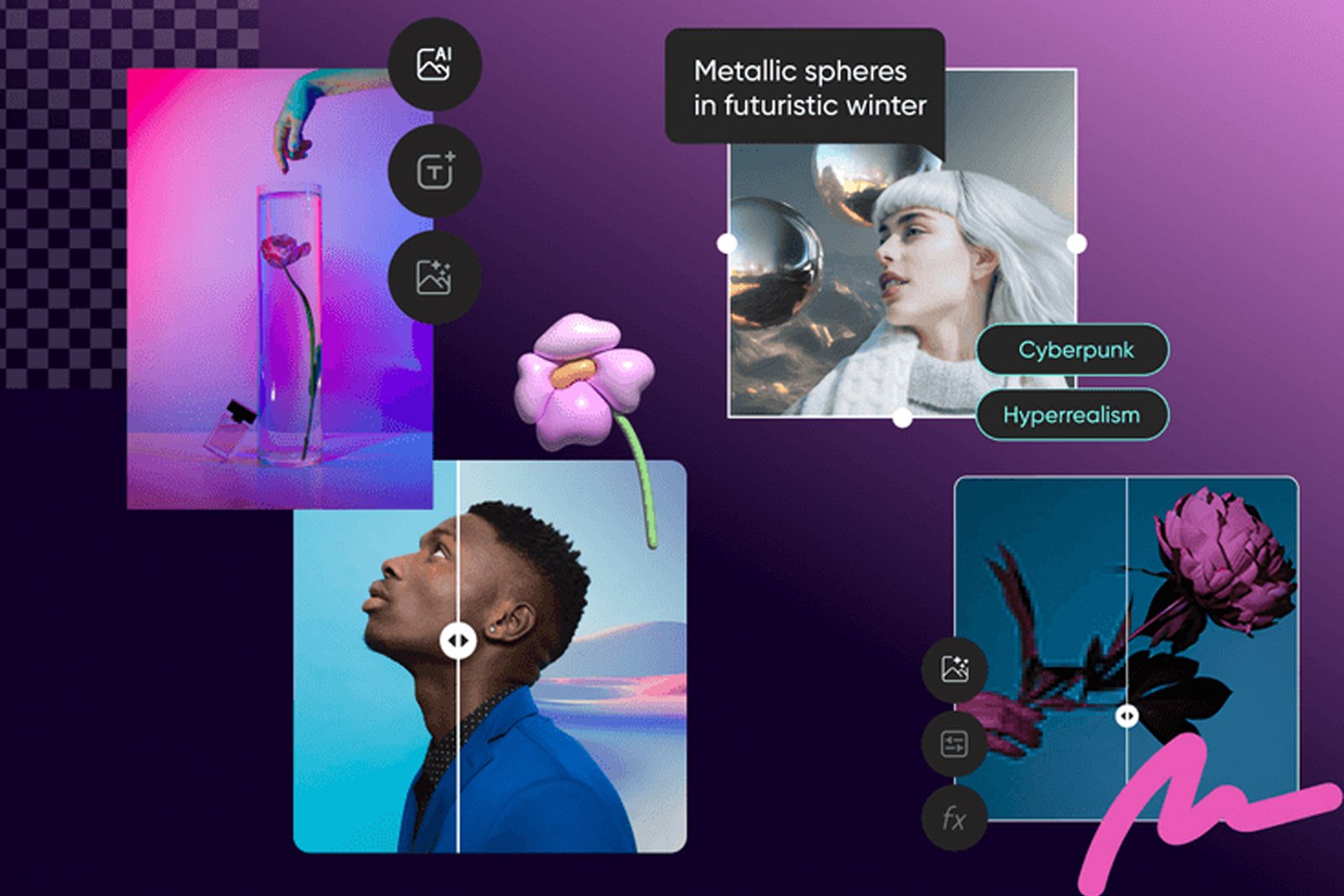
Transform a script or a sentence into professional and more enhanced visual. Create scroll-stopping images, branded graphics, and polished visual, no design degree, no editing suite, no problem. Stay worry free with Advanced Image Editor
Craft and edit stunning visuals for your design workflow
Produce high-quality design pieces that can uplift creativity
Showcase your branding style efficiently
Our Other Top-of-the-line Tools
- Visual Representation
AI Avatar
4.8
- Cinematic Videos
KLING AI 2.5
4.8
- Story Boarding
Sora 2 Pro Full Suite (New)
4.8
- Realistic Videos
Google VEO 3.1 (New)
4.8
One Payment vs. Never-Ending Subscriptions
| Category | Cancel These | Monthly Cost |
|
|---|---|---|---|
| AI Text Gen |

ChatGPT Claude Gemini Perplexity DeepSeek Grok |
$60/mo | |
| AI Image Gen |
MidJourney GPT Image Ideogram Flux Schnell Nano Banana Imagen4 |
$30/mo | |
| AI Video Gen |
VEO Luma Kling HeyGen Byte Dance Runway Wan Infinitalk |

$30/mo | |
| Voice & Audio |
ElevenLabs Play.ht Murf |

$49/mo | |
| Social Media |
Buffer HootSuite Later |
$40/mo | |
| Image Editing |
Canva Remove.bg |
$22/mo | |
| Custom Chatbots |

Chatbase CustomGPT Dante AI |
$39/mo | |
| WP Publishing |

JetPack Blog2Social |
$29/mo | |
|
Total Value
Combined monthly
|
$259/mo ($3,108/yr) |
$49.99
Lifetime
Save $3,058/yr
|
Why People
Trust Us
Good buy
Frequently asked questions
Can an AI image editor really replace Photoshop?
For common tasks like background swaps, color correction, retouching, and composition adjustments, an AI image editor can fully replace Photoshop without requiring any design training. Photoshop still has an edge for highly specialized, layer-heavy professional workflows, but for the majority of marketing, social, and content editing needs, a prompt-based AI editor delivers comparable results in far less time.
How do I change the background of an image using AI?
Most AI image editors let you describe the new background you want in plain language, or select “remove background,” and the tool isolates the subject and replaces the scene automatically. Pyxa AI’s Advanced Image Editor handles this directly through prompts, so no manual masking or selection tools are needed to get a clean result.
Is AI photo editing good enough quality for professional or client work?
Modern AI editors produce client-ready results for the majority of marketing and social use cases, particularly for background changes, color grading, and composition cleanup. For pixel-perfect, high-stakes commercial photography (such as print campaigns), a final human review pass is still good practice, but the heavy lifting of the edit itself no longer requires a trained designer.
What's the real cost difference between an AI editor and hiring a designer?
A single round of professional photo editing from a freelancer or agency commonly costs anywhere from $15 to $100+ per image depending on complexity and turnaround time. An AI editor with a one-time purchase model removes that per-image cost entirely, making it dramatically cheaper for any business editing more than a handful of images per month.
Do I need any design skills to use an AI image editor?
No, AI image editors are built specifically to remove that requirement by accepting plain-language instructions instead of manual tool selection. If you can describe the change you want in a sentence, the editor can execute it, which is the core difference from traditional software like Photoshop or GIMP.
Can I edit multiple images at once with an AI image editor?
Yes, batch editing is a standard feature in modern AI image editors, letting you apply the same background swap, color correction, or retouch across many images in a single action instead of editing each one manually. This is particularly valuable for e-commerce catalogs, social media sets, and any workflow involving a high volume of similar images.
What resolution can I export from an AI image editor?
Most AI image editors support export resolutions suitable for both web and print use, commonly up to 4K, with some offering AI upscaling to push lower-resolution source images even higher without visible quality loss. Checking the specific export resolution before committing to print-heavy projects is worth confirming, since this varies by tool and plan tier.
Can I undo or regenerate an AI edit if I don't like the result?
Yes, AI image editors typically let you refine your prompt and regenerate the edit as many times as needed until the result matches what you want. This iterative approach is one of the biggest practical advantages over traditional manual editing, where each adjustment takes active hands-on time rather than a quick re-prompt.
Can an AI image editor fix a low-quality or blurry photo?
Yes, AI-powered enhancement tools can sharpen detail, correct lighting, reduce noise, and upscale resolution on blurry or low-quality source images, often restoring them to a level usable for marketing or print. Results depend on how degraded the original image is, but most common quality issues, such as poor lighting or low resolution, are well within what current AI editors can meaningfully improve.
Is it safe to use an AI image editor for client work?
Yes, as long as you confirm the platform’s commercial usage terms and disclose AI tool use to clients where your agreement requires it. Keeping a copy of your original images and a record of the edits made protects you if a client later has questions about how an asset was produced.
This Offer is for a
Limited Time
Unlock your business potential by letting the AI work and generate money for you.
Credits are renewed annually at no additional cost for all plans